These instructions apply to the Ford Mondeo Mk5 (CD391) 2014-2022.
For other models, please choose your vehicle here.
Renewing a flat battery or disconnecting for other work on your Ford Mondeo (Mk V, CD391, 2014–2022)? On petrol and diesel cars the 12 V battery is in the engine bay; the Hybrid keeps its 12 V battery in the boot. Disconnect in the right order and the car relearns cleanly.
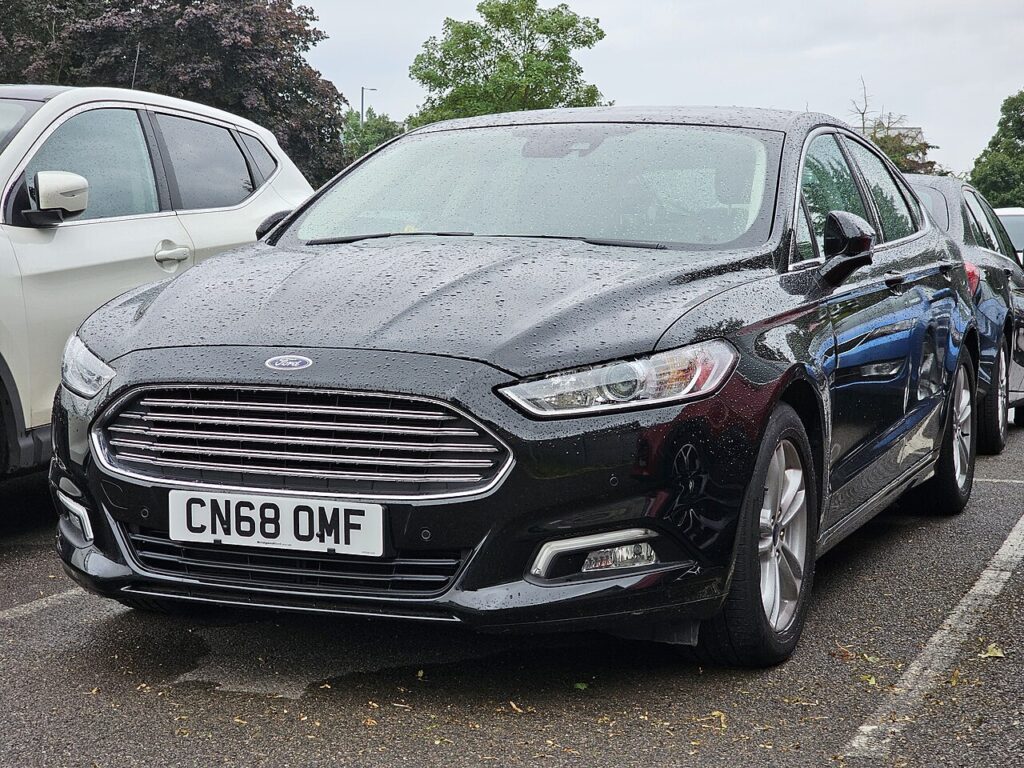
Disconnecting the 12 V battery is a common job on the Mk V Mondeo, whether you’re fitting a fresh battery, isolating the electrics before bodywork or audio work, laying the car up, or recovering after a jump-start. The one thing to establish first is which car you have: on petrol and diesel Mondeos the battery is under the bonnet, while the Hybrid places its auxiliary 12 V battery in the boot alongside a high-voltage system you must not go near. Whichever you have, the 12 V battery is the owner-serviceable one, and getting the terminal order right is what makes the job clean.
Where the 12 V Battery Is
Petrol/diesel: under the bonnet, in the engine compartment under a cover. Mondeo Hybrid: the auxiliary 12 V battery sits in the boot/luggage area — this is the one you service; never touch the orange high-voltage hybrid cabling. On either version, the negative terminal is black and marked with a minus (−), and the positive is red, often under a red cap, marked with a plus (+). Identify both before you start.
First, a Few Checks
- Make sure the car is fully off — on the Hybrid, that means not in READY — and keep the key away so the electronics don’t wake.
- Switch off the lights, climate, radio and accessories, and close the doors.
- If your radio uses a security code, have it ready in case it’s requested on power-up.
- Wait a couple of minutes after switching off so the modules power down.
- Wear gloves and eye protection and have the right spanner ready — usually a 10 mm for the clamp nuts.
This is a common job.
Disconnecting
- Switch everything off, remove the key and wait a couple of minutes.
- Slacken the negative (−, black) terminal first and move it clear of the post, tucking it aside so it can’t spring back.
- Release the positive (+, red) clamp only if you’re removing the battery — fold back the red cap first and keep the spanner off surrounding metal.
- If you’re lifting the battery out, undo the hold-down bracket and lift it clear.
Reconnecting
- Refit the battery and hold-down if you removed them.
- Fit positive first, then negative, and tighten both firmly.
- Refit the cap and cover, switch the ignition on, wait a few seconds, then start.
A Note on the Hybrid
The Mondeo Hybrid runs a high-voltage traction battery in addition to the 12 V auxiliary battery in the boot. The 12 V job described here is the owner-serviceable one; the orange high-voltage cabling and its components are strictly off-limits and a workshop task. If you’re unsure which battery you’re looking at, stop — the 12 V auxiliary is the one in the luggage area.
What You’ll Need to Reset Afterwards
- Clock and radio presets — reset the time and re-store your stations; enter the radio code if prompted.
- One-touch windows — re-teach the auto-up and anti-pinch windows by holding each switch fully up after the glass stops.
- Tyre-pressure monitoring — reset the tyre monitor so it has a fresh reference.
- Trip and display settings — some readings and preferences may revert to default.
- A warning light or two may show on the first start and then clear once the car has been driven a short distance.
If a Warning Light Stays On or the Car Feels Off
- Check both terminals are properly tight — a loose clamp is the usual cause of odd behaviour after reconnecting.
- Take a short, steady drive to let the systems relearn; many lights clear on their own.
- Re-do the window initialise if one-touch or anti-pinch isn’t working.
- Rule out a genuinely flat or old battery, which can trigger its own lights.
- If a light persists after a drive, read the stored code to identify it.
Frequently Asked Questions
Where is the battery on a Ford Mondeo Mk V?
On petrol and diesel cars it’s in the engine bay under a cover; on the Hybrid the 12 V auxiliary battery is in the boot. In both cases it’s the standard 12 V battery you service — on the Hybrid, keep well away from the orange high-voltage cabling.
Which terminal comes off first?
Negative (−, black) off first, then positive if you’re removing the battery. Reconnect the other way round: positive (+) on first, negative last, and tighten both. The order avoids shorting the live positive to the bodywork.
What resets when I disconnect it?
Clock, radio presets, one-touch windows and the tyre-monitor baseline typically need re-doing, and some trip or display settings may revert. It’s all quick to set back up once power is restored.
Is the Hybrid safe to work on?
The 12 V battery in the boot is fine for an owner to disconnect. Never touch the orange high-voltage cables or components — that’s a workshop task. Stick to the 12 V auxiliary battery and you’re on safe ground.
Do I need to code a new battery?
For a like-for-like replacement, no coding is needed for normal running — the Mondeo starts and drives straight away. Fitting the same type and size as the original keeps the charging behaviour correct.
Can I jump-start it instead?
Yes — if the 12 V battery is merely flat, a jump-start from another 12 V vehicle or a booster pack gets you going without losing your settings. Disconnecting is for battery renewal, storage or electrical work rather than a simple flat.
If a warning light stays on afterwards, check the code on autodtcs.com.
Independent guide — not affiliated with Ford. Always follow your official service manual and safety precautions. Read our full disclaimer.