These instructions apply to the Ford Mondeo Mk5 (CD391) 2014-2022.
For other models, please choose your vehicle here.
After adjusting pressures or changing a wheel on your Ford Mondeo (Mk V, CD391, 2014–2022), you reset the tyre-pressure monitor so it relearns the correct baseline. It’s done from the steering-wheel menu — no tool needed. The amber warning that looks like a horseshoe with an exclamation mark simply means the system has noticed one or more tyres reading differently from the reference it last stored. On its own it is not a fault: nine times out of ten it is a genuinely soft tyre, a cold morning, or a wheel that has been swapped without telling the system. Once you have set the pressures correctly and stored a fresh baseline, the light goes out.
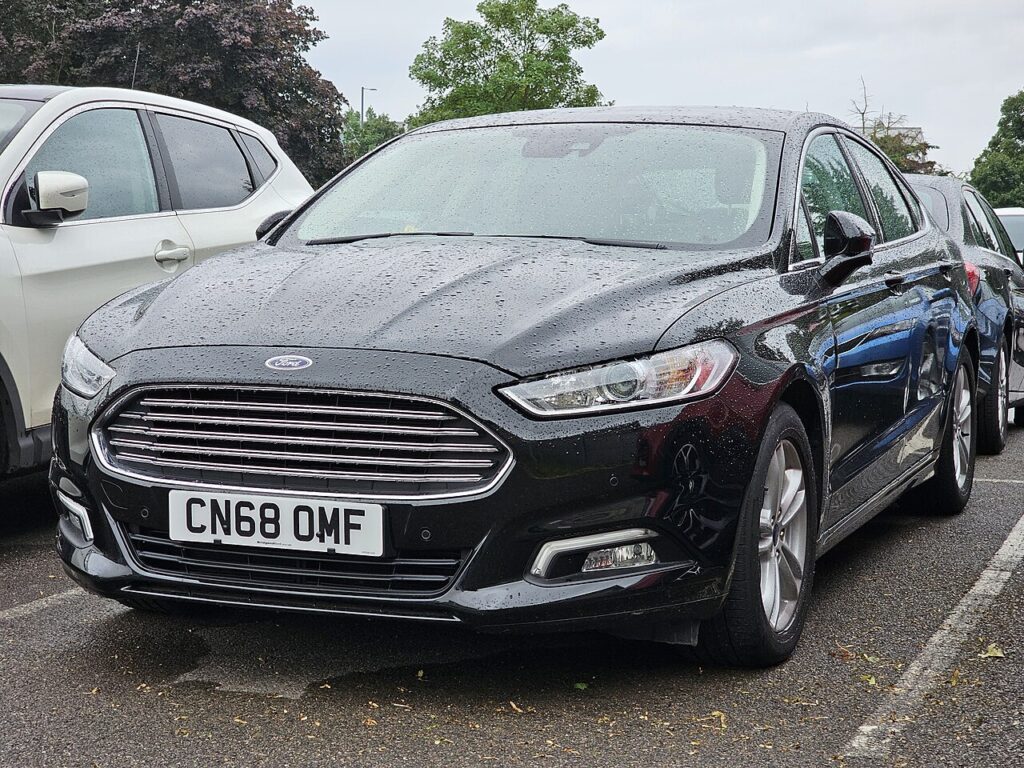
How the System Works on This Model
The Mondeo of this era typically watches for a tyre going soft by comparing how fast each wheel is turning through the ABS sensors, rather than reading an exact PSI from a valve-mounted transmitter. A tyre losing pressure has a slightly smaller rolling radius, so it spins fractionally faster than the others, and the car flags it. Because it works by comparison, the system has to be told what ‘normal’ looks like — that is exactly what the reset stores. Until you store a new baseline, it keeps comparing against the old one, which is why the light can linger even after you have put the air back in.
Before You Start
- Check pressures cold — before driving, or after the car has stood for a few hours. Warm tyres read high and give a false baseline.
- Set all four to the figures on the driver’s door-pillar label (and adjust for a full load if the label lists a laden figure).
- Don’t forget any tyre that was topped up at a garage — use your own gauge to confirm.
- If you have fitted the space-saver or a different wheel, set it to its own correct pressure first.
- Have the ignition ready but the car stationary before you open the menu.
Resetting via the Menu
- Switch the ignition on.
- With the steering-wheel controls, select ‘Settings’ and press OK.
- Select ‘Driver assist’ and press OK.
- Select ‘Tyre monitor’ and press and hold OK until it confirms.
- Drive normally — the system relearns and the light clears.
If the Light Stays On
- Recheck every tyre with a gauge — a single low corner is enough to trigger it, and eyeballing rarely catches a 4–5 PSI drop.
- Always reset after inflating or a wheel swap so the stored baseline matches what is actually in the tyres now.
- Give it a short drive. The relearn needs a few minutes of normal driving to settle; the light may not clear the instant you finish in the menu.
- Cold snap? A sharp overnight temperature drop can shed a couple of PSI — top up to the label figure and reset again.
- Space-saver fitted? A narrow spare rolls at a different rate and can keep the warning lit until the full-size wheel is back on.
- Suspect a slow puncture if the same corner keeps falling. Inspect the tyre and valve before resetting — clearing the light over a real leak just hides the problem.
- If everything is correct and it still won’t clear, an ABS/wheel-speed sensor fault can upset the monitor; that is worth reading for a stored code.
What to Expect After
Once the baseline is stored and you have driven a short distance, the warning should go out and stay out for the rest of the journey. From then on the system watches against the new reference, so it will only warn again if a tyre genuinely drifts from where you set it. If the light returns within a day or two on the same wheel, treat it as a real leak rather than a glitch.
Frequently Asked Questions
How do I reset the tyre pressure light on a Ford Mondeo?
Set all four tyres cold to the door-pillar figures first, then with the ignition on use the steering-wheel menu: Settings → Driver assist → Tyre monitor, and press and hold OK until it confirms. Drive normally for a few minutes and the light clears once the new baseline has been learned.
Is a tool needed?
No — the Mondeo relearns entirely through the dashboard menu and a short drive. There is nothing to plug in and no valve-cap procedure. The only kit you really want is an accurate tyre gauge and a way to add air, so the pressures you store as ‘correct’ are actually correct.
Why did it light up in cold weather?
Air contracts as it cools, so pressures fall by roughly 1–2 PSI for every 5 °C drop. A cold morning can be enough to push a borderline tyre under the threshold. Top every tyre back up to the label figure while they are cold, store a fresh baseline, and the warning should not return unless a tyre is genuinely leaking.

It lit after a wheel change — normal?
Yes. Moving, rotating or replacing a wheel changes what the system sees, so it flags the difference. Set the pressures on the wheels now fitted and run the reset so the new arrangement becomes the reference. This applies equally after a tyre swap, a puncture repair, or switching between summer and winter sets.
Do I need to reset after rotating the tyres?
It is good practice. Even at identical pressures, moving wheels between axles changes the rolling pattern the system has learned, so storing a fresh baseline afterwards keeps it accurate and avoids a nuisance warning a few miles later. It only takes a moment through the same steering-wheel menu.
The light is flashing rather than steady — what does that mean?
A warning that flashes for a while and then stays on generally points to a system or sensor fault rather than a simply soft tyre. Check and correct your pressures first; if it still flashes after a reset, have the tyre-monitoring system scanned for a stored fault code before assuming it is only low pressure.
Got a TPMS sensor fault code rather than a low-pressure warning? Look it up on autodtcs.com. To clear a service reminder, see our Mondeo service reset.
Independent guide — not affiliated with Ford. Always follow your official service manual and safety precautions. Read our full disclaimer.