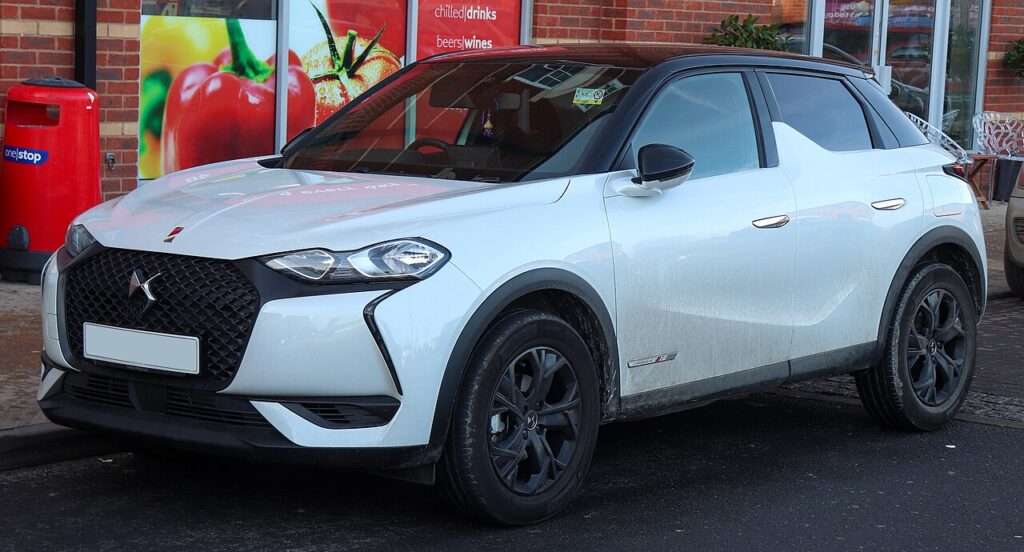
These instructions apply to the DS 3 Crossback Mk1 (D34) 2019-Present.
For other models, please choose your vehicle here.
Your DS 3 Crossback (2019–present) switches the engine off at a standstill to save fuel and restarts it as you pull away. If you’d rather keep it running — in heavy traffic or while manoeuvring — you can switch the system off in one press. Here’s how, and why it’s back on next drive. (This applies to the petrol and diesel models; the E-Tense electric version has no engine stop/start.)
Turning the System Off
- With the engine running, press the stop/start button (an “A” inside a circular arrow), usually near the gear selector.
- You can also switch it off via the touchscreen under Driving / Stop & Start.
- A message or indicator confirms the system is off; the engine now stays running at a standstill.
The system defaults back to on each time you start the car, so disabling it is a per-drive choice — press the button again to re-enable it.
When the DS 3 Crossback Disables Stop/Start Itself
Even with the system on, the car won’t stop the engine when it isn’t appropriate, so continued idling isn’t necessarily a fault. It keeps the engine running when, for example, the cabin is still reaching temperature, the engine is cold, or the 12 V battery charge is low.
If Stop/Start Stops Working
- Check the battery. The system relies on a healthy, charged 12 V battery; an ageing one is the usual reason the engine stops cutting out.
- Seat belt fastened, doors and bonnet closed — open ones inhibit it.
- Fault light? A charging or sensor issue stores a code — decode it on autodtcs.com.
Frequently Asked Questions
How do I turn off stop/start on a DS 3 Crossback?
Press the “A” stop/start button, or switch it off in the touchscreen under Driving / Stop & Start.
Does the setting stay off?
No — it resets to on every start, so press the button each drive if you want it off.
Why has my car stopped switching the engine off?
Usually a low or ageing 12 V battery, or the engine/cabin not yet at temperature.
Is it bad to leave it on?
No — the system and starter are designed for it; switching off is preference only.
If a warning light appeared with the change, decode it on autodtcs.com.
Independent guide — not affiliated with DS. Always follow your official service manual and safety precautions. Read our full disclaimer.