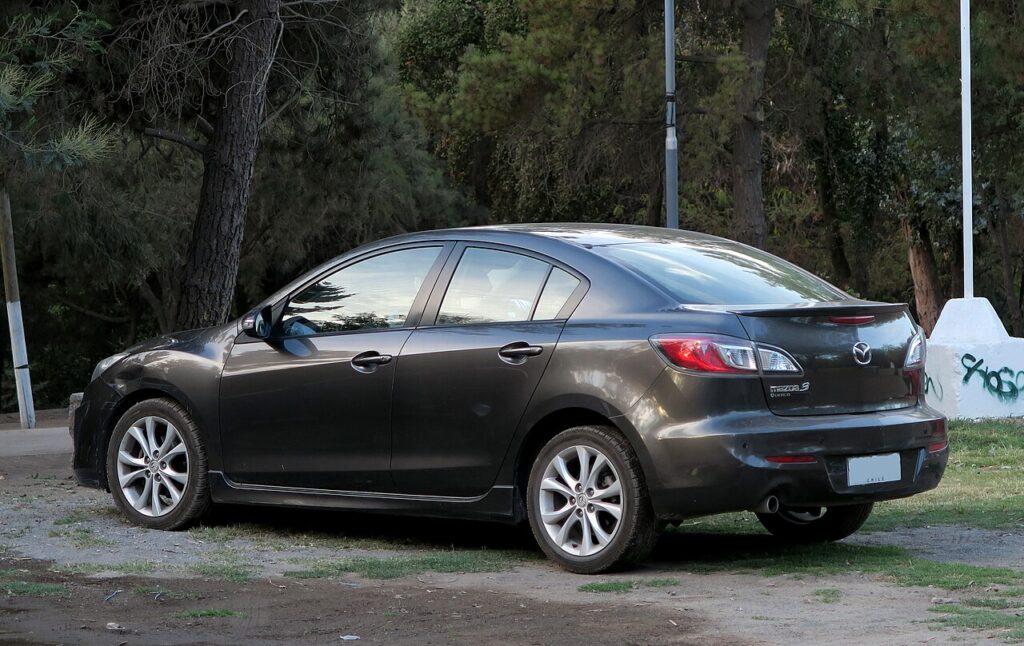
These instructions apply to the Mazda 3 Mk2 (BL) 2009-2016.
For other models, please choose your vehicle here.
If the remote on your Mazda 3 BL (2009–2016) has stopped locking the car — after a flat fob battery, a second-hand key, or it losing sync — you can usually re-register it yourself with no diagnostic tool, using Mazda’s ignition-and-door sequence. Here’s exactly how.
What This Covers
This registers the remote (central-locking) function of a key the car can already start, or re-pairs one that lost sync. It does not code a new transponder for a lost key — that needs Mazda/dealer equipment because of the immobiliser. Up to 3 remotes can be stored.
Before You Begin
- Remove the key from the ignition.
- Close all the doors and the boot/tailgate.
- The steps are time-limited — have the remote ready and work briskly.
Programming the Remote
- Open the driver’s door.
- Within 24 seconds: insert the key into the ignition and turn it ON and OFF three times (don’t remove the key).
- Close and open the driver’s door three times, finishing with the door open.
- The door locks operate — programming mode is now active.
- Press any button on the remote twice. The door locks operate again to confirm the remote is registered.
- For additional remotes, repeat step 5 with each fob while still in programming mode.
If It Won’t Take
- Watch the door-lock confirmation — if the locks don’t cycle when expected, a step or the timing was missed; start again from the beginning.
- Fit a fresh fob battery first — a weak cell can stop registration completing (the BL remote uses a CR1620, positive side down).
- Lost key / need a new transponder? That part needs a dealer or auto-locksmith — the immobiliser can’t be coded at home.
Frequently Asked Questions
Can I program a Mazda 3 remote without a dealer?
Yes — the remote (locking) function re-registers with the ignition/door sequence above. Only a new transponder key for a lost key needs a dealer.
How do I know it worked?
The door locks cycle after you press the remote button twice — that confirms successful registration.
How many remotes can I store?
Up to three. Program each one in turn while programming mode is active.
The remote still won’t work — what next?
Fit a fresh CR1620 (positive down) and retry; if it still fails, the fob or receiver may be faulty — a stored code can be checked on autodtcs.com.
If the remote stopped after the fob battery died, start with our Mazda 3 BL key fob battery guide, then re-register the remote using the steps above.
Independent guide — not affiliated with Mazda. Always follow your official service manual and safety precautions. Read our full disclaimer.