These instructions apply to the Alfa Romeo Brera Mk1 (939) 2005-2011.
For other models, please choose your vehicle here.
If the tyre-pressure warning has come on in your Alfa Romeo Brera (2005–2011) after you’ve adjusted the pressures or changed a wheel, you reset it by storing the new pressures and driving for a few minutes. A warning after inflation or a wheel swap is usually normal rather than a fault — the system is comparing what it reads now against its last learned baseline, and it settles once the corrected pressures are in and it has had a short run to relearn. Here’s how.
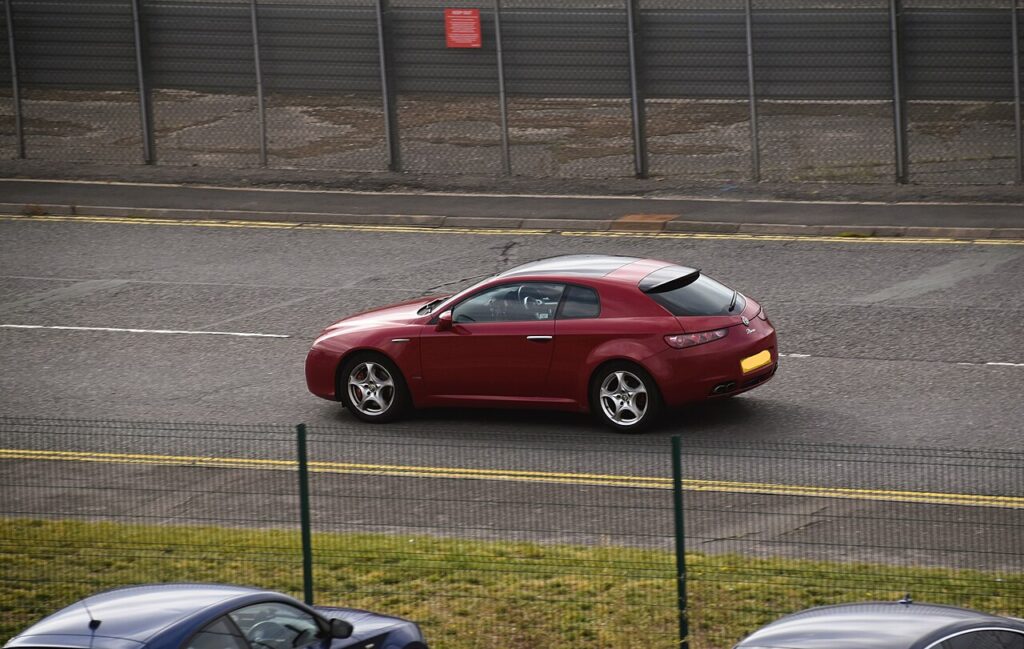
How It Works on This Model
Not every Brera left the factory with tyre-pressure monitoring — it depended on market and options — so your car may show a dashboard warning or may have no on-screen menu at all. Where it is fitted, the system learns a baseline from correctly inflated tyres and then flags a corner that drifts below it. The practical upshot is the same either way: set the pressures right first, confirm in the menu if your car has one, then drive so the system relearns. Getting the pressures correct before you drive is what actually clears the warning.
Getting Ready
- Check pressures cold — before driving, or after the car has stood a few hours; warm tyres read high.
- Use the figure on the door-pillar or fuel-flap placard, or the handbook value for your wheel and tyre size.
- Set all four corners, plus the spare if it is a road wheel in use.
- Park level with the ignition on before you look for any tyre-pressure setting in the menu.
- If your Brera has no tyre-pressure menu, the pressures-plus-drive step alone is the reset.
Resetting the System
- Park level and set all four tyres to the correct cold pressures (placard / handbook figure for your wheel size).
- Switch the ignition on and confirm/reset the tyre-pressure setting in the menu if your Brera offers one.
- Drive for several minutes at a steady speed — the new pressures are then stored as the baseline.
If the Warning Stays On
- Recheck every tyre — one corner below spec keeps the warning on; measure with a gauge you trust.
- Complete the learn drive — a very short trip may not be enough; a few miles at a steady speed usually is.
- After a wheel change, make sure pressures are exactly to spec before driving.
- Set them cold. Inflating warm tyres saves a high baseline that a cold morning then trips.
- A slow puncture will keep the warning returning — if one tyre needs air every few days, have it inspected.
- Cold weather alone can drop all four below spec; top up to the placard figure and drive again.
- Still showing with correct pressures? A fault may be stored — look it up on autodtcs.com.
What Happens Next
With the pressures correct and the short learn drive done, the warning clears and stays off for the journey — you don’t need to repeat it every time you set off. The learned baseline holds until you next change the pressures or swap wheels, so re-do the pressures-and-drive step at each seasonal tyre change or after any tyre work.
Frequently Asked Questions
How do I reset the tyre pressure light on an Alfa Romeo Brera?
Set all four tyres to the correct cold pressures, confirm in the menu if your car offers one, then drive for several minutes at a steady speed so the system relearns the new baseline. On cars without a menu, the correct pressures plus that short drive are the whole reset.
Why won’t the warning clear?
Usually a tyre still below spec, or the learn drive wasn’t long enough. Re-check all four with a gauge, top any low corner to the placard figure, then take a few miles at a steady speed. A slow puncture or a genuine fault will keep the warning coming back until it is fixed.
Do I need a tool?
No for a normal reset; a tool is only needed if a pressure sensor is replaced. Where the Brera relies on wheel-speed monitoring rather than in-wheel sensors, even a sensor swap doesn’t apply — correct pressures and the learn drive are all it needs.
Does adjusting one tyre need a full reset?
Yes — set all four correctly first, then do the learn drive so the baseline is right. The system works from the whole set, not a single corner, so topping up just one and driving off without correcting the rest can leave the warning on.

Does my Brera even have tyre-pressure monitoring?
It varied by market and specification, so some cars have it and some don’t. If you have never seen a tyre-pressure warning or menu, yours may not be fitted — but keeping the tyres at the placard pressures is worth doing on any car for safety, wear and economy.
Why does cold weather set the warning off?
Air contracts as it cools, so pressures fall — about 1 psi for every 10 °C drop. A cold snap can pull the tyres below the learned baseline with no leak at all. Top them back up to the placard figure while cold and take a short drive to relearn.
If the warning came on with other lights, decode the code on autodtcs.com.
Independent guide — not affiliated with Alfa Romeo. Always follow your official service manual and safety precautions. Read our full disclaimer.