These instructions apply to the Jeep Wrangler Mk2 (TJ) 1997-2006.
For other models, please choose your vehicle here.
Unusually for a vehicle of its era, the Jeep Wrangler (1997–2006) — the TJ — lets you program the key remote yourself, with no diagnostic tool and no trip to a locksmith. That is genuinely useful after a flat fob battery has knocked a remote out of sync, when you have bought a second-hand or replacement fob, or when you simply want a spare working alongside your existing key. The whole thing is done from the driver’s seat using the door lock, the ignition and the fob itself, and it hinges on getting the timing right. Here is the full sequence, plus the details that stop it going wrong.
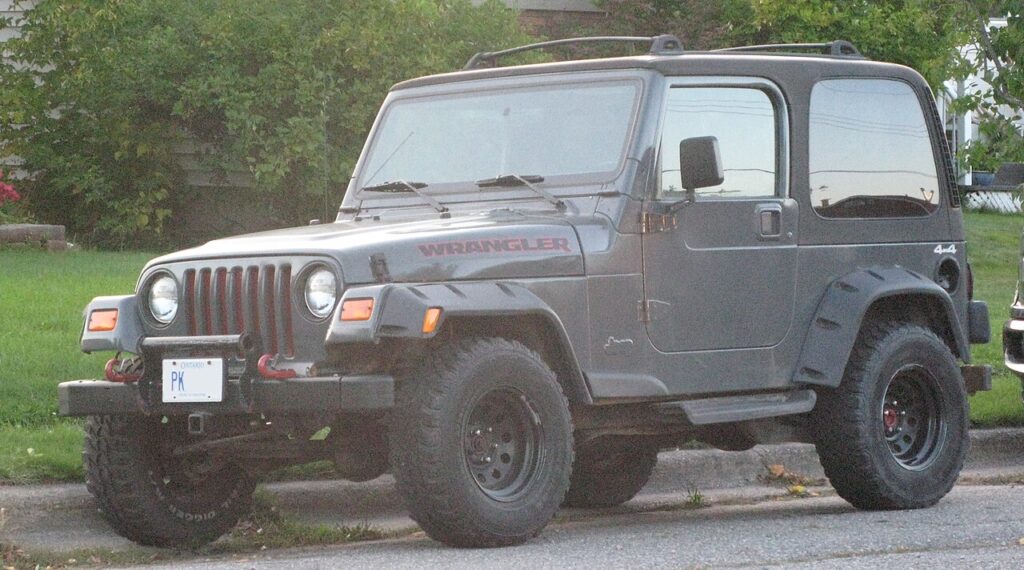
How Self-Programming Works on the TJ
The TJ’s body electronics can be put into a short learning mode using the door-lock and ignition inputs, without any workshop equipment. Once in that mode, the module listens for a fob’s LOCK signal and stores it. The catch — and the reason people get caught out — is that entering this mode clears the existing remote codes, so every fob you want to keep must be re-learned in the same session. Anything not programmed before you finish is erased. That is why the golden rule is to gather all your remotes first and do them together in one go.
Before You Start
- Have every remote you want to keep working to hand — the procedure erases old codes, so any remote not programmed in this session stops working.
- You can program up to 4 remotes.
- Work quickly — there are 20-second windows in the steps.
- Fit fresh coin cells in any fob first; a weak battery can stop the remote from being learned.
- Sit in the driver’s seat with the door open so you can reach the lock lever, ignition and fob without moving.
Programming the Remote(s)
- Open the driver’s door and keep it open for the whole procedure.
- Move the mechanical door-lock lever to the LOCK position.
- Turn the ignition on.
- Within 20 seconds, press and hold the remote’s ‘LOCK’ button for about 5 seconds, then release.
- The door locks cycle — that confirms the remote is programmed.
- Repeat steps 4–5 for each additional remote.
- To lock the codes in: within 20 seconds, turn the ignition off, then on again. Any remotes not programmed in this session are now erased.
If It Won’t Program
- Keep the driver’s door open the entire time — closing it cancels the procedure.
- Stay inside the 20-second windows. If the module times out, start again from the door-lock step.
- Fit fresh cells first — a weak remote won’t program; see our TJ key-fob battery guide.
- Program all your remotes together so none get erased.
- Hold the LOCK button for the full 5 seconds — a quick tap may not be long enough to register.
- If the locks never cycle for any fob, the remote may be the wrong type for the TJ or faulty; try a known-good one before assuming the module is at fault.
What to Expect After
Once the locks cycle and you have keyed the ignition off and on to lock the codes in, test every fob from a few metres away — lock, unlock, and any other buttons should all respond. If one remote works and another doesn’t, you almost certainly missed it during the session; simply run the whole sequence again with all the fobs present. There is no wear or downside to repeating it.
Frequently Asked Questions
Can I program a Jeep Wrangler TJ remote myself?
Yes — with the driver’s door open and the lock lever set to LOCK, turn the ignition on and, within 20 seconds, hold the remote’s LOCK button for about 5 seconds until the door locks cycle to confirm it has been learned.
Will it erase my other remotes?
Yes — entering the learning mode clears the stored codes, so any remote not programmed in the same session is erased. Always gather every fob you want to keep and program them all together before you finish.
How many remotes can I have?
Up to 4 remotes can be stored on the TJ. If you have more fobs than that, only the first four you program in the session will work.
Why does the door need to stay open?
The open driver’s door is part of how the module knows to stay in learning mode. Closing it during the procedure cancels the session, so leave it open from the first step until you have keyed the ignition off and on at the end.
Do I have to fit a new fob battery first?
It is strongly advised. A weak coin cell may not send a strong enough LOCK signal to be learned, so the locks never cycle and you assume the fob is dead. Fit fresh cells before you start — our TJ key-fob battery guide covers which type and how to change it.
It still won’t work — what now?
Fit fresh coin cells and retry within the time windows; if a remote is faulty or the wrong type it won’t pair. Any stored body-module fault can be checked on autodtcs.com to rule out an electrical cause.
Need new cells first? See our TJ key-fob battery replacement guide.
Independent guide — not affiliated with Jeep. Always follow your official service manual and safety precautions. Read our full disclaimer.