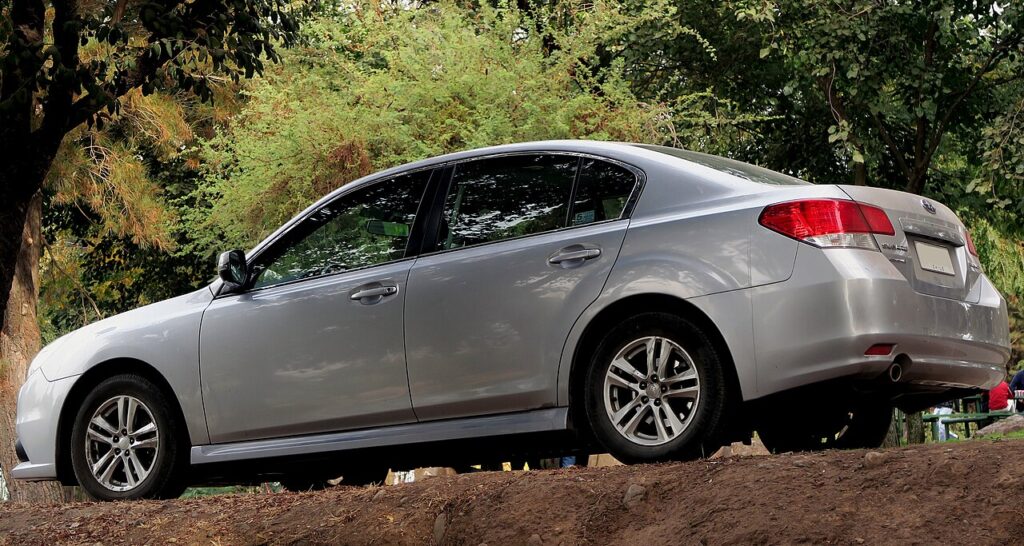
These instructions apply to the Subaru Legacy Mk6 (BN) 2014-2019.
For other models, please choose your vehicle here.
After an oil change or service on your Subaru Legacy (2014–2019) — the BN B4 — you can clear the maintenance reminder yourself through the instrument-cluster INFO menu. The reminder that appears when a service falls due is set against distance and time; it is a scheduling prompt, not a warning that something is wrong with the car. Once the work is finished it needs to be told to start counting toward the next interval, and that is all done from the dashboard. No diagnostic tool needed.
What the Maintenance Reminder Means
The Legacy’s maintenance reminder is a fixed-interval system rather than a live measurement. The instrument cluster keeps a running count of the distance driven and the time elapsed since the interval was last set, and when either reaches the stored value for a service item it displays the reminder to prompt the work. It does not read the actual condition of the oil, so it will keep showing until you go into the menu and set the next interval by hand.
That is also why the sixth-generation Legacy lets you choose the next interval when you reset it: you tell the car how far and how long until the next maintenance item is due, and the countdown restarts from there. Clearing the reminder is therefore a normal step in every service, not something to worry about.
First, a Few Checks
- Only reset after the service is done — the reminder tracks distance and time to the next item, so clear it once the work is finished.
- Park on level ground and apply the parking brake.
- Switch the ignition ON but leave the engine OFF so the cluster and the multifunction display power up.
- You’ll use the multifunction-display controls — no tools or scan tool are required.
Resetting the Maintenance Reminder
- Turn the ignition on (engine off).
- Using the multifunction display, select ‘Info’, then ‘MAINTENANCE’.
- Select the service item you’ve done from the menu.
- Set the distance and time until the next service, then select ‘OK’ — the reminder is reset.
If the Reminder Won’t Clear
- Stay in ignition-on, engine off. If the engine is running the display may not let you into the maintenance settings.
- Pick the right service item. Each item (engine oil, oil filter, and so on) is tracked separately, so make sure you are resetting the one you actually did.
- Confirm with ‘OK’ after setting the interval — if you back out before confirming, the old countdown stays in place.
- Cycle the ignition and try again. Switch off, back to ON only, and repeat the Info > MAINTENANCE sequence if the reminder is still showing.
- A separate warning light? A fault stores a code — look it up on autodtcs.com.
Once the Reset Is Done
Once you confirm with OK, the maintenance message clears and the multifunction display returns to its normal readout. The counter for that service item starts again from the interval you set, and the car will not remind you again until that distance or time is reached. The reset only affects the maintenance reminder — it does not touch trip meters, the odometer, or any warning light connected to an actual fault.
Reset Frequency
Reset the reminder each time you carry out the corresponding service item — typically at every oil and filter change, and whenever another scheduled item comes due. Subaru sets the recommended intervals for the Legacy in the maintenance schedule, and they can differ for normal versus more demanding driving. Rather than assume a fixed figure, set the next distance and time to match the interval in your own vehicle’s handbook, so the following reminder lands exactly where it should.
Frequently Asked Questions
How do I reset the maintenance light on a Subaru Legacy?
Ignition on, multifunction display Info > MAINTENANCE, select the service item, set the next interval and confirm OK.
Do I need a diagnostic tool?
No — it’s an owner menu reset done entirely from the multifunction display. No scan tool or dealer visit is needed.
Why does it ask me to set a distance and time?
The Legacy’s reminder is a fixed-interval scheduler, so it needs to know how far and how long until the next service item is due. Setting those values is what starts the new countdown.
It came back — why?
The interval wasn’t confirmed; repeat and select OK. If you back out of the menu before pressing OK, the old countdown is left in place and the reminder returns.
Do I have to reset each service item separately?
Yes — engine oil, oil filter and the other items are tracked individually in the MAINTENANCE menu, so reset only the ones you actually carried out.
When should I reset it?
Only after the service is completed, so the next interval is accurate. Resetting before the work is finished would start the countdown from the wrong point.
If another warning light appeared with the service message, our sister site autodtcs.com can help you decode it.
Independent guide — not affiliated with Subaru. Always follow your official service manual and safety precautions. Read our full disclaimer.