These instructions apply to the Ford EcoSport Mk1 (B515) 2014-2022.
For other models, please choose your vehicle here.
If the screen in your Ford EcoSport (Mk1, B515, 2014–2022) has frozen, gone black, or stopped responding to taps, you can force the audio/SYNC unit to restart yourself in about a minute. The exact screen depends on the build year, because the EcoSport gained a proper touchscreen at its 2018 facelift.
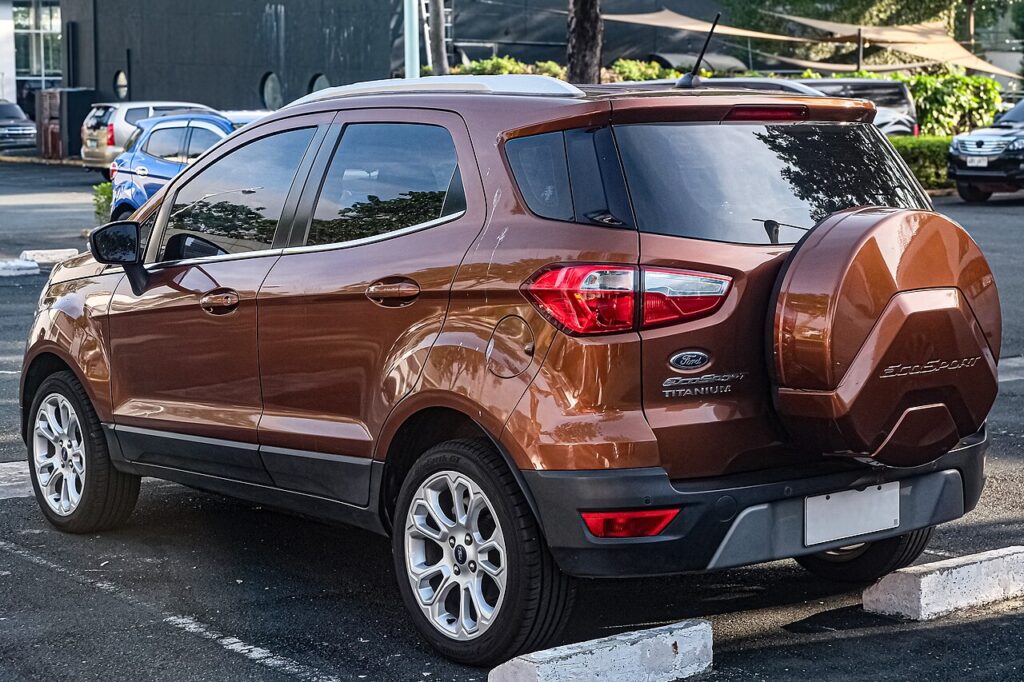
Which SYNC system is in your EcoSport
- 2014–2017 (pre-facelift): a button-heavy SYNC 1 / SYNC with AppLink stereo and a small mono or basic colour display — no full touchscreen.
- 2018–2022 (facelift): the dash was redesigned around a floating 8-inch touchscreen running SYNC 3.
Whichever you have, a frozen EcoSport screen is nearly always a software lock-up in the audio/APIM module — the car drives normally while only the display sticks. The reboot uses the Seek-forward button and the Power/Volume knob.
Soft reset (reboot) the screen
Park the EcoSport with the ignition on so the unit stays powered.
- On the centre stack find the Power/Volume knob (its centre is the on/off and mute) and the Seek-forward button (the >> double-arrow).
- Press and hold both together.
- Keep holding for about 10 seconds until the screen goes black and the Ford oval appears.
- Release both buttons; press Power once if the screen does not switch back on by itself.
- Give it up to a minute to reload before expecting touch and audio to respond.
On the facelift SYNC 3 car the volume knob sits at the bottom-left of the touchscreen — its press-in centre is the power button you hold alongside Seek-forward.
Safe — it loses no data
The Seek-plus-Power reboot does not erase presets, paired phones, call history or navigation favourites. It simply reloads the software. Repeat as needed.
If it stays frozen
- Hold longer. If 10 seconds did nothing, retry and hold both buttons for 20–30 seconds.
- Cycle the ignition fully. Switch off, open the driver’s door, lock the car, and walk away for a few minutes so the module powers down; then unlock and restart.
- Suspect CarPlay (SYNC 3 cars). If freezes coincide with Apple CarPlay or Android Auto, unplug the phone, delete the pairing on both devices, swap to a known-good USB cable, and re-pair — SYNC 3 freezing is a known EcoSport complaint that re-pairing and updates often cure.
- Update SYNC. Recurring SYNC 3 freezes are addressed by Ford software — check for a free update on the Ford owner site, download it to a USB stick and install it in the car.
Master reset (erases data — rarely needed)
A master reset is only worth doing if you are selling the EcoSport or chasing a deep glitch. On a SYNC 3 touchscreen go to Settings → General → Master Reset and confirm. It wipes paired phones, call history, presets, navigation favourites and all personal settings back to factory defaults, so do it on purpose. On the older SYNC 1 stereo the equivalent factory reset sits in the audio menu.
Frequently Asked Questions
Does my EcoSport have SYNC 3?
Only the 2018-onward facelift cars with the floating 8-inch touchscreen run SYNC 3. Earlier cars use the simpler SYNC 1/AppLink stereo without a full touchscreen.
Will the reboot delete my presets and Bluetooth pairings?
No. Only the Master Reset in Settings clears them. The Seek-plus-Power restart keeps everything.
My EcoSport SYNC 3 keeps freezing — is that common?
Yes, it is a known EcoSport complaint. Re-pair your phone with a good cable and install the latest SYNC 3 software via USB; that resolves most cases. A unit that still freezes constantly is worth a dealer check.
Is it safe to drive with the screen frozen?
Yes. The SYNC unit is independent of the engine and brakes — you only lose media, phone and navigation. Reboot when safely parked.
How do I update SYNC 3 on the EcoSport?
Sign in on the Ford owner site with your VIN, check for a newer version, download it to a blank USB stick and plug it into the media USB port with the engine running. Follow the prompts and do not switch off until it completes.
If a warning light or fault message stays on the dash after the reboot, the car may have stored a diagnostic trouble code — you can look it up on autodtcs.com.
Independent guide — not affiliated with Ford. Always follow your official service manual and safety precautions. Read our full disclaimer.