These instructions apply to the Infiniti Q60 (V37) 2017-2024.
For other models, please choose your vehicle here.
When the stacked screens on your Infiniti Q60 (V37, 2017–2024) freeze — the upper display locks, the lower touchscreen stops responding, or both black out while you’re driving — a soft reboot from the driver’s seat usually brings them back. No diagnostic tool is needed for the reboot.
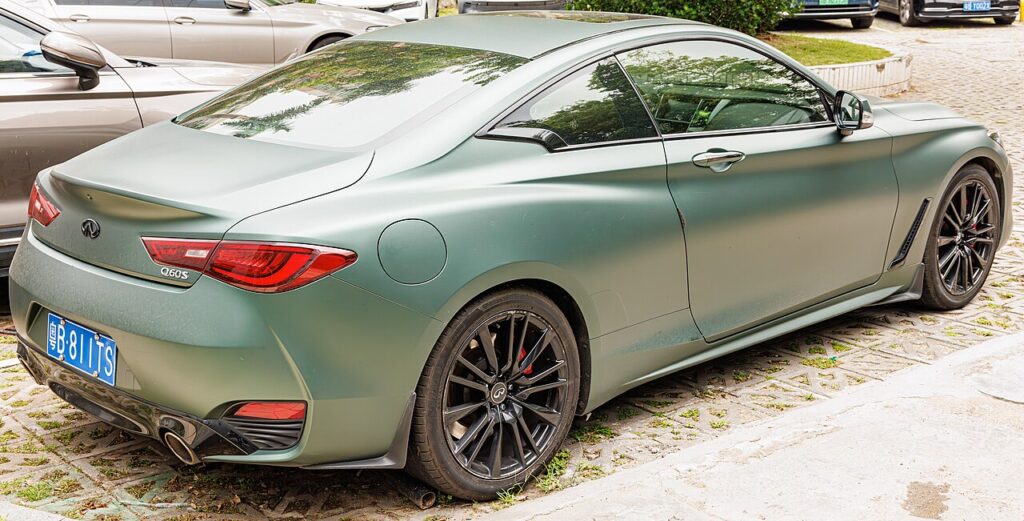
The Dual-Screen InTouch System
Like its Q50 sedan sibling, the Q60 coupe runs Infiniti’s dual-display InTouch: an upper screen for navigation and the rear camera, and a lower capacitive touchscreen for audio, phone and climate. The 2017 Q60 in particular has documented complaints of the stacked screens freezing, audio cutting out and the buttons going dead while driving, with the system blacking out and rebooting on its own — so the manual reboot is a genuinely handy thing to know on this car. One Display Control Unit (DCU) drives both screens, so a single reboot restarts the pair.
Soft Reset (No Data Loss)
This restarts the InTouch unit only. It does not erase presets, paired phones or saved destinations.
- Put the car in Park with the ignition on (engine running is fine, or press start once without the brake).
- Find the audio power/volume knob near the screens.
- Press and hold that knob for about 10 seconds, ignoring the volume change.
- Both screens go dark, then the Infiniti logo appears as the system reboots.
- Let both displays finish loading (around a minute) before tapping anything.
Is It Safe? Will I Lose Anything?
Yes. The soft reboot only power-cycles the DCU. Your radio presets, Bluetooth pairings and saved destinations all stay — only the temporary software state that froze is cleared. The screens going black during the reboot is normal.
If It Stays Frozen
- Hold the knob a second time — the first attempt sometimes reboots only one of the two screens.
- Lock the car for 5 minutes so the modules sleep, then restart and check.
- Disconnect the 12V battery negative terminal for a few minutes, then reconnect, for a full hard reset of the system.
- If it cycles logo–black–logo in a loop, that’s the hallmark of corrupted software on the internal microSD card inside the DCU — common across the V37 InTouch and not fixable with a soft reset. It needs a specialist or a firmware reinstall.
Factory Reset (Erases Your Data)
Use this only if the soft reboot won’t hold, or before selling the car. On the lower touchscreen open Settings > Others (or System) and choose Reset Settings / Factory Reset. This deletes paired phones, presets, saved destinations and app logins, returning InTouch to as-delivered condition. Keep your radio security code to hand for the next start-up.
Frequently Asked Questions
My 2017 Q60 screens froze and the buttons died while driving — is that a known fault?
Yes, the early Q60 has documented complaints of exactly that. Pull over, and do the 10-second volume-knob reboot to restart both screens.
Will the reboot erase my presets and paired phone?
No — a soft reboot keeps presets, pairings and favourites. Only a factory reset removes them.
The upper screen is black but the lower one works — what should I do?
Run the full 10-second reboot to restart both. If the upper screen stays dark afterward but the camera still appears, suspect the DCU rather than the screen itself.
It keeps rebooting in a loop — can I fix that myself?
No. A persistent boot loop on the V37 InTouch is usually a failing internal microSD card in the DCU and needs professional attention.
Do I have to be parked?
Yes. Hold the audio knob only when stopped — doing it on the move is distracting and unsafe.
If a warning light came on at the same time as the freeze, the cause may be logged as a diagnostic trouble code — decode it on autodtcs.com.
Independent guide — not affiliated with Infiniti. Always follow your official service manual and safety precautions. Read our full disclaimer.