These instructions apply to the Fiat Tipo Mk2 (356) 2016-present.
For other models, please choose your vehicle here.
If the Uconnect screen in your Fiat Tipo (356/357, 2016–Present) has frozen on the Fiat logo, gone black, or stopped answering your taps, you can force the head unit to reboot yourself in under a minute — parked, with no tools and without losing your presets.
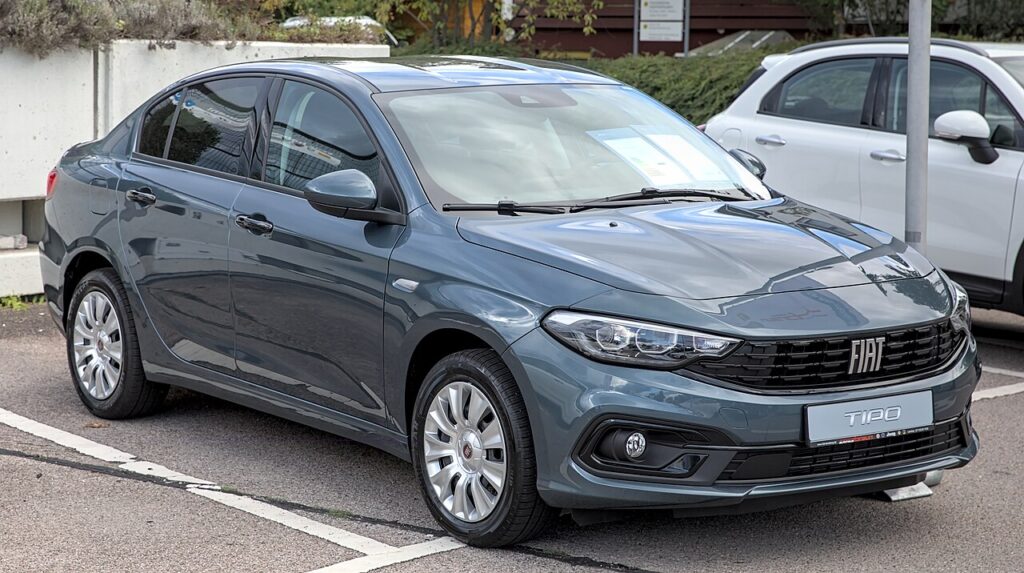
Which Uconnect is in your Tipo
The Tipo shipped with one of three radios depending on trim. Entry cars have a basic non-touch radio with buttons; most cars have the touchscreen Uconnect 5″ with a volume knob and a tuner/seek knob; top trims (and the post-2020 facelift) have the Uconnect 7″ HD with Apple CarPlay and Android Auto. A freeze or black screen on the touchscreen units is a software lock-up in the radio, not a dead display, and the reboot below clears it.
Soft reset (reboot) the Uconnect
Do this parked with the ignition on so the radio keeps its power.
- Press and hold the volume knob and the tuner/seek knob together (both pushed straight in) for 10–20 seconds.
- Keep holding — the screen will flash the FIAT logo and then go dark.
- When the screen is dark, release both knobs.
- After a few seconds the FIAT logo reappears as the unit reinitialises.
- Wait up to a minute for the home screen to reload — radio, Bluetooth and settings return on their own.
Will this erase anything? No
The reboot is completely safe. It does not wipe your radio presets, paired phones, or audio settings — it just restarts the radio’s software, like restarting a phone. Use it whenever the Uconnect plays up.
If the screen stays frozen
- Hold longer. If 15 seconds did nothing, repeat and keep both knobs pressed a full 20 seconds before the screen darkens.
- Engineering menu (Tipo-specific). Press and hold the RADIO and MORE keys together until the screen changes, then with the right knob or touch scroll to Reset to factory defaults, confirm, and wait about 30 seconds for the display to finish.
- Let it sleep. Switch off, lock the car, walk away five minutes so the radio fully powers down, then restart.
- Reinstall the firmware. A persistent freeze or reboot loop often clears by re-flashing the matching Uconnect update from the DriveUconnect site via USB — even reinstalling the same version helps.
- Battery disconnect (last resort). Disconnect the 12V battery for about 30 minutes; on reconnection the body computer and radio re-exchange security codes. Only do this if nothing else responds.
Factory reset (erases data — rarely needed)
A factory reset is separate from the reboot and only worth doing if you are selling the car or chasing a deep, persistent glitch. Use the Reset to factory defaults item in the engineering menu above, or on the touchscreen go to Settings → Restore factory defaults. It erases presets, paired phones and audio preferences, so only do it deliberately.
Frequently Asked Questions
My Tipo is stuck on the FIAT logo — how do I fix it?
Hold the volume and tuner knobs together for up to 20 seconds to force a reboot. If it loops back to the logo, reach the engineering menu (RADIO + MORE) and run Reset to factory defaults, or reinstall the firmware from DriveUconnect via USB.
What is the difference between the knob reboot and the engineering-menu reset?
The knob reboot just restarts the software and keeps everything. The engineering-menu Reset to factory defaults wipes the radio back to as-new and clears presets and pairings — use it only when a plain reboot will not fix the glitch.
Will the knob reboot delete my radio presets or paired phone?
No. The volume-and-tuner reboot keeps every preset and Bluetooth pairing. Only the factory-defaults path clears them.
My Tipo has only a basic non-touch radio — can I reset it?
The basic radio has no reboot button combo and no touchscreen. The reliable reset is a brief 12V battery disconnect; have your radio code ready if the unit asks for one on power-up.
Is it safe to drive with the Uconnect frozen?
Yes. The radio is separate from the engine and driving systems — you only lose audio and Bluetooth. Reboot once you are safely parked.
If a warning light or fault message stays on the dash after the reboot, it may have stored a diagnostic trouble code — you can look it up on autodtcs.com.
Independent guide — not affiliated with Fiat. Always follow your official service manual and safety precautions. Read our full disclaimer.