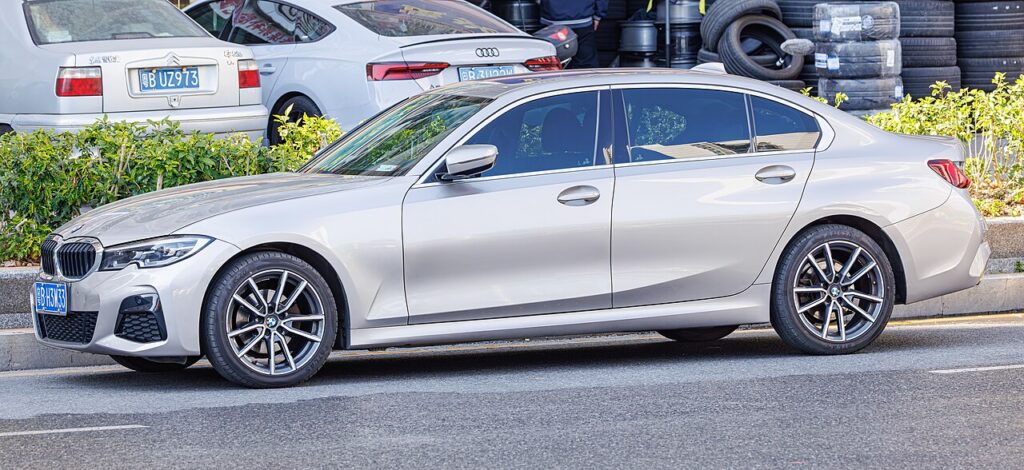
These instructions apply to the BMW 3 Series Mk7 (G20) 2019-Present.
For other models, please choose your vehicle here.
If the remote on your BMW 3 Series (G20, 2019–Present) has stopped unlocking the car, or the cluster flashes a key-battery warning, the coin cell inside the fob is flat. The G20 uses Comfort Access and has no dashboard key slot, so you unlock with the hidden blade and start the engine by holding the fob against a reader in the steering column. The whole recovery takes a couple of minutes.
Unlock the door with the emergency key blade
A dead fob will not work the central locking, so the metal blade hidden inside it gets you in.
- Press and hold the release catch at the base of the fob and slide the metal emergency blade out.
- At the driver’s door there is no visible keyhole – the lock barrel hides under a trim cap at the back of the handle.
- Slide the blade into the recess beneath the handle and lever the cap off to expose the cylinder.
- Turn the blade to unlock the driver’s door, then refit the cap once you are seated.
Opening the door mechanically can set off the alarm; it cancels itself once the car reads a valid key inside.
Start the engine by holding the fob to the steering column
The G20 reads the fob’s transponder through a ring antenna behind the steering-column trim.
- Sit in the driver’s seat, close the door, and press the brake pedal down.
- Locate the small key symbol embossed on the steering-column surround – typically on the right-hand side.
- Hold the flat back of the fob firmly against that symbol so it makes direct contact with the plastic.
- Keeping the fob pressed in place and the brake held, press the Start/Stop button. The engine should start.
- If it does not catch, reposition the fob slightly against the symbol and try the button again.
Why a flat fob still authorises the engine
Only the remote functions – locking, boot, Comfort Access – draw on the coin cell. Engine authorisation is handled by a passive transponder chip that carries no battery; the column antenna energises it and reads its rolling code to release the immobiliser. The blade is mechanical only, so it opens the door but never starts the car. This is identical across all Comfort Access G20s.
Replace the fob battery (CR2032)
Once mobile, fit a fresh cell to bring keyless entry back.
- Withdraw the emergency blade; the slot it leaves is where the case splits.
- Carefully part the two halves of the housing along the seam until the back cover lifts off.
- Remove the old CR2032 coin cell, noting its orientation, and seat the new one the same way up.
- Click the case shut, refit the blade, and lock/unlock the car to confirm the remote works.
If a key warning lingers after a new cell, wipe the contacts with a dry cotton bud before refitting.
Frequently Asked Questions
Does the G20 have a slot to insert the fob? No. The G20 relies on the steering-column reader, so hold the fob against the key symbol on the column rather than looking for a slot.
Where is the key symbol on a G20? On the plastic surround around the steering column, usually the right-hand face. It is a small embossed key outline.
The alarm went off when I used the blade – did I break something? No. Mechanical unlocking bypasses the remote, so the alarm arms momentarily and stops as soon as the immobiliser reads your key.
Fob held to the column and still no start – why? Reposition and retry first. If the dashboard is dim or the car only clicks, the likely culprit is the G20’s 12 V battery, not the fob.
What battery does the G20 fob take? A single CR2032 3 V lithium coin cell. Touch only the edges when fitting it.
If a warning light remained on after the key issue, you can decode it on our sister site autodtcs.com.
Independent guide — not affiliated with BMW. Always follow your official service manual and safety precautions. Read our full disclaimer.