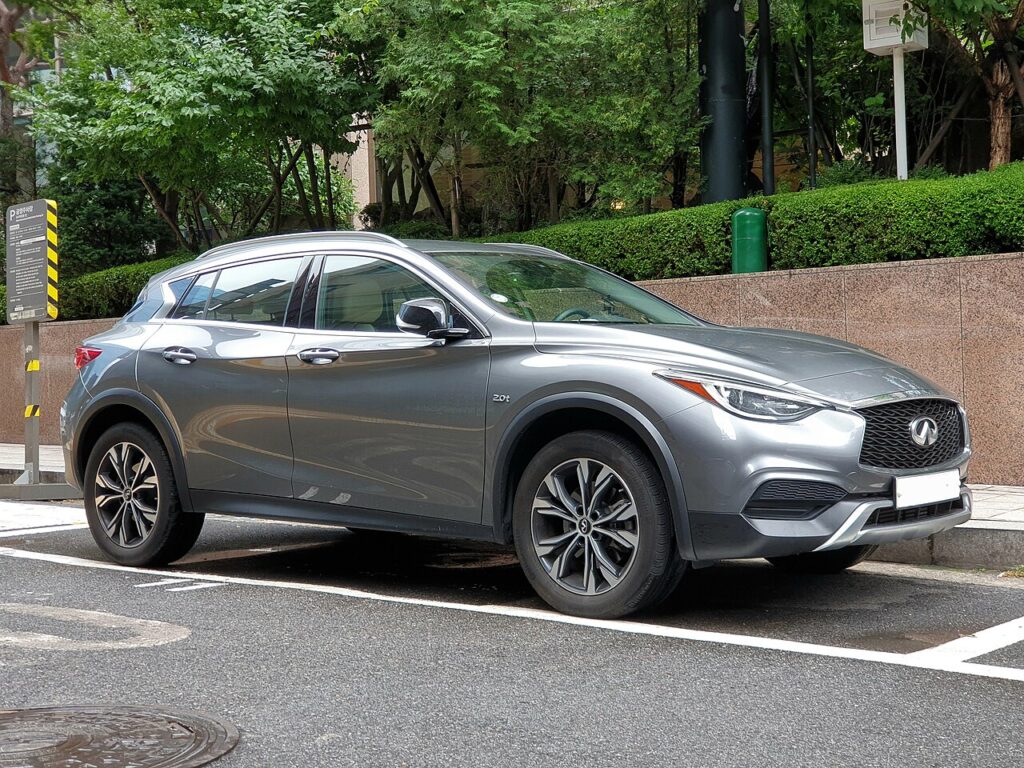
These instructions apply to the Infiniti QX30 (H15) 2016-2019.
For other models, please choose your vehicle here.
A dead fob battery will not leave you stuck in the Infiniti QX30 (H15, 2016–2019). The QX30 is the crossover sibling of the Q30 and shares the same Mercedes-derived keyless system, so the fix is an emergency key slot beside the steering column rather than the “hold the fob to the button” method used on Nissan-platform Infinitis. Below are the start procedure, how to unlock with the hidden blade, and how to fit a fresh coin cell.
Start the QX30 with a dead fob battery
An emergency ignition slot sits on the lower left of the steering column. Sliding the fob in lets the slot’s antenna read the transponder directly, so a flat coin cell does not prevent starting.
- Sit in the driver’s seat with the doors closed and press the brake pedal fully.
- Find the key slot to the left of the steering column; a small light usually glows beside it when the fob cannot be detected.
- Insert the Intelligent Key into the slot, orienting the buttons as the port requires (buttons up for a horizontal slot, toward the door for a vertical slot).
- With the brake held down, press the START/STOP button. The engine fires.
- Keep the QX30 running until a new battery is fitted — a later restart may not be recognised.
Unlock the doors with the mechanical key
With a flat fob the remote buttons and keyless walk-up entry are disabled, so open the car with the emergency blade.
- Press the release catch on the back of the fob and slide the metal blade free.
- Insert the blade into the driver’s door lock and turn to unlock.
- Open the door. The alarm may chirp briefly until the key is recognised inside.
Immobiliser note
The QX30 immobiliser is paired to a passive transponder inside the Intelligent Key. Because the steering-column slot powers that chip directly, an authorised key still starts the engine with a completely dead coin cell. A flat battery only disables remote locking and proximity detection — the immobiliser is not what stops you.
Replace the key-fob battery
The QX30 Intelligent Key takes a single CR2025 3 V lithium coin cell — the thinner Mercedes-platform cell, not the CR2032 used by Nissan-based Infinitis. Confirm the type printed on the old battery before buying.
- Slide the mechanical blade out first to release the case latch.
- Insert a small flat-blade screwdriver into one of the two seam slots and twist to part the halves.
- Lift out the old cell and fit the new CR2025 positive-side down, close the case, reinsert the blade, and test the buttons.
Frequently Asked Questions
Why won’t my QX30 detect the key? A flat fob battery is the usual cause. Insert the fob into the steering-column slot to start, then replace the CR2025.
Can I hold the QX30 fob against the START button instead? No. The QX30 uses the Mercedes-style emergency key slot, so the touch-to-button trick from Nissan-platform Infinitis does not apply here.
What battery does the QX30 fob use? A CR2025 3 V lithium coin cell, widely available and inexpensive.
Will driving with a dead fob cause damage? No. Only remote locking and walk-up entry stop. The passive immobiliser transponder keeps working.
The car started but a key warning stays lit — normal? Yes. It stays on until a fresh cell is fitted, then clears at the next start.
If a key-detection problem appears together with a dashboard warning light or a stored fault code, our sister site autodtcs.com explains what each OBD-II trouble code means.
Independent guide — not affiliated with Infiniti. Always follow your official service manual and safety precautions. Read our full disclaimer.