These instructions apply to the Mitsubishi ASX Mk1 (GA) 2010-2023.
For other models, please choose your vehicle here.
The Mitsubishi ASX (GA, 2010–2023) uses Mitsubishi’s FAST Key keyless system with a START/STOP button on keyless-equipped trims, with the mechanical emergency key tucked inside the fob. When the FAST Key’s coin cell goes flat the remote-lock buttons stop responding, but the immobiliser still reads the key — you start the car by touching the fob to the START/STOP button.
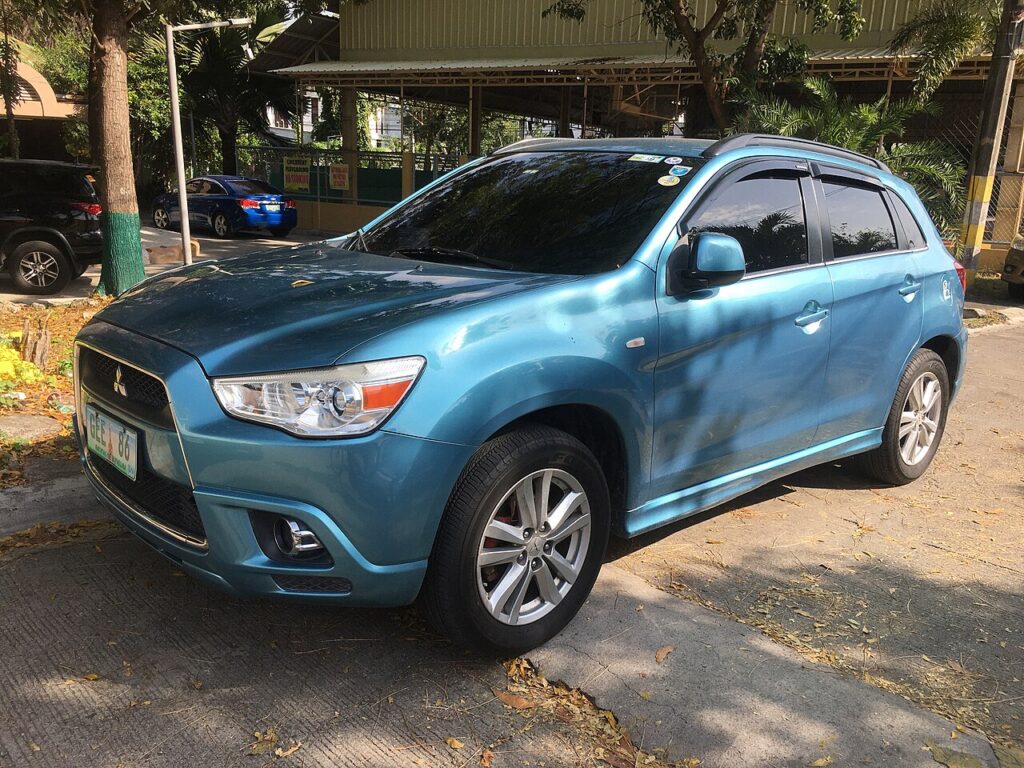
Start the ASX with a dead fob
- Unlock and get into the car with the emergency key first (next section), sit in the driver’s seat and close the door.
- Press and hold the brake pedal with the selector in N (manual) or P (auto).
- Hold the back of the FAST Key fob directly against the START/STOP button — the button has a short-range coil that reads the fob when its battery is too weak to broadcast.
- With the fob still touching the button, press the START/STOP button. The engine starts.
- If it does not catch first time, hold the fob flush to the button and try again — a nearly-flat cell needs the fob right on the switch.
Unlock the ASX with the emergency key
- Slide the release lever on the back of the FAST Key fob and pull the mechanical key blade out of the body.
- Insert the blade into the lock barrel in the driver’s door handle and turn to unlock.
- The alarm may sound until the engine is started; running the car clears it.
Immobiliser note
The ASX immobiliser reads a passive RFID transponder in the FAST Key, not the fob’s battery. The START/STOP button houses the back-up reader, powered by the car, so the engine authorises even with a fully dead fob. Keep the fob touching the button while you press start — if the fob is too far from the button on a very weak cell, the immobiliser cannot read the chip and the start sequence stops. A key warning that stays lit after starting points to a genuine fault rather than a flat cell.
Replace the fob battery
The ASX FAST Key uses one CR2032 3V lithium coin cell. Slide out the emergency key, then insert a small flat screwdriver into the slit at the corner of the fob and twist gently to split the upper and lower halves. Lift the old cell out, fit the new one + side up, click the case shut and refit the key. Remote locking returns at once.
Frequently Asked Questions
Where do I hold the fob to start the ASX?
Directly against the START/STOP button. There is no key slot on the keyless ASX — the back-up reader is inside the button.
My ASX has a turn-key ignition, not a button — what then?
Non-keyless ASX trims use a transponder key turned in a barrel; a flat remote battery only stops the remote-lock buttons, and the key still starts the car normally. Replace the cell when convenient.
Which battery does the ASX FAST Key take?
One CR2032 coin cell, sold in any supermarket or hardware shop.
Do I need a workshop tool to start it with a dead fob?
No. Touching the fob to the START/STOP button is a built-in owner procedure; no diagnostic tool is needed.
Why did the alarm sound when I used the emergency key?
Mechanical entry registers as a possible break-in until the transponder is read. Starting the engine cancels the alarm.
If a dashboard warning light stayed on after the no-start, look it up on autodtcs.com to confirm it was just the fob and not an immobiliser code.
Independent guide — not affiliated with Mitsubishi. Always follow your official service manual and safety precautions. Read our full disclaimer.