These instructions apply to the BMW 3 Series Mk7 (G20) 2019-Present.
For other models, please choose your vehicle here.
Two things surprise owners about the 12 V battery on the BMW 3 Series Mk7 (G20, 2019–present): it lives in the boot, not the engine bay, and a new one should be registered so the car charges it correctly. This guide covers safe disconnection and that registration step.
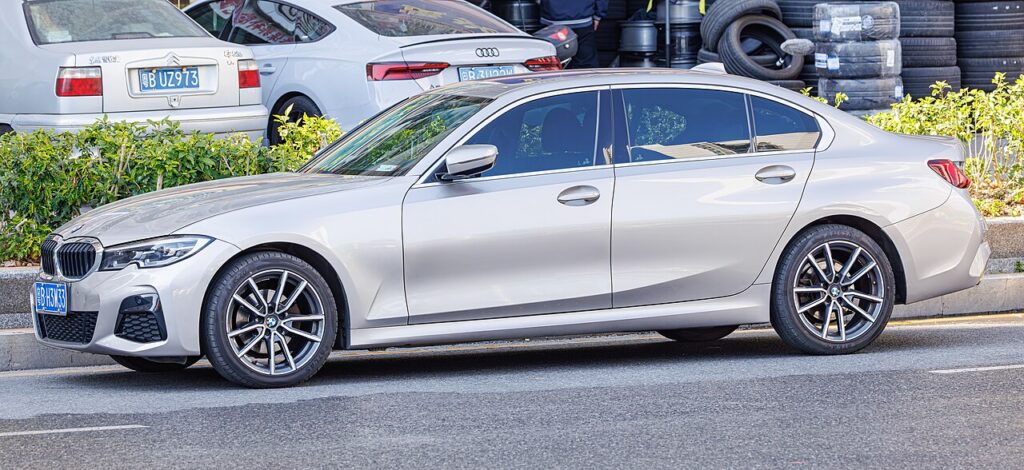
Where the Battery Is
Like most rear-wheel-drive BMWs, the 12 V battery is in the luggage compartment — on the right-hand side, behind the boot trim. The engine bay has only a jump-start positive terminal under a cover for boosting a flat battery.
Disconnecting
- Switch the car off and remove the key (or keep a keyless fob out of range). On mHEV models the 48 V system deactivates automatically when you open the bonnet.
- Open the boot and remove the right-side trim panel to reach the battery.
- Loosen the negative (−, black) terminal first and lift the lead clear.
- If removing the battery, loosen the positive (+, red) next, then the hold-down clamp and any vent hose.
Airbag/pretensioner safety: if you’ll be near airbags or seat-belt pretensioners, wait 1 minute after disconnecting.
Reconnecting & Registering
- Reconnect positive (+) first, then negative (−) last; reconnect the vent hose and refit the trim.
- Reset the clock/date (the on-board clock stops while disconnected).
- Register the new battery in the power-management system. On the G20 this is done with BMW diagnostics (a dealer or an independent with the right software/app); registering tells the car the battery is new so it charges and manages start/stop correctly. A simple disconnect/reconnect of the same battery doesn’t need it.
Replace like-for-like — an AGM battery must be replaced with AGM.
Registering or Coding the New Battery
Yes. This car has a battery-monitoring system, so a replacement battery must be registered — the car needs to know it is new, or it under-charges it and the fault stays logged. Registration is done through the OBD port with a compatible diagnostic tool (a specialist or dealer, or a capable aftermarket scanner); there is no owner button sequence. Replace like-for-like (AGM for AGM, EFB for EFB).
Frequently Asked Questions
Where is the 3 Series G20 battery?
In the boot, right-hand side behind the trim — not the engine bay. The under-bonnet terminal is just for jump-starting.
Do I have to register a new battery?
Yes — BMW’s charging strategy needs the new battery registered, or it won’t charge it correctly and start/stop may stop working.
Which terminal first?
Disconnect negative (−) first and reconnect it last.
Can I jump-start from the engine bay?
Yes — use the marked positive jump terminal under the bonnet and an earth point, not the boot battery directly.
For any warning light that stays on, look up the code on autodtcs.com. To clear the service reminder, see our 3 Series G20 service reset guide.
Independent guide — not affiliated with BMW. Always follow your official service manual and safety precautions. Read our full disclaimer.