These instructions apply to the Chevrolet Captiva (C140) 2011-2018.
For other models, please choose your vehicle here.
The Chevrolet Captiva (C140, 2011–2018) with Start/Stop shuts the engine off at a standstill to save fuel and cut idling emissions. When you halt at lights or in a queue, the engine goes quiet on its own and fires back up as you lift off the brake. This is completely normal on the Captiva — a designed feature, not a fault. If you’d rather keep it running — in slow traffic, when manoeuvring, or before working under the bonnet — switch the feature off with the dash button.
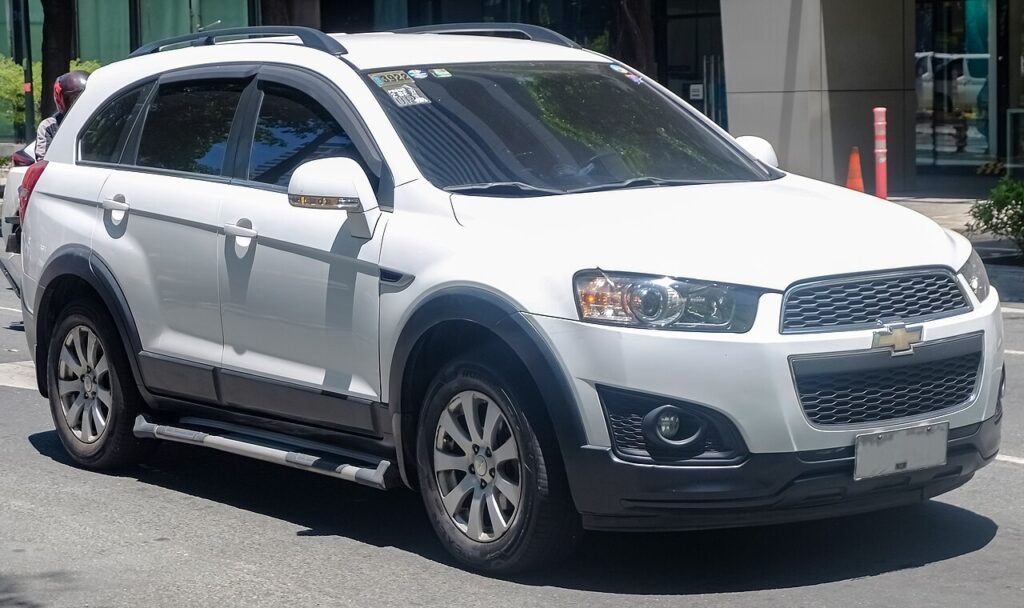
How Start/Stop Works on the Captiva
The system checks several conditions and only cuts the engine when all line up: the charge of the 12 V battery, the engine temperature, cabin climate demand, and whether the car is fully stationary with the brake held. Because the battery has to restart the engine moments later, a stop is only allowed when charge is in reserve. That is why the Captiva stops readily on a warm day after a longer drive, yet stays running on a cold morning or short trip — the logic protects driveability and battery life rather than misbehaving.
First, a Few Checks
- Do this with the engine running or the ignition on so the switch is live.
- Find the button on the dashboard — it carries the A-in-an-arrow (A-off) symbol.
- Remember the change lasts for the current drive only; it does not save a permanent preference.
- If you are about to work under the bonnet, switch it off first so the engine cannot auto-restart on you.
Turning Start/Stop Off
- Press the Start/Stop (ECO) button on the dashboard.
- Check the light in the switch is off — the system is now switched off.
It Resets Every Time You Start
Start/Stop re-enables automatically each time you start the engine. There’s no permanent off setting — press the button again after each start if you want it disabled.
If the System Won’t Stop the Engine Anyway
Even with Start/Stop active, the engine won’t cut unless every enabling condition is met. If it never stops, run through these before assuming a fault:
- Weak or ageing 12 V battery. A tired battery, or short trips that never fully recharge it, is the most common reason.
- Engine not yet warm. On a cold start it waits until the engine reaches temperature before allowing a stop.
- Cabin climate working hard. Strong heating, demist or air-con demand keeps the engine running to meet it.
- You’re not fully stopped. The car must be at a complete standstill with firm pressure on the brake.
- Steering or a slope. A turning wheel or a steep gradient can hold the engine on.
- The button is simply off. Check the light in the switch isn’t lit from an earlier press this drive.
Once It’s Done
With the button pressed and the switch light off, the engine keeps running at every stop for the rest of the journey. Next time you start the car the system re-arms itself, so if you always prefer it off, tap the button as you set off. Leaving it active does no harm and returns the fuel saving in everyday driving.
Frequently Asked Questions
How do I turn off Start/Stop on a Chevrolet Captiva?
Press the Start/Stop (ECO) button on the dashboard once, then check the light in the switch is off to confirm the system is disabled for this drive. Press it again to switch the feature back on, or simply restart the car, which re-enables it automatically.
Does it stay off permanently?
No. The Captiva re-enables Start/Stop every time you start the engine, so there is no permanent off setting from the dash button. If you want it disabled on every trip, press the button each time after you start, before pulling away.
Why doesn’t the engine stop at lights?
Usually one enabling condition isn’t met: the 12 V battery may be low, the engine may still be cold, or the climate system may be working hard. Once the car is warm and the battery is charged, stopping usually resumes.
Should I disable it for engine work?
Yes. Switch it off before working under the bonnet so the engine cannot auto-restart while your hands are near belts, the fan or hot parts. For extra safety, turn the ignition fully off when close to moving parts.
Is frequent stopping and starting bad for the engine?
No. The Captiva’s engine and starter are built for the extra cycles, using a heavier-duty starter and a battery suited to repeated restarts. The stops only happen when conditions are safe for the engine, so normal use causes no unusual wear.
Could a warning light mean the battery needs attention?
A sudden loss of Start/Stop, often with a message or light, usually points to a 12 V battery losing capacity, since the system disables itself to protect starting ability. Have the battery tested before replacing other parts.
If a Start/Stop fault light stays on, look up the code on autodtcs.com.
Independent guide — not affiliated with Chevrolet. Always follow your official service manual and safety precautions. Read our full disclaimer.