These instructions apply to the Ford EcoSport Mk1 (B515) 2014-2022.
For other models, please choose your vehicle here.
Your Ford EcoSport (B515, 2014–2022) with Auto-Start-Stop cuts the engine at a standstill to save fuel and trim emissions. When you’d rather keep it running — stop-go traffic, a hot day when you want the air-con working hard, or before any under-bonnet work — one button turns it off. The system is a normal fuel-saving feature, not a fault, and the small ‘A’ symbol you see is simply telling you what state it’s in.
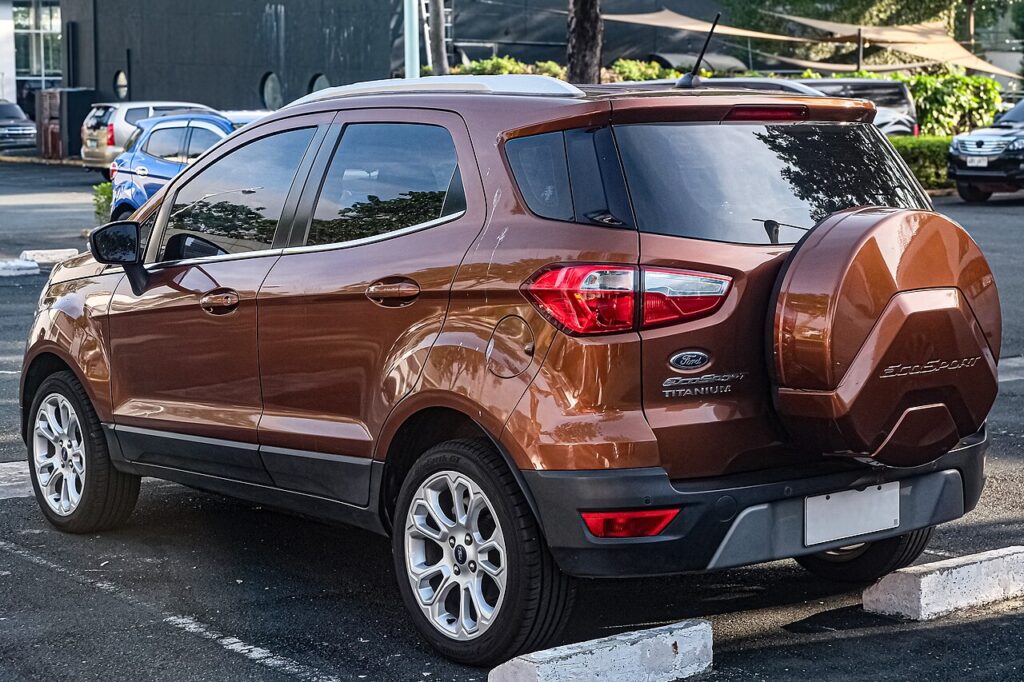
How Auto-Start-Stop Works on the EcoSport
When you come to rest and hold the brake with the car in neutral, the system shuts the engine down; lifting off the brake (or dipping the clutch on the manual) fires it straight back up. It only does this once a set of conditions is met — mainly a healthy 12 V battery, a warmed-up engine and a cabin that’s already at temperature. The EcoSport constantly monitors battery charge, so on a car used mostly for short hops the engine often stays running because the battery never gets a full top-up.
Before You Begin
- Do this with the engine running, or at least the ignition fully on, so the button and its indicator respond.
- Locate the A-in-a-circular-arrow button before you set off, not mid-junction.
- If you’re about to work under the bonnet, switch the system off first so the engine can’t auto-restart on you.
- Remember the setting only lasts for the current drive — there’s no permanent-off menu on this car.
Switching It Off
- Find the Auto-Start-Stop button — an A inside a circular arrow — on the dash or centre console.
- Press it once; the indicator confirms it’s off and the engine stays running at stops.
Why It Comes Back On
The EcoSport re-enables Auto-Start-Stop every time you start the car — there’s no permanent off. Press the button at the start of each drive if you don’t want it.
When the Engine Won’t Stop Anyway
If you leave the system on but the engine simply won’t cut at a standstill, it’s usually one of these — almost all normal, protective behaviour:
- The 12 V battery charge is low — the most common reason, and typical after a run of short trips.
- The engine isn’t up to temperature yet, so it keeps running to warm through.
- The cabin still needs heating or cooling and the climate system is calling on the engine.
- You’re on a slope, or the car hasn’t come to a full stop with firm brake pressure.
- The battery is genuinely tired — if start-stop almost never works, an ageing battery is the usual culprit and worth testing.
After the Reset
Once you press the button, the ‘A’ indicator shows the system is off and the engine will idle normally at every stop for the rest of that drive. Next time you start the car it arms itself again automatically, so you’ll need to press the button once more if you want it off. Nothing is stored or reset in the process — it’s a per-trip toggle.
Frequently Asked Questions
How do I turn off auto stop/start on a Ford EcoSport?
Press the ‘A’ circled-arrow button on the dash or console once. The indicator confirms the system is disabled and the engine will stay running at stops for the rest of that drive. It re-arms at the next start.
Can I disable it permanently?
No — the EcoSport has no permanent-off setting for Auto-Start-Stop. It re-enables itself every time you start the car, so the only way to keep it off is to press the button once at the start of each drive.
Why didn’t the engine stop today?
Most often the 12 V battery charge was too low, the engine hadn’t reached operating temperature, or the cabin still needed heating or cooling. A gradient or the brake not being pressed firmly enough will also hold the engine running. All of that is by design.
Is it bad to leave it on?
No — the system is built for constant everyday use and the starter and battery are specified for it. That said, a worn 12 V battery can make the engine cut and restart erratically, so if the behaviour feels rough it’s worth having the battery checked.
Does start-stop wear out the starter or battery faster?
The EcoSport uses a heavier-duty starter and an enhanced battery designed for frequent cycling, so normal use isn’t a problem. Wear only tends to show once the battery is near the end of its life, which is also when the system starts refusing to stop the engine.
Will turning it off improve performance or just fuel economy?
Switching it off doesn’t change engine power — it only stops the engine cutting out at rest. You may burn very slightly more fuel in stop-go traffic, but many owners simply prefer the smoother, uninterrupted idle, especially in slow queues.
If a start/stop fault shows, it usually points to the 12 V battery — see our EcoSport battery guide, or look the code up on autodtcs.com.
Independent guide — not affiliated with Ford. Always follow your official service manual and safety precautions. Read our full disclaimer.