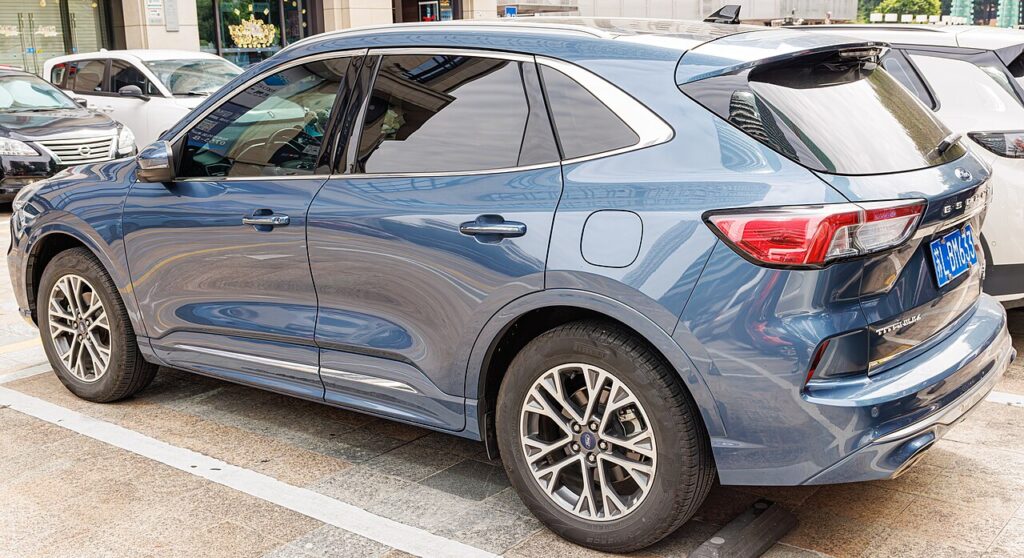
These instructions apply to the Ford Kuga Mk3 (CX482) 2020-Present.
For other models, please choose your vehicle here.
Disconnecting the 12 V battery on a Ford Kuga Mk3 (CX482, 2020–present) is a straightforward engine-bay job on the petrol and diesel versions. You’d do it to fit a new battery, before electrical or bodywork repairs, to stop a slow drain during long storage, or to recover the car after it has gone flat. Follow the right order — negative off first, positive on first — and the Kuga powers back up cleanly and relearns the handful of settings it drops. This guide covers safe disconnection and reconnection, plus what to re-teach afterwards.
Where the Battery Is
The 12 V battery sits in the engine bay, under a cover. Raise the bonnet, prop it, and unclip or lift the plastic cover to reach the terminals. The negative (−) post carries the black earth lead and a minus marking; the positive (+) post sits under a red cap or flap. The 1.5/2.0 EcoBoost petrol and EcoBlue diesel Kugas have no high-voltage system. On the full-hybrid and plug-in hybrid Kuga there is also an orange high-voltage system — never touch it; this guide is for the 12 V battery only, and nothing here asks you to go near the orange cabling.
First, a Few Checks
- Switch the ignition fully off and take the key/fob well clear so the car doesn’t stay awake.
- Turn everything off — lights, climate, wipers, SYNC screen — so nothing is drawing current as you disconnect.
- Note the presets you’ll want back, plus any seat and mirror memory positions.
- Wait a minute or two after switching off for the electronics to sleep before touching a terminal.
- Have the right spanner ready (typically a 10 mm), and wear gloves and eye protection.
Disconnecting
- Switch the ignition off, remove the key/fob and wait a minute for the electronics to sleep.
- Disconnect the negative (−) terminal first, slacken the clamp, lift the lead off and tuck it aside so it can’t spring back onto the post.
- If removing the battery, disconnect the positive (+) next, then release the hold-down clamp and lift the battery out keeping it upright.
Reconnecting & Re-teaching
- Reconnect positive (+) first and nip up its clamp, then fit the negative (−) last and tighten it. Refit the cover.
- Switch on and reset the clock; the SYNC screen reloads on its own over the first minute.
- Re-initialise the one-touch windows — see our Kuga window guide.
- Auto Start-Stop may sit out for a drive or two while the battery monitor relearns — that’s normal.
A like-for-like battery generally doesn’t need coding; a different type or capacity should be registered with an OBD tool so the charging matches.
What You’ll Need to Reset Afterwards
The Kuga only loses learned settings, not anything permanent. Expect to reset the clock and your radio/SYNC presets, and to re-teach the one-touch/anti-pinch windows, which stop auto-closing until re-initialised. Auto Start-Stop commonly stays inactive for a drive or two while the battery-monitoring system relearns the new battery’s state of charge — especially worth registering the battery if you fitted a different type. Seat and mirror memory may need resetting, and a stray tyre-pressure or driver-assist warning can appear briefly and then clear once you’ve driven a short distance.
When a Warning Persists
- Check both clamps are properly tight — a loose earth is the usual cause of odd behaviour afterwards.
- Drive a short distance so the battery monitor and assist systems can relearn and any transient warnings clear.
- Re-run the window re-initialise if one-touch or anti-pinch still isn’t working.
- If Start-Stop stays off well beyond a couple of drives, or a light persists, rule out a tired battery and read any stored code.
Frequently Asked Questions
Where is the 12 V battery on a Ford Kuga Mk3?
In the engine bay, under a plastic cover. Lift the bonnet, remove the cover and you’ll see the negative (−) and positive (+) terminals. The hybrid versions keep their 12 V battery here too.
Which terminal first on the Kuga?
The negative (−) first when disconnecting, and reconnect it last. Fit the positive (+) first on the way back and tighten both clamps.
Does the Ford Kuga battery need coding?
A matching replacement generally doesn’t; a different type or capacity should be registered with an OBD tool so the charging system and Start-Stop behave correctly.
Is it safe on the hybrid Kuga?
Yes, for the engine-bay 12 V battery — it’s an ordinary 12 V job. Keep well clear of the orange high-voltage system, which is dealer territory.
Will disconnecting reset the service light or clear codes?
It may clear some transient codes but isn’t a reliable service reset — use the proper procedure. A real fault will just set its code again.
Why won’t my windows auto-close now?
The power cut cleared their learned position, so one-touch and anti-pinch drop out until you run the quick re-initialise.
For any warning light that stays on, look up the code on autodtcs.com. To clear the service reminder, see our Kuga Mk3 service reset.
Independent guide — not affiliated with Ford. Always follow your official service manual and safety precautions. Read our full disclaimer.