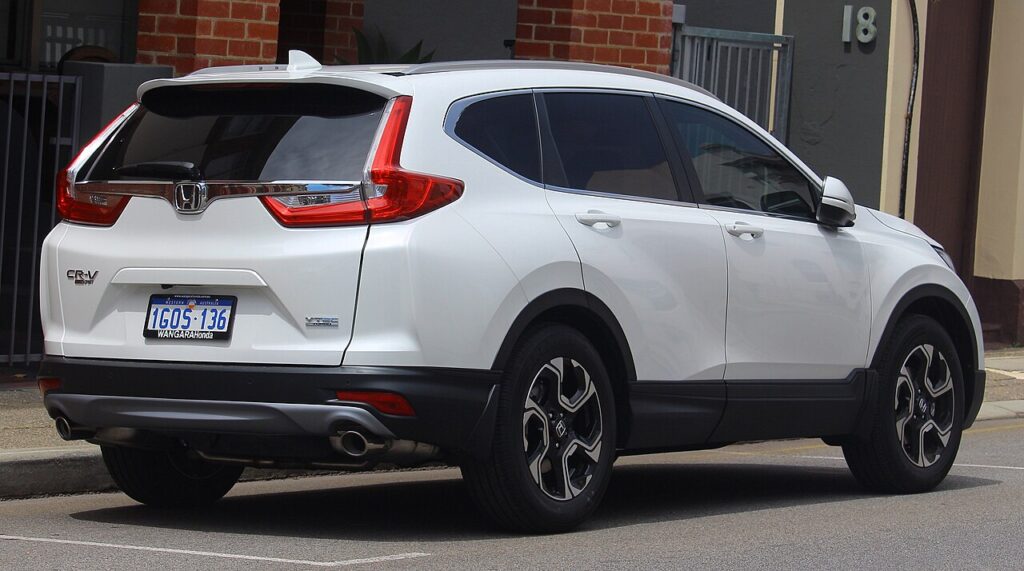
These instructions apply to the Honda CR-V Mk4 (RM) 2012-2018.
For other models, please choose your vehicle here.
The Honda CR-V (Mk4/RM/RE, 2012–2018) has a hidden self-test in its climate-control unit. The right button combination runs a full HVAC diagnostic, lights every segment, then blinks any stored heating/air-conditioning fault code — no scan tool needed. Honda left it out of the handbook; here is how to trigger it on the Mk4 CR-V.
Before you start
- Both the manual dial A/C and the dual-zone automatic climate control have a self-test — each has its own entry buttons.
- It is purely diagnostic: it cycles the actuators and reads out faults, but does not change settings or risk damage.
- The blower and flaps will move during the test — that is normal. Keep the CR-V parked with the engine off.
How to Enter Self-Diagnostic Mode (Automatic Climate Control)
- Park the car, doors closed. Turn the ignition to LOCK (0), then back to ON (II) — engine off.
- Press and hold the climate ON/OFF button.
- Keeping it held, press and release the rear-window defogger button five times within 10 seconds.
- Release the ON/OFF button. The unit lights all segments, runs its actuators, then begins blinking.
On manual dial-A/C CR-Vs: turn the ignition to ON, set the fan dial to OFF, the temperature dial to Max Cool and the vent button ON, then hold the recirculation button and press the rear-window defogger five times within 10 seconds.
How to Read the Codes
- No fault: the indicator does not blink.
- A fault present: it blinks a numbered DTC; multiple faults cycle from the lowest number first.
- Common areas: air-mix motor, mode motor, blower motor circuit, evaporator temperature sensor and control-unit internal faults.
- Note the blink count — that is the code to look up.
How to Exit and Clear the Codes
To exit, turn the ignition to LOCK (0). To clear codes, fix the fault and re-run the sequence, or disconnect the 12 V battery for a few minutes. Clearing only wipes the memory — a live fault re-logs on the next test, so deal with the cause before clearing.
Frequently Asked Questions
Which trims have automatic climate control?
Higher CR-V Mk4 trims (such as EX-L) get dual-zone automatic climate; base trims use a manual dial A/C. Both have a self-test, just with different entry buttons as shown above.
Why hold ON/OFF and tap the defogger five times?
That five-press pattern inside 10 seconds is the deliberate unlock the module looks for, so it knows to enter the hidden self-test rather than just clear the rear window.
No code appeared — does that clear the A/C?
No blink means no electrical HVAC fault is stored, which is reassuring, but a low refrigerant charge or a worn compressor often logs nothing. A clean test does not guarantee cold air.
Does this work the same on the diesel CR-V?
Yes — the climate-control electronics are shared across petrol and diesel Mk4 CR-Vs, so the self-test sequence is identical.
Because these blinking numbers are diagnostic trouble codes, you can look up what a specific HVAC or related fault means on autodtcs.com.
Independent guide — not affiliated with Honda. Always follow your official service manual and safety precautions. Read our full disclaimer.