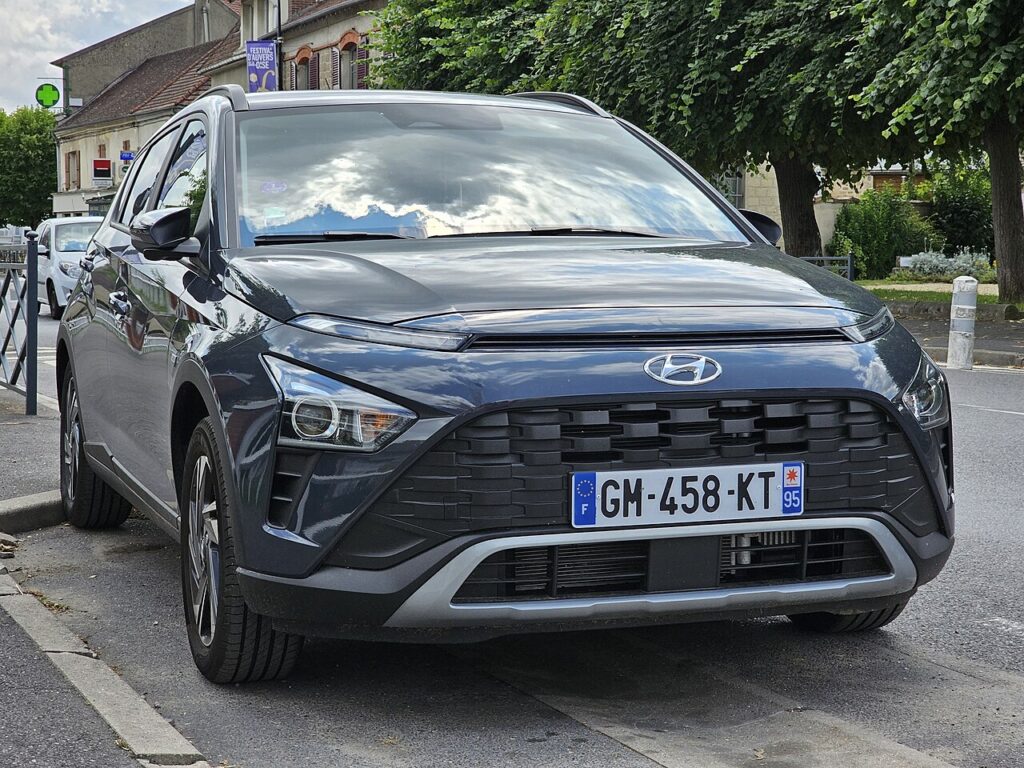
These instructions apply to the Hyundai Bayon Mk1 (BC3) 2021-Present.
For other models, please choose your vehicle here.
If the sunroof on your Hyundai Bayon (2021–present) stops auto-closing, won’t tilt properly, or behaves oddly after a flat or disconnected battery, it needs re-initialising. The roof motor has lost its learned positions; re-teaching them takes under a minute with the roof switch. This is normal maintenance after any loss of power — a battery change, a jump start, or a workshop visit — and not a sign that the roof or its motor has failed. The panel simply needs to relearn where its fully-closed, tilt and fully-open points are so the one-touch and anti-trap features can work again.
Why It Happens
The sunroof controller stores its open, tilt and closed limits so it can run on one touch and auto-reverse on an obstruction. A power cut clears that memory. Until the panel is re-taught those end points, you may find it only moves while you hold the switch, refuses to auto-close, stops short, or reverses for no reason. None of that means the motor or glass is damaged — the controller has simply lost its reference points and is playing safe. Running the panel through one full learning cycle writes those positions back and restores every convenience feature.
Before You Begin
- Make sure the 12 V battery is healthy and, ideally, the engine running — a weak battery can interrupt the cycle part-way.
- Park up before you begin so you can hold the switch through the whole sequence without distraction.
- Check the roof track is clear of leaves, grit or ice that could stall the panel mid-cycle.
- Keep hands, hair and objects out of the opening — the anti-trap feature is offline until the reset finishes.
- Start with the glass and sunshade closed so the panel learns from a known position.
How to Re-initialise the Sunroof
- Start the engine (or switch the ignition on).
- Make sure the sunroof and sunshade are closed.
- Press and hold the close switch. The roof will tilt and move slightly — keep holding.
- The roof then cycles automatically through its full sequence (tilt → slide open → slide closed).
- Keep the switch held until the cycle finishes, then release — the system is reset.
If It Doesn’t Complete
- Don’t release early — hold the switch through the entire automatic cycle; letting go part-way aborts the learning.
- Clear any obstruction in the roof track and make sure the battery is healthy so the panel doesn’t stall or lose power.
- Start again from fully closed if the cycle stops halfway — return the glass to the closed position and repeat.
- Give it a moment after ignition-on before pressing, so the module is fully awake.
- If it still won’t learn its limits after several clean attempts, have the roof mechanism and switch checked.
After the Reset
Once the cycle has run to the end and you release the switch, one-touch open and close should work again and the panel should auto-reverse if something blocks it. It is worth testing that anti-trap behaviour gently — open the roof, then close it and check it stops and reverses when it meets light resistance. If everything responds on a single press, the initialisation has taken and no further action is needed.
Frequently Asked Questions
Why did my Bayon sunroof stop auto-closing?
A battery disconnect or flat battery wiped its learned limits, so the controller no longer knows where the closed point is and disables one-touch to stay safe. Re-initialising re-teaches those positions and restores both one-touch and auto-reverse.
How do I reset the Hyundai Bayon sunroof?
With the roof closed and the ignition on, hold the close switch; let it tilt and run through its full open and close cycle, then release once it has finished. Holding the switch for the whole sequence is the key step.
Is it safe to do myself?
Yes — it needs no tools and no dismantling. The only caution is that the anti-trap feature is inactive during the reset, so keep hands, hair and loose objects clear of the roof opening while it cycles.
Do I need a tool?
No — it’s done with the sunroof switch only. There is no menu to enter and no scan tool involved; the whole procedure happens through the roof control on the headlining.
What if the cycle keeps stopping partway?
That usually points to a stalling panel — an obstruction in the track, a sticky seal, or a battery too weak to hold the motor through a full run. Clear the track, make sure the battery is charged, start from fully closed and try again.
Do I have to redo this every time I start the car?
No. Once the panel has learned its limits it keeps them until the next power interruption. You only need to re-initialise after the battery is disconnected or goes flat, not as part of routine use.
Re-initialised the sunroof after a battery change? Re-teach the windows too — see our Bayon window guide. For warning lights, look up the code on autodtcs.com.
Independent guide — not affiliated with Hyundai. Always follow your official service manual and safety precautions. Read our full disclaimer.