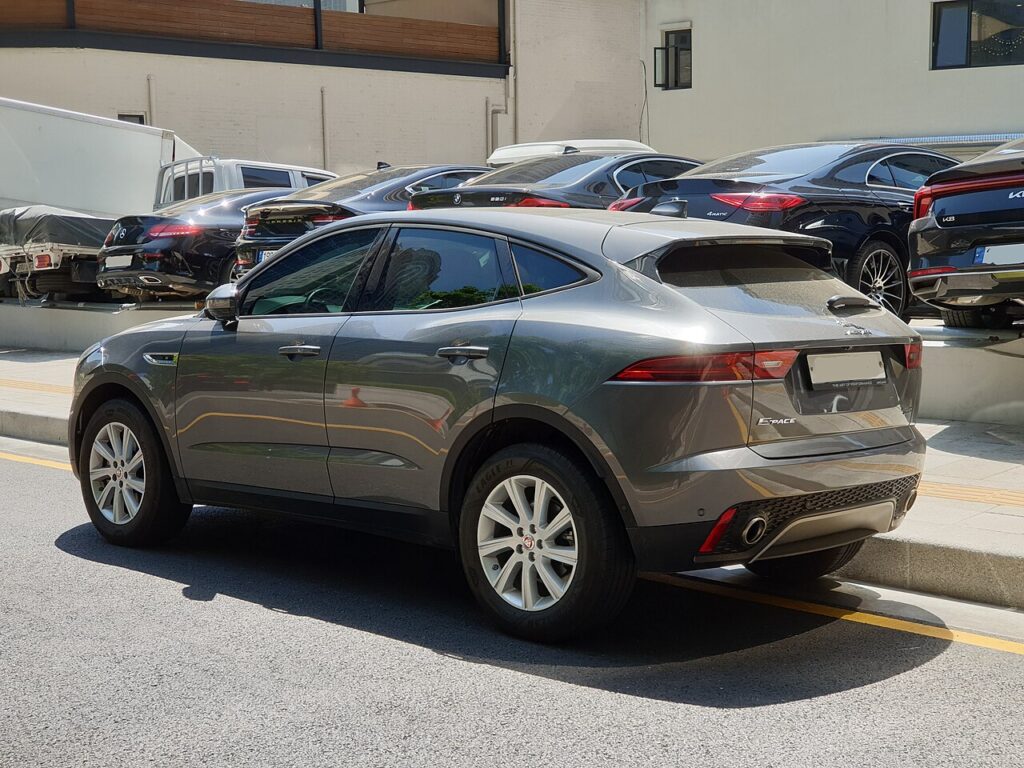
These instructions apply to the Jaguar E-Pace Mk1 (X540) 2017-Present.
For other models, please choose your vehicle here.
The 12 V battery on the Jaguar E-Pace (2017–present) is awkward to reach — it’s low in the engine bay, behind heat shields, and you typically need to raise the car to get at it. Here’s where it is, the must-do steps first, and the mild-hybrid caution.
Find the Battery and Prepare
The 12 V battery sits low in the engine bay, under covers and heat shields — reaching it usually means raising the vehicle. The under-bonnet jump terminals are separate.
- Put the gear selector in ‘P’ and release the electronic parking brake (it needs power to release — do it first).
- Turn the ignition off and check all the doors unlock so you’re not locked out.
- Keep keyless fobs away from the car, then raise the vehicle, remove the covers and heat shields, and remove the battery cover.
- Disconnect the BMS connector, then the negative (−) earth first, then the positive.
Mild-hybrid (MHEV) models: the 48 V system must be deactivated first — a workshop step. Never touch the orange 48 V cabling. Working near airbags? Allow a minute or two before starting.
Reconnecting
- Reconnect positive, then the negative earth, and the BMS connector; refit the covers and heat shields.
- Switch on and re-initialise the power windows (one-touch is lost); re-enter the clock and settings.
Fitting a new battery? The BMS ideally needs registering with Jaguar equipment so it charges correctly — often why stop/start stays inactive for a while afterwards.
If Something Isn’t Right Afterwards
- Windows won’t auto-close — run the window re-initialisation.
- Warning lights usually clear after a short drive; a persistent one stores a code (decode on autodtcs.com).
Registering or Coding the New Battery
Yes. The car logs the fitted battery, so a replacement must be registered with a diagnostic tool (dealer or a capable scanner) or the smart charging will not manage the new battery. Replace AGM with AGM.
Frequently Asked Questions
Where is the battery on a Jaguar E-Pace?
Low in the engine bay behind covers and heat shields — you usually raise the car to reach it.
Why release the parking brake first?
The electronic parking brake needs power to release — do it before disconnecting so the car isn’t stuck braked.
What about the 48V battery?
On mild-hybrid models it’s separate and must be deactivated by a workshop — never touch the orange cabling. You only service the 12 V.
Which terminal first?
Negative (−) earth off first, reconnect it last.
If a warning light stays on after reconnecting, look up the code on autodtcs.com.
Independent guide — not affiliated with Jaguar. Always follow your official service manual and safety precautions. Read our full disclaimer.