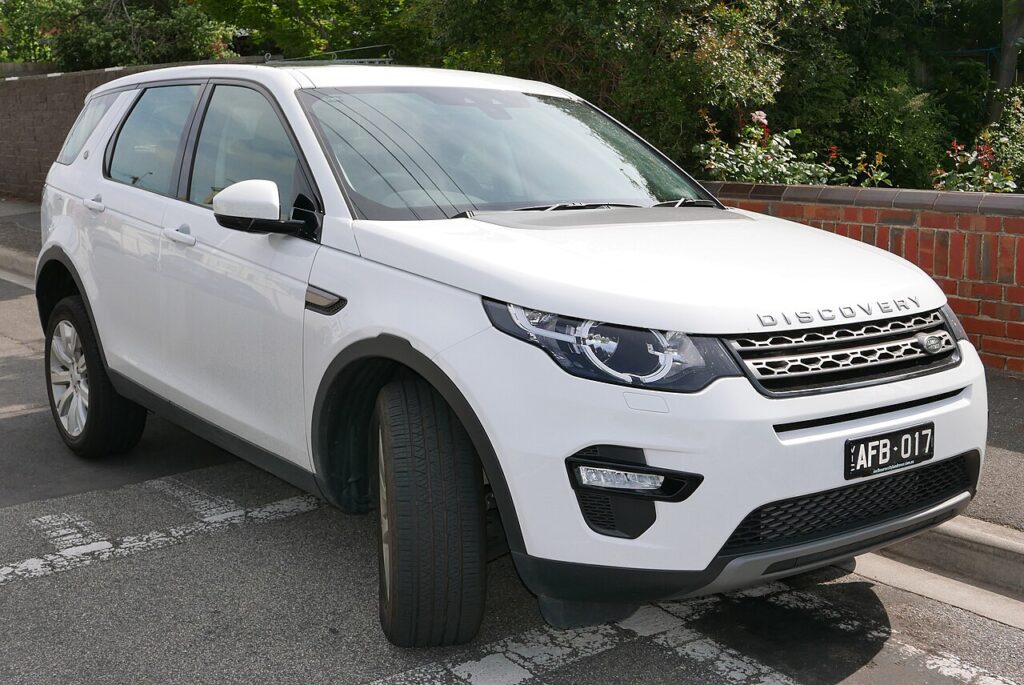
These instructions apply to the Land Rover Discovery Sport Mk1 (L550) 2015-Present.
For other models, please choose your vehicle here.
After the battery on your Land Rover Discovery Sport (2015–present) has been disconnected or gone flat, the one-touch function on the windows often stops working — the glass only moves while you hold the switch. Re-initialising each window restores it in seconds, with no tools.
This is one of the most common “something stopped working after the battery” complaints on the Discovery Sport, and it is not a fault. The switch and motor are fine; the window has just lost the end positions it needs to run itself. Until you re-teach them, one-touch raise and lower stay disabled and the glass moves only while your finger is on the switch.
How It Works on This Model
Each window motor on the Discovery Sport keeps a position count and stores where the glass sits fully open and fully closed. Those stored limits let a single press drive the window the whole way, and they feed the anti-pinch protection that reverses the glass if it meets resistance near the top. Because that memory is held on 12 V power, disconnecting the battery or letting it go flat clears it, and the window reverts to hold-to-move until it is re-initialised. The relearn is done entirely from the door switch — no fuses, no tools.
Before You Start
- Switch the ignition on (or set the car to accessory) so the windows are powered.
- Keep hands and fingers clear of the glass — with anti-pinch relearning, treat the window as live.
- Do one window at a time from that door’s own switch.
- If the battery was flat, charge it fully first so voltage doesn’t sag partway through the learn.
- Clear any ice or grit from the channel so the glass can reach a genuine end stop.
Re-initialising a Window
- Pull the switch up to fully close the window, and keep holding for a moment after it stops, then release.
- Press the switch down to fully open the window, again holding briefly after it stops, then release.
- Pull up to fully close once more, holding a few seconds at the top, then release.
- Test that one-touch up and down now work, and repeat for each window that lost the function.
If It Won’t Stay Set
- Hold the switch past the end stop in each direction — the motor must feel the true limit to learn it.
- Check the glass runs freely — a sticky, dirty or iced channel can stop the relearn completing.
- Don’t release early — if you let go before the hold at the top, start that window again from step one.
- Try with the engine running if a recent flat left the battery weak; steadier voltage helps the learn hold.
- If anti-pinch keeps dropping the glass back down, run the full close-open-close sequence again slowly so it re-references the top.
- Persistent fault? A window-module or switch issue can store a code — look it up on autodtcs.com.
What to Expect After
Once the limits are stored, a single tap runs the glass fully up or down, it stops cleanly at the top, and the anti-pinch reversal returns to normal. The setting holds until the next time the battery is disconnected, so you only need to repeat this after future battery work.
Frequently Asked Questions
Why did my Discovery Sport windows stop auto-closing?
The one-touch memory is held on 12 V power, so it is cleared whenever the battery is disconnected or goes flat. With no stored limits the window drops to a safe hold-to-move mode. The switch relearn re-teaches the fully-open and fully-closed positions and restores the automatic one-touch function — nothing is broken.
Do I need tools?
No — the whole relearn is done from the window switch in the door. There are no fuses to pull and no menus to enter. Sit in the affected seat, run the close-open-close sequence for that window, and it takes only a few seconds per glass.
Which order, up or down?
Fully close and hold, then fully open and hold, then fully close and hold again. That sequence lets the motor re-reference both end stops and completes the relearn. Holding briefly past each stop is the key part; releasing too early leaves the learn unfinished and one-touch won’t hold.
Do I have to do every window?
Only the windows that lost one-touch need it, but after a battery job it is quick to run all of them so none is missed. Each window is independent, so one can relearn while another still needs doing. Do each from its own door switch.
Why does the glass drop back down near the top?
That is the anti-pinch protection reacting without stored limits — it can’t tell the top of travel from an obstruction, so it reverses. Completing the close-open-close relearn gives it a proper reference. If it still bounces afterwards, check the channel for grit or a worn or swollen seal.
Could this happen again?
Yes, any time the 12 V supply is interrupted — a future battery replacement, a jump-start, or a battery that goes flat while parked. It is harmless, just a memory that gets wiped. Keep the switch sequence in mind and you can restore one-touch in under a minute per window.
Does the tailgate glass or sunroof need this too?
This relearn is for the powered door windows that lost one-touch. Any powered roof or load-space glass has its own routine and isn’t part of this window sequence, so re-initialise only the door windows here and treat other powered glass separately if it plays up.
Just reconnected the battery? Our Discovery Sport battery disconnect/reconnect guide lists the windows among the items to re-initialise.
Independent guide — not affiliated with Land Rover. Always follow your official service manual and safety precautions. Read our full disclaimer.