These instructions apply to the Mazda CX-30 Mk1 (DM) 2019-Present.
For other models, please choose your vehicle here.
The Mazda CX-30 (DM, 2019–present) uses a direct TPMS with a sensor in each wheel. It relearns automatically as you drive once the pressures are right — there’s no reset button or menu step. The warning is a normal prompt, not a fault, and it clears on its own after a short drive. Here’s how to clear the light.
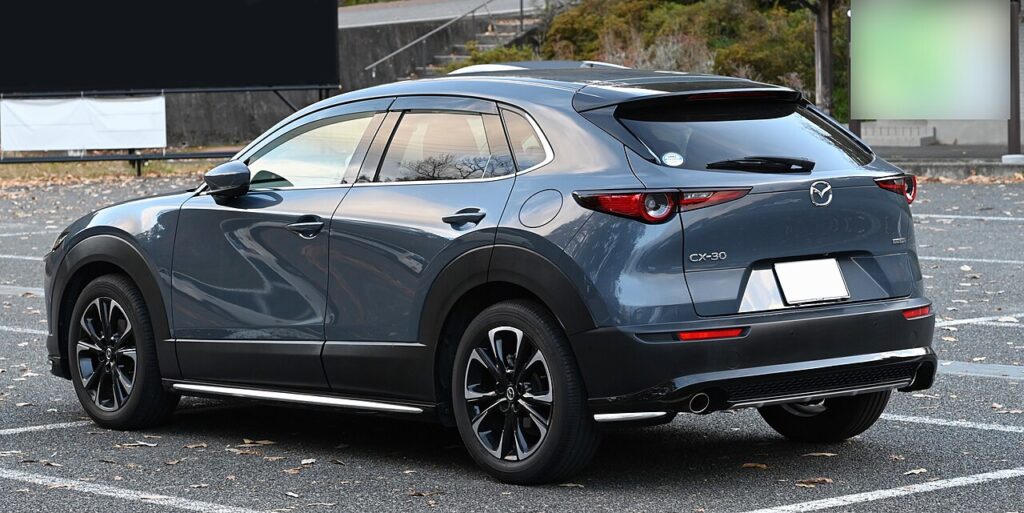
How the System Works on the CX-30
Because each wheel has its own pressure sensor, the CX-30 reads actual pressures rather than inferring them from wheel speed. There is nothing to press and no screen to store — you simply correct the pressures and let the car re-read them on the move. A steady amber warning means one or more tyres are below the target; the system lifts the warning by itself once it confirms the corrected values as you drive.
Before You Start
- Check pressures cold — first thing in the morning or after the car has sat for a few hours.
- Inflate to the figure on the driver’s door-pillar label, which may list different front and rear values.
- Do all four tyres before you drive, so the relearn confirms every corner at once.
- Have a reliable gauge — forecourt gauges can read a little off.
Set the Pressures First
Inflate all four tyres cold to the figure on the driver’s door-pillar label.
How to Clear the Warning
- With the pressures set, turn the ignition on, then off.
- Wait about 20 minutes.
- Start the engine and drive for about 5 minutes above 25 km/h (15 mph).
- The warning light goes out once the system confirms the pressures.
If the Light Stays On
- Re-check every tyre — one slightly low corner keeps the light on.
- Give it a longer drive — a very short trip may not let the system settle and confirm.
- Cold weather can pull pressures below the threshold overnight; top up and drive again.
- After a wheel change or rotation, the sensors need a drive to be re-read in their new positions.
- Space-saver or non-sensored spare fitted? The system can’t read that corner, so the warning may persist until the proper wheel is back on.
- A steady-flashing TPMS light (about a minute at start-up) means a sensor fault — a flat sensor battery, or a sensor not matched after a wheel change — and needs a tyre shop’s tool.
What to Expect After
Once the tyres are correct and you’ve driven far enough, the amber warning simply switches off and stays off for the rest of the journey. There is no confirmation message to acknowledge — the light going out is the sign the relearn is done. If it returns later, treat it as a fresh prompt to check your pressures.
Frequently Asked Questions
How do I reset the tyre pressure light on a Mazda CX-30?
Set the pressures cold to the door-pillar figures, cycle the ignition, wait about 20 minutes, then drive around 5 minutes above 25 km/h. The direct system re-reads the sensors on the move and turns the light off by itself — there is no button to press.
Is there a reset button?
No — the CX-30’s direct TPMS clears itself once the pressures are right. Because each wheel reports its own pressure, the car just needs a short drive to confirm the corrected values rather than a manual store step.
Why won’t the light go out after pumping the tyres up?
Either a tyre is still slightly off, or it needs the drive to confirm. A persistent flash means a sensor fault.

Do I need a tool?
Not for a normal reset — only if a sensor was replaced or swapped between wheels. A new sensor has to be matched to the car with a tyre-shop tool before the system will read it; the everyday reset is just the drive.
How far do I need to drive?
Usually a few minutes above 25 km/h is enough, but give it a little longer if the light lingers. Stop-start city traffic at low speed can slow the relearn, so a stretch of steady driving helps the system confirm all four corners.
Does cold weather affect it?
Yes — pressures fall as temperatures drop, so a cold snap can trip the warning even if you set them correctly a week earlier. Check them again cold and inflate to the door-pillar figure; setting toward the upper end of the range helps through winter.
If a fault code is stored, look it up on autodtcs.com. To clear a service reminder, see our CX-30 service reset.
Independent guide — not affiliated with Mazda. Always follow your official service manual and safety precautions. Read our full disclaimer.