These instructions apply to the Mazda CX-5 Mk3 (KM) 2025-Present.
For other models, please choose your vehicle here.
Disconnecting the 12V battery on the third-generation (KM) Mazda CX-5 follows the standard safe order: negative off first, positive off last, then the reverse to reconnect. Afterwards a few convenience features may need re-setting, and the tyre-pressure system relearns on your next drive.
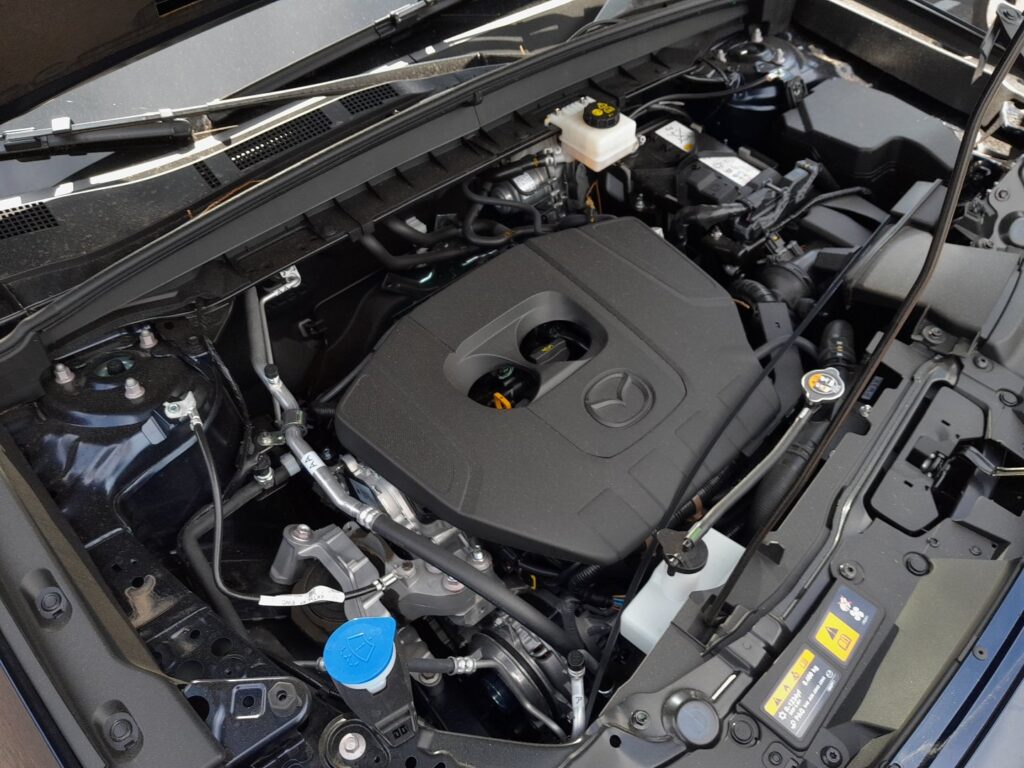
Before you start
- Switch the ignition fully off and remove the key from the car before touching the terminals.
- Have a memory of your radio presets and any personal settings, in case they clear.
- Wear eye protection and keep metal tools away from bridging the two terminals.
- Turn the ignition off and let the vehicle sit for a short time so systems power down.
- Loosen and remove the negative (−) terminal first, then tuck the cable clear of the post.
- Loosen and remove the positive (+) terminal, and cover it so it cannot touch the post.
- Carry out your work, then refit the positive (+) terminal first and tighten it.
- Refit the negative (−) terminal last and tighten it securely.
- Switch the ignition on and check the dashboard for any warning lights before driving.
FAQ
What do I need to reset after reconnecting the battery?
The clock usually corrects itself via GPS through Google built-in, but you may need to re-store radio and media favourites and, on some cars, re-run the driver’s window one-touch initialisation. The tyre-pressure system relearns automatically once you drive.
Do I need to reconnect the positive or negative terminal first?
Reconnect the positive (+) terminal first, then the negative (−) last. This mirrors the removal order — negative off first, positive off last — which reduces the risk of a short while you work.
Why won’t my driver’s window auto-close after the battery was disconnected?
Losing power can wipe the window’s one-touch memory. Re-initialise it by holding the switch fully up until the window closes, holding briefly, then holding fully down and briefly again so the motor relearns its end stops.
Independent guide — not affiliated with Mazda. Always follow your official service manual and safety precautions. Read our full disclaimer.