These instructions apply to the Mercedes CLA Mk2 (C118) 2019-Present.
For other models, please choose your vehicle here.
After adjusting the tyre pressures or changing a wheel on your Mercedes-Benz CLA (C118, 2019–present), you store the new values as the reference through the MBUX menu. The tyre-pressure warning coming on at this point is normal — the car is simply asking you to confirm the new baseline — and clearing it takes under a minute. Here’s how to do it and what to check if the warning won’t stay off.
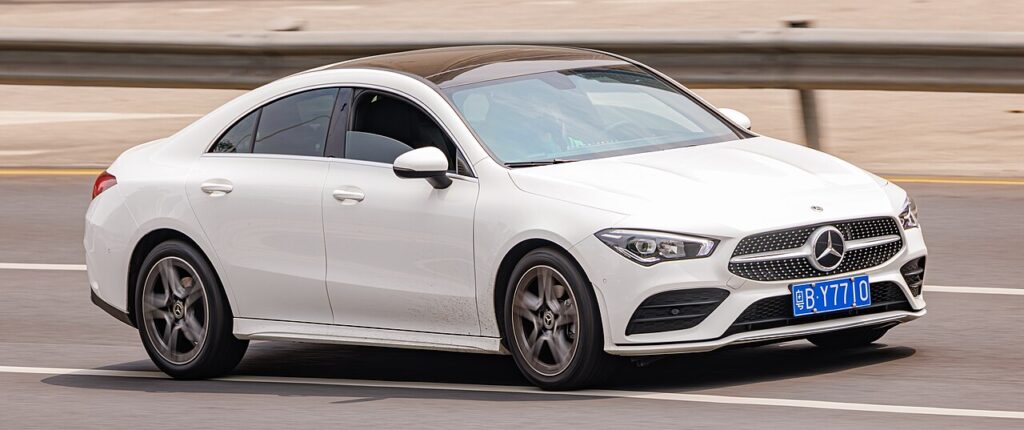
How It Works on the CLA
The CLA monitors the pressure at each wheel and compares it against a reference you confirm through the menu. That is why it doesn’t relearn automatically the moment you inflate a tyre: it holds the last stored figures until you tell it the pressures are now correct. When you select the store/restart option, the car takes the current readings as the new target and begins monitoring against them — so it is important the tyres are actually set right before you confirm.
Set the Pressures First
Park on level ground and inflate all four tyres cold to the figure on the driver’s door-pillar label, then store the reference.
Before You Begin
- Set the pressures cold — ideally before driving, so warm-up expansion doesn’t inflate the stored figures.
- Use the door-pillar label values, and match the load column if you’re carrying passengers or luggage.
- Have the ignition on and the car stationary before opening the menu.
- Do the store after the tyres are set, not before — the car saves whatever it reads at that moment.
How to Reset the CLA TPMS
- Adjust the pressures, then switch the ignition on.
- On the MBUX touchscreen (or the cluster menu), open ‘Vehicle’.
- Go to ‘Tyre pressure’ and select ‘Restart’ / ‘Confirm tyre pressures’.
- Confirm — the system stores the new pressures and begins monitoring against them.
The warning then clears once the car has confirmed the readings while driving.
If the Light Stays On
- Re-check every tyre — one low corner keeps the warning on even after a store.
- Always re-store after inflating or a wheel change — the system needs the new baseline.
- Give it a short drive after confirming so the car can validate the readings before it drops the warning.
- A cold snap can lower every tyre a couple of psi overnight — top up and re-store.
- A tyre that keeps dropping is a slow puncture, not a menu problem — inspect the tread and valve.
- Still warning with correct, stable pressures? A sensor may have a flat battery or fault; look up any stored code.
After the Reset
Once stored and validated on a short drive, the warning clears and the CLA monitors against the figures you just set. It should only warn again if a tyre genuinely loses pressure or the ambient temperature drops sharply. If the light returns within a day or two despite correct pressures, treat it as a real leak to chase down rather than repeating the store.
Frequently Asked Questions
How do I reset the tyre pressure light on a Mercedes CLA?
Set the pressures, then in MBUX go to Vehicle → Tyre pressure and choose Restart/Confirm. The car stores the current readings as the new reference and clears the warning once it has confirmed them on a short drive. Make sure the tyres are actually correct before you confirm, because it saves whatever it reads at that moment.
Do I need a tool?
No — the CLA stores the reference from its own menu; a tool is only needed if a sensor was replaced.

Why does the light come on in cold weather?
Pressures drop as temperature falls. Top up to the label figure and re-store. A cold overnight can pull every tyre down a couple of psi with no actual leak, so once you’ve re-inflated and confirmed the new reference the warning should stay off for normal driving.
It came on after a wheel change — why?
The reference moved. Re-run the store so the new pressures become the baseline. Fitting a different wheel, swapping to winter tyres, or a garage setting a different pressure all leave the stored figures out of step, and the CLA keeps warning until you confirm the current values through the menu.
Where is the tyre-pressure menu on the CLA?
It lives under the Vehicle section of MBUX, with the store option shown as Restart or Confirm tyre pressures. On some cars you can also reach a tyre-pressure page through the cluster menu using the steering-wheel controls. Either route stores the same reference; use whichever your CLA displays.
Does topping up one tyre need the full store?
Yes — run the store after setting all four correctly. The system re-baselines every corner together when you confirm, so even a single top-up is best followed by checking the other three and then confirming, rather than assuming the one tyre alone will clear the warning.
If a fault code is stored, look it up on autodtcs.com. To clear a service reminder, see our CLA service reset.
Independent guide — not affiliated with Mercedes. Always follow your official service manual and safety precautions. Read our full disclaimer.