These instructions apply to the Peugeot 208 Mk1 (A9, A91) 2012-2019.
For other models, please choose your vehicle here.
To change the front wiper blades on a Peugeot 208 Mk1 (A9, 2012–2019) you first have to move the wipers into their service (vertical) position in the middle of the screen. The arms park below the bonnet line at rest, so you cannot lift them far enough to swap a blade until the car releases them. The 208 does this slightly differently from most cars — with the ignition off — so here is exactly how.
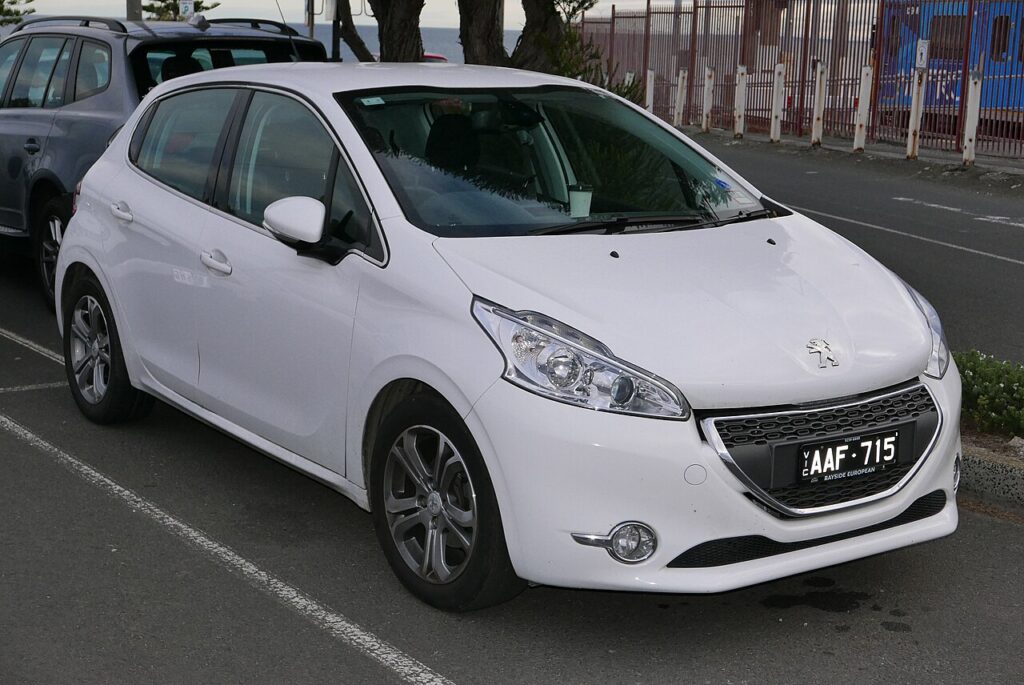
Why You Can’t Just Lift the Wipers
At rest the 208’s wiper arms tuck down under the lip of the bonnet. Pull one up from there and it hits the bonnet — risking a bent arm or scratched paint. Service position lifts both arms up the screen where there is room to fold the blade out and clip a new one on.
How to Enter Service Position on the 208
- Make sure the bonnet is closed.
- Turn the ignition off.
- Within 1 minute of switching off, activate the wipers (push the wiper stalk to operate them).
- The wipers move up to the service position and stop there.
Note the difference from most cars: the 208 uses the ignition-off state, and you have a generous one-minute window.
Changing the Blades
- Lift the arm away from the glass until it locks upright.
- Rotate the blade and release the clip; slide the old blade off the fitting.
- Clip the new blade on until it clicks, then gently lower the arm back onto the screen.
How to Return the Wipers to Normal
After fitting the new blades, turn the ignition on — the wipers move back to their normal parked position. Always bring them out of service position before driving.
Winter Tip
Service position is also handy for lifting the blades off the glass overnight in frost so they don’t freeze down — but never enter it if the blades are already frozen to the screen, as the motor can be damaged. Free them first.
Frequently Asked Questions
My wipers won’t go into service position — what’s wrong?
Make sure you switch the ignition off first, then activate the wipers within one minute — the 208 is the opposite of cars that need the ignition on.
How do I get them back down?
Turn the ignition on — the wipers return to the parked position by themselves.
Can I just pull the wiper arm up instead?
Not from the parked position — the arm fouls the bonnet. Use service position so the arm clears the bodywork.
Do I need any tools?
No — entering service position and changing the blades is a no-tools job.
While you’re working through maintenance, see our Peugeot 208 service indicator reset guide.
Independent guide — not affiliated with Peugeot. Always follow your official service manual and safety precautions. Read our full disclaimer.