These instructions apply to the Peugeot 208 Mk1 (A9, A91) 2012-2019.
For other models, please choose your vehicle here.
If your Peugeot 208 (Mk1/A9, 2012–2019) is fitted with the colour touchscreen, there is a genuine hidden “Expert” menu built into the SMEG / SMEG+ infotainment unit that you can open yourself — no diagnostic tool, no garage. It is a service-engineer screen that reveals software and map versions, GPS satellite status and the head unit’s internal readings, and it lets you force a clean reboot. This guide is for the centre-console touchscreen only; base 208s with the simple radio strip and no screen do not have it.
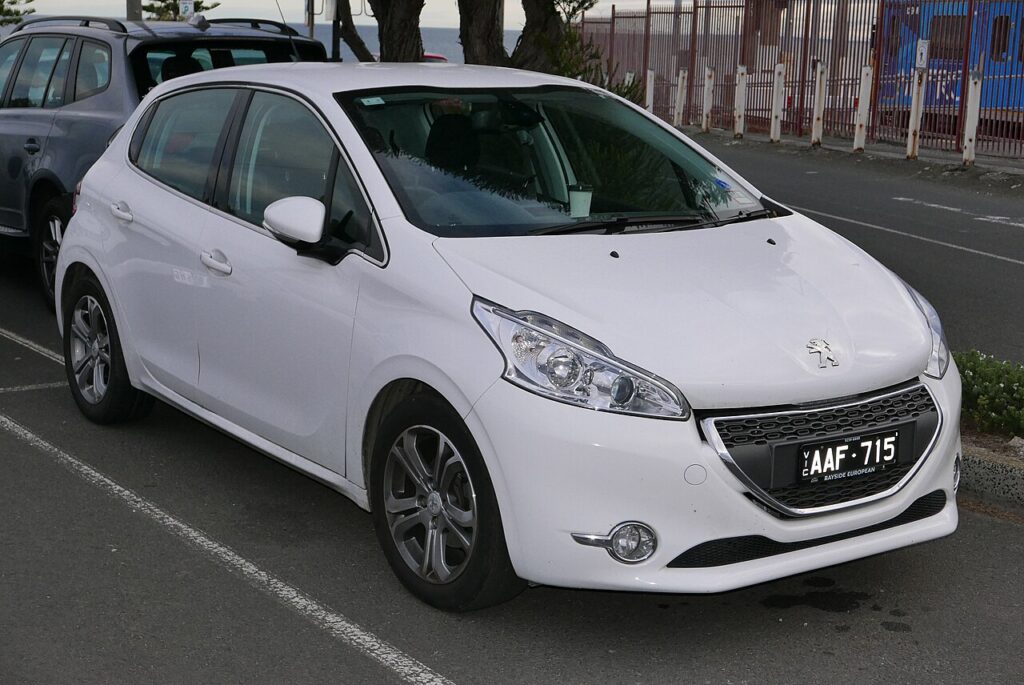
What the hidden menu shows
The Expert menu was left in place for technicians, so it is plain text rather than the polished owner interface. Depending on whether your car has the basic SMEG audio screen or SMEG+ with navigation, you can typically see:
- Software and firmware versions of the head unit — useful when you want to know if a dealer update is worth doing.
- Map (navigation) version and the unit’s serial numbers on SMEG+ cars.
- GPS status — number of satellites being received and the current fix, handy if the sat-nav arrow keeps drifting.
- Spy logs — the crash/diagnostic logs the system writes when an app inside the screen freezes.
It is a read-out screen. It does not let you recode the car, change options, or alter anything that would affect how the 208 drives.
How to open it
Do this with the ignition on and the screen fully booted to the normal home display.
- Look at the row of physical piano keys below the screen and find the Music / audio source key.
- Press and hold that Music key for about four seconds until a numeric keypad appears on the screen.
- Type the code 1111 and confirm to open the spy-log / Expert area, or type 1122 to jump straight to the system-information page (versions, GPS, serial numbers).
- The hidden pages open as a list. Tap an entry to drill into it.
If the keypad does not appear, you almost certainly have the screenless base radio rather than SMEG — the menu simply is not present on those cars.
Reading it
Use the version page to check your firmware before booking a dealer update, and the GPS page to confirm the aerial is actually receiving satellites if navigation has been wandering. The spy-log list is mainly useful as evidence: if your screen keeps freezing, the presence of fresh logs confirms a software fault rather than a one-off glitch, which is worth mentioning to a technician.
How to exit
Press the Menu or home piano key to step back out to the normal display, or simply switch the ignition off and back on — the screen always reboots into the standard owner interface. Nothing you viewed is saved or changed.
Frequently Asked Questions
Does every Peugeot 208 Mk1 have this menu?
No. Only cars with the colour touchscreen (SMEG or SMEG+ navigation) have it. Entry models with the plain audio strip and no central screen do not, because the menu lives inside the touchscreen head unit.
Can I damage anything by opening it?
The version, GPS and spy-log pages are read-only, so just viewing them is safe. The only caution is to avoid any “reset” or update option you find inside if you do not know what it does — a forced firmware action could disturb the unit. If in doubt, just look and back out.
Will it show my battery voltage?
On the 208 Mk1’s SMEG unit the Expert pages focus on the infotainment system itself — versions, GPS and logs — rather than a live 12V battery readout. The richer battery and temperature read-outs belong to the later NAC system used on bigger Peugeots.
My screen keeps freezing — will this menu fix it?
It will not repair a fault, but holding the Music key also triggers a reboot, which clears most temporary freezes. If logs keep appearing in the spy-log list, that points to a recurring software issue worth a dealer check.
I entered the keypad but the code is rejected — why?
Make sure the screen has fully finished booting before you hold the Music key, and enter 1111 or 1122 without pauses. Some early SMEG firmware only accepts the code after the keypad has been on screen for a second or two.
If a warning light or fault message is showing on the dash alongside any screen trouble, your 208 may have stored a diagnostic trouble code — you can look up what it means on autodtcs.com.
Independent guide — not affiliated with Peugeot. Always follow your official service manual and safety precautions. Read our full disclaimer.