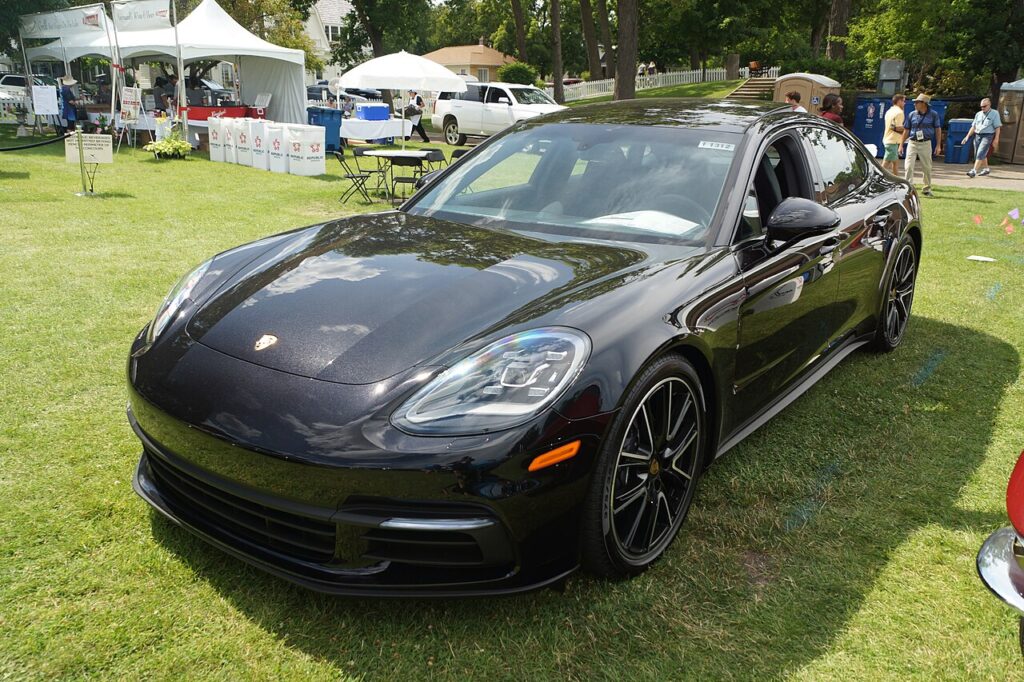
These instructions apply to the Porsche Panamera Mk2 (971) 2017-Present.
For other models, please choose your vehicle here.
The Porsche Panamera (971, 2017–Present) runs the same brake architecture as Porsche’s other performance cars: fixed, opposed-piston rear calipers for service braking and a separate drum-in-hat electronic parking brake with shoes inside the rotor hat. That split is why a rear-pad change and the EPB are not the same job, and why you should not reach for service mode by default.
What service mode is and why the 971 is different
The EPB on the Panamera clamps shoes inside the rear rotor’s hat — it does not hold the service-caliper pistons. So a pad-only change usually needs no service mode: the fixed caliper’s opposed pistons simply press straight back. You need the EPB in installation position only when the rear rotor has to come off — a disc renewal or parking-brake shoe change — so the actuators wind clear of the hat. There is no owner button routine; it is done with PIWIS or a capable scan tool on the parking-brake module.
Retracting the rear brakes on the Panamera
Park level, chock the fronts and connect a battery charger — the EPB module aborts on low voltage.
- Pad-only change. Release the EPB, raise the car, remove the rear wheels. Press the fixed caliper’s opposed pistons in evenly with a flat spreader — they push straight, they do not screw — and fit the new pads.
- Rotor or shoe change (needs service mode). Connect PIWIS (or iCarsoft POR, Foxwell, Autel), open the parking-brake system and select Move to installation / service position; the actuators retract the shoes so the rotor pulls off.
Never force the EPB actuator or shoes back by hand
Never lever or clamp the parking-brake shoes to free a rotor, and never back-drive the actuator while it is powered. Retract the EPB electronically in installation position only. If the rotor will not release, the parking brake is still applied — stop and run the routine. The fixed-caliper service pistons are the only thing you push by hand, and only straight in.
Exit, calibration and bed-in
After rotor or shoe work, command the EPB out of installation position and run the parking-brake adjustment / grind-in and calibration to set the shoe air gap — brakes below 50 °C. On a Panamera with PCCB ceramic brakes (Turbo and option cars) the service pads need no grind-in, but the ceramic discs are fragile and the calipers costly, so handle them with care. Bed the service pads in with several firm slowdowns from about 50 mph, cooling between, and confirm the parking brake holds on a slope.
Frequently Asked Questions
Do I need a tool to change rear pads on a 971? Usually no — the fixed-caliper pistons push straight back, so a pad-only swap needs no service mode. The tool is for pulling rotors or servicing the parking-brake shoes.
The pistons won’t wind in — is that normal? Yes. The Panamera uses opposed fixed calipers; the pistons press straight in and never rotate.
Anything different with PCCB? The parking-brake shoes still calibrate, but ceramic service pads skip the grind-in and the discs need careful handling.
EPB stuck in service position? Reconnect a scan tool and command it back out — the ignition or switch alone will not clear it.
Why did the routine abort? Low 12 V supply, nearly always. Keep a charger connected and retry.
If a brake or EPB fault code is stored during the job, decode it on our sister site autodtcs.com.
Independent guide — not affiliated with Porsche. Always follow your official service manual and safety precautions. Read our full disclaimer.