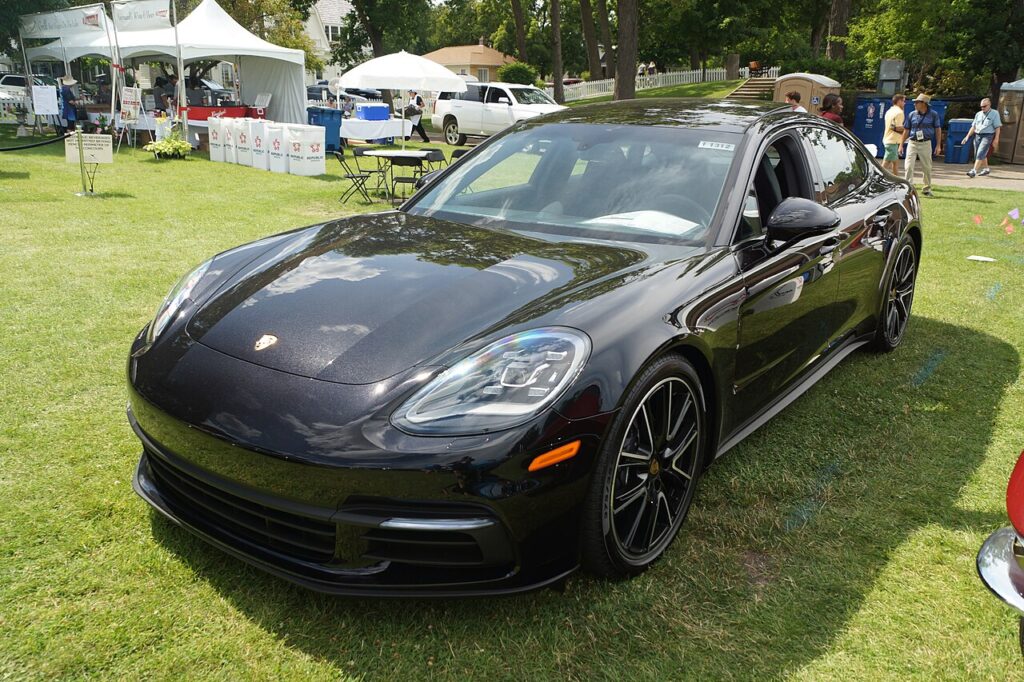
These instructions apply to the Porsche Panamera Mk2 (971) 2017-Present.
For other models, please choose your vehicle here.
If a window on your Porsche Panamera (2017–present) — the 971 — has lost its one-touch up/down — usually after a flat or disconnected battery, or a fuse change — you can re-initialise it yourself in under a minute. No tools. This behaviour is normal and not a fault: the window still raises and lowers while you hold the switch, but the automatic run-to-top and the anti-pinch reversal stay off until the glass has been driven to both end stops so the electronics can re-reference them.
Why It Happens
Each window’s control module learns its fully-up and fully-down stops. Cut the power and that memory is lost, so one-touch and anti-pinch stop working until you re-teach the limits.
How It Works on Your Panamera
The Panamera’s frameless doors seal the glass right up into the roofline, so precise position control matters. Each door module tracks the window motor as it turns and stores exactly where full-closed and full-open sit. That stored reference is what lets a single tap run the glass to the top, ease it into the seal without slamming, and trigger the anti-pinch reversal if it meets resistance. A power loss — a flat battery, a disconnect for service, or a pulled door fuse — erases the count. The glass then only creeps while you hold the switch, and it will not seal or reverse automatically until the module has re-seen both hard stops.
Before You Start
- Sit inside and keep the door closed so the frameless glass reaches its true sealed position in the roof.
- Turn the ignition on so the window stays powered through the whole sequence.
- Confirm the battery is healthy — a low or still-charging battery can interrupt the learn.
- Work on one window at a time from its own switch, keeping fingers clear of the glass.
- Make sure nothing blocks the channel and the glass moves smoothly before you begin.
Re-initialising a Window
Do this with the door closed and the ignition on, one window at a time:
- Pull the switch up and hold until the window is fully closed; keep holding for 1–2 seconds after it stops.
- Press the switch down and hold until the window is fully open; keep holding briefly after it stops.
- Pull up again to fully close and hold briefly — one-touch and anti-pinch are now relearned.
- Repeat for each affected window.
If It Still Won’t One-Touch
- Hold the switch past each limit — letting go early aborts the learn.
- Do it with the door shut so the glass reaches its true closed position.
- Re-check the battery — if it was only just reconnected, leave the car powered a minute, then try again.
- Clear the run channels — grit or a dry seal can stall the glass short of the stop.
- Run the sequence twice — a partial first pass sometimes needs a clean repeat to take.
- A faulty regulator or switch can block the learn — any stored fault can be looked up on autodtcs.com.
What to Expect After
With the relearn done, one tap sends the window fully up or down on its own, it drops slightly and re-seats as the frameless door opens and closes, and the anti-pinch reversal is live again. The stored limits hold through normal use and locking, so you should not need to repeat this unless the battery is disconnected or goes flat once more.
Frequently Asked Questions
Why did my Panamera’s window stop going up with one touch?
The window module lost its learned limits, usually after a battery disconnection or fuse change. The motor and switch still work — the glass moves while you hold the switch — but the automatic stop and anti-pinch stay disabled until you drive the window to both ends so the module can re-learn them.
How do I reset the windows?
Hold the switch fully up (and a moment more), then fully down, then up again, one window at a time. The brief hold past each hard stop is the key step — that is what lets the control module register the closed and open limits and switch one-touch back on.
Do I need any tools?
No — it’s done entirely with the window switch. No diagnostic device, menu or workshop kit is required. You simply sit in the car with the ignition on and run each affected window fully closed, fully open, then closed again.
It still won’t work — now what?
Repeat carefully holding the limits; if it still fails, a regulator or switch fault may be stored — check autodtcs.com. Also make sure the door is shut, the battery is fully charged, and the glass channel is clean so the motor can reach its true stops.
Do the frameless doors need anything special?
No extra steps, but keep the door closed for the whole sequence. Because the glass seals up into the roof, it must reach that exact sealed position for the module to store the top limit correctly. Doing it with the door ajar can leave the learn incomplete.
Is it safe to drive with anti-pinch off?
The window still works manually, so it is drivable, but the safety reversal will not protect fingers or objects until you re-initialise. It only takes a minute per window, so it is worth completing the relearn straight after any battery or fuse work rather than leaving it.
If a related fault code appears, our sister site autodtcs.com can help you decode it.
Independent guide — not affiliated with Porsche. Always follow your official service manual and safety precautions. Read our full disclaimer.