These instructions apply to the Renault Clio Mk4 (X98) 2012-2019.
For other models, please choose your vehicle here.
The Renault Clio (Mk4, 2012–2019) keeps a built-in instrument-cluster self-test that most owners never find. Hold the trip-reset button while you switch the ignition on and the cluster runs a check sequence — needle sweep, warning-lamp and display test, plus a few live readings like fuel-tank level and fuel flow. It needs no scan tool and no wiring; everything happens on the dials and the small central LCD between them.
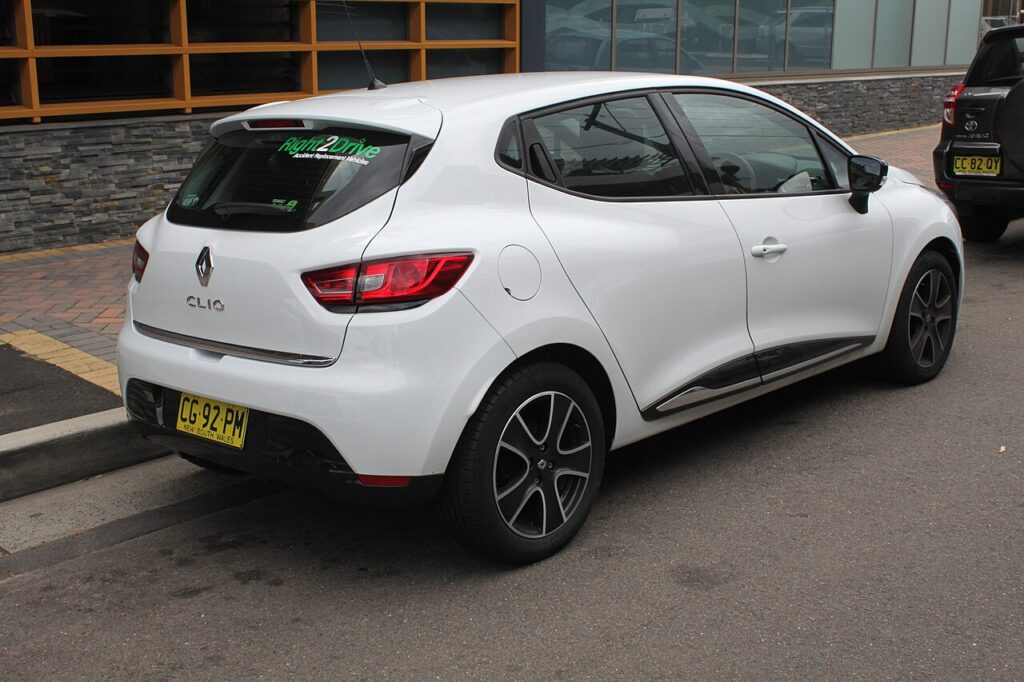
What the hidden menu is — and what it shows
This is the cluster’s own factory check mode, the same routine a technician uses to confirm the dials and lamps work after a repair. It is read-only: it reports what the instrument pack already knows and cannot reprogram anything. On the Clio Mk4 the sequence runs through a fixed set of screens on the central trip display, and you step between them with the same trip button. Typical content is a full needle sweep (speedo and rev counter swinging across their range), a warning-lamp test that lights the tell-tales, an LCD segment test, the fuel-tank reading in litres, instantaneous fuel flow (litres per hour with the engine running), and any fault flags the cluster has logged for its own sensors. It is a quick sanity check — is the tachometer dead, is the fuel gauge lying, is a bulb out — not a full engine diagnostic.
How to open it
- Park, apply the handbrake and make sure the car is switched off with the key out (or, on keyless cars, the card removed).
- Find the trip-reset button — the small stalk button or the button on the cluster face used to switch and zero the trip readout.
- Press and hold that button.
- Keeping it held, turn the ignition on to position II (dash lit, engine not running). On keyless Clios, press Start once without your foot on the clutch/brake to wake the electronics.
- Hold for a few seconds until the dials begin their sweep and the test screens appear, then release the button.
Reading it
Watch the needles first: both the speedometer and rev counter should rise smoothly to full scale and fall back. A needle that sticks, jumps, or never moves points to that gauge, not the engine. As the warning lamps cycle, note any tell-tale that fails to light — that is usually a blown LED or a display fault. Press the trip button to advance through the screens to the fuel-tank litres and the fuel-flow figure; the litres-per-hour value reacts to throttle with the engine running and is handy for spotting a fuel-consumption complaint. If the LCD shows dashes or a single letter on a screen, that is a logged sensor flag (for example a fuel-level or oil-level sender reading out of range) — useful as a pointer, but confirm it with a proper code read before replacing parts.
How to exit
The simplest exit is to switch the ignition off; the cluster returns to normal next time you turn the key. You can also press the trip-reset button to step past the end of the sequence back to the standard trip display. Nothing you do in this mode is saved, so there is no setting to undo — just turn the car off and on normally.
Frequently Asked Questions
Does every Clio Mk4 have this self-test?
The analogue-needle cluster fitted across the Mk4 range supports the check sequence, but the exact screens depend on trim and market — a base car shows fewer readouts than one with the full trip computer. If the dials sweep when you hold the button at ignition-on, your car has it.
Is it the same as the MediaNav “test mode”?
No. The MediaNav/R-Link touchscreen has its own separate engineering menu reached by tapping screen corners and entering a code. This article is about the instrument cluster behind the wheel, which is a different system with its own self-test.
Can it clear a warning light or read engine fault codes?
No. It only reports the cluster’s own status and a handful of sensor flags. It cannot read or erase engine, ABS or airbag codes — that needs an OBD scan tool plugged into the port under the dash.
Could running it flatten my battery?
Only if you leave the ignition on for a long time with the engine off. The test itself draws little, but the dash, lamps and electronics are awake — finish your checks and switch off rather than leaving it sitting in test mode.
The needles sweep but I see no extra screens — why?
Lower-spec Clios run the lamp and needle test but show little on the small display. That is normal; the gauge and bulb check is the most useful part and it has still run correctly.
If a dashboard warning light or fault message stays on after the self-test, the car has likely stored a diagnostic trouble code — you can look up what it means on autodtcs.com.
Independent guide — not affiliated with Renault. Always follow your official service manual and safety precautions. Read our full disclaimer.