These instructions apply to the Toyota iQ Mk1 (J10) 2009-2015.
For other models, please choose your vehicle here.
The bladed remote on the Toyota iQ (J10, 2009–2015) can be registered to the car with Toyota’s on-board procedure — no diagnostic tool needed. It is timing-sensitive, so read it through first and have every remote you want to keep to hand. This registers the lock/unlock buttons only.
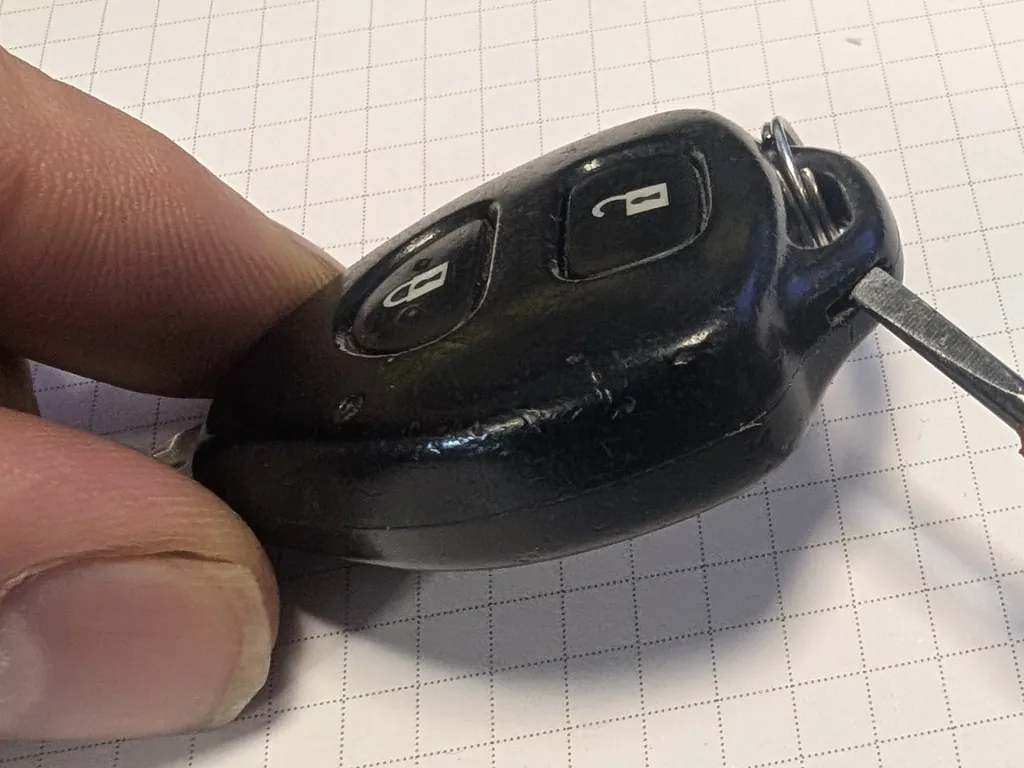
Read This First
- The iQ stores up to four remotes.
- Use Add mode to register a new remote while keeping the ones already paired. Rewrite mode erases every remote first — only use it to wipe old or lost remotes.
- This programs the remote buttons, not the immobiliser. A brand-new key that must also start the engine needs its transponder chip coded to the car by a locksmith or dealer, and the blade cut to match.
- Each step has a 5–45 second time limit — pause too long and it resets, so you begin again.
The Four Modes
- Add — register a new remote and keep the existing ones (ignition ON/OFF once).
- Rewrite — erase all, then register only the remotes you present (twice).
- Confirm — report how many remotes are stored; the locks cycle 1–6 times (three times).
- Prohibit — erase all stored remotes, e.g. after one is lost (five times).
How to Add a Remote
- Sit in the driver’s seat with the driver’s door open and unlocked, the passenger door closed, and the key out of the ignition.
- Within 5 seconds, insert the key into the ignition and remove it — twice.
- Within 40 seconds, close and open the driver’s door twice, then insert the key and remove it.
- Again within 40 seconds, close and open the driver’s door twice, insert the key, and this time close the driver’s door.
- Within 40 seconds, turn the ignition LOCK → ON → LOCK once to select Add mode, then remove the key.
- The door locks cycle once to confirm Add mode. On the remote, press LOCK and UNLOCK together for about 1.5 seconds, then press LOCK once.
- The locks cycling once means success; twice means it failed — start over. Repeat for any other new remote.
- To finish, open the driver’s door and insert the key into the ignition. Test that every remote locks and unlocks the car.
Frequently Asked Questions
Will this let a new key start the engine?
No. The on-board procedure only registers the remote’s lock/unlock buttons. The engine immobiliser reads a transponder chip in the key, which has to be coded to the car with diagnostic equipment — a job for a Toyota dealer or auto-locksmith, who will also cut the blade.
The locks cycled twice — what happened?
That signals a failed registration, usually because a time limit was missed. Start again from the beginning and keep each step within its window.
What is the difference between Add and Rewrite?
Add keeps the remotes already paired and adds the new one. Rewrite deletes every stored remote first, then registers only the ones you present — so any remote you don’t have with you stops working.
How many remotes can the iQ hold?
Up to four. Registering more drops the oldest stored code.
For any warning light or fault code, look it up on autodtcs.com.
Independent guide — not affiliated with Toyota. Always follow your official service manual and safety precautions. Read our full disclaimer.