These instructions apply to the Volvo S60 Mk3 (225) 2018-present.
For other models, please choose your vehicle here.
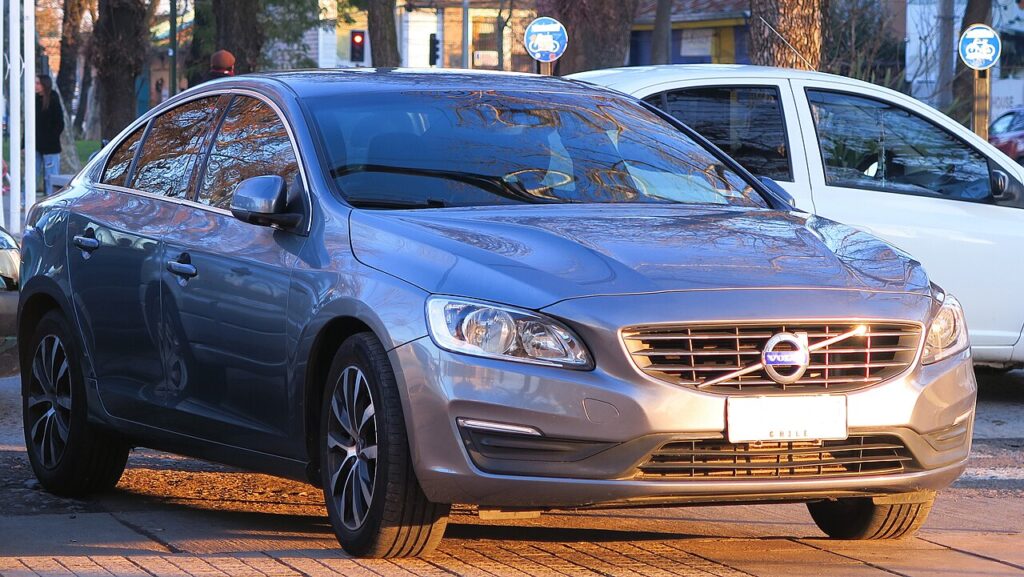
When the remote for a Volvo S60 (third generation, SPA platform, 2018–present) only locks the car from arm’s length, responds every other press, or stops working altogether, the coin cell inside the key is almost always the reason. This S60 ships with Volvo’s modern flat remote control key — the slim rectangular fob with the Volvo logo on the front — and many owners also carry the smaller buttonless Key Tag (the “sport” key). Only one of the two is a driveway job: the remote key takes a replaceable cell you can swap in a couple of minutes, while the Key Tag is sealed. Here is exactly which battery you need, how to open the remote without cracking the case, and why the Key Tag and any brand-new key are different stories.
How to Tell the Fob Battery Is Dying
- Shrinking range. You have to stand right next to the S60 — or hold the key against the door handle — before it will lock or unlock. This is the first and most reliable sign.
- A dashboard key message. The S60’s driver display shows a low-key-battery warning (wording along the lines of “Key battery low”) when the cell is nearly flat. Treat it as a prompt to change the cell soon, not an emergency.
- Keyless entry drops out first. Passive lock/unlock by touching the handle, and keyless start, lean on the fob’s short-range signal — so they fail before the push-buttons do. If the buttons still work but walk-up entry has stopped, suspect the battery.
- Worse in the cold. A cell that is fine in a warm garage can sag on a frosty morning; intermittent cold-weather response points to a tired battery.
A CR2032 in an S60 remote key typically lasts two to four years. If yours is around that age and showing any of the above, fit a fresh cell before you start suspecting the car’s receiver or the immobiliser.
The Battery You Need
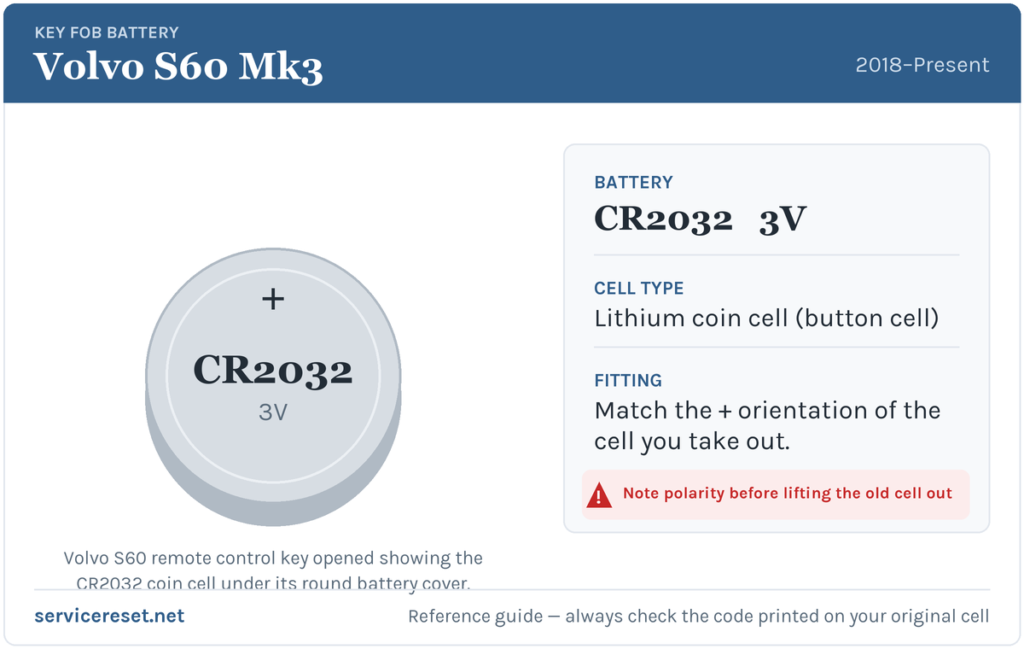
The S60 remote control key uses a single CR2032 3-volt lithium coin cell — the most common fob battery made, stocked by any supermarket, hardware shop or pharmacy. Buy a good-quality branded cell: cheap coin cells sag under the brief high current the transmitter draws and can give poor range even when they read as “new”. Volvo notes that replacement cells should meet the transport-safety standard printed on quality batteries, so a reputable brand covers you on both range and safety. Try to avoid touching the flat faces of the new cell with bare fingers — skin oils on the contact surfaces can hurt the connection.
Method — Remote Control Key (Push-Button Fob)
- Hold the key with the Volvo logo facing up and the key-ring loop toward you. Slide the small catch on the side and lift the front cover away.
- Slide the second catch that is now exposed and lift off the rear cover. This reveals the emergency metal blade on one side and a round battery cover on the other.
- Using a small flat-blade screwdriver (or a coin) in the slot, turn the battery cover anticlockwise until its mark lines up with the OPEN position, then lift the cover off — a fingernail in the recess helps ease it up.
- Note how the old cell sits, then lift it out. Fit the new CR2032 with the positive (+) side facing up (visible to you). Seat the edge down first, then slide it under the small plastic catches so it lies flat against the contacts.
- Refit the battery cover and turn it clockwise to the CLOSE mark. Put the rear cover back, then the front cover, and press each down until it clicks — a second, firmer click means the cover has seated and locked.
⚠️ Get the polarity right. On the S60 remote key the cell sits plus (+) up. A coin cell fitted upside down will not power the key and can slowly discharge — if in any doubt, copy the exact orientation of the cell you removed.
Confirm It Worked
Stand back a few metres and lock, then unlock, the car with the buttons; full range should return at once. Then test walk-up entry — touch the door handle with the key in your pocket — since that keyless function is the truest test of a healthy cell. Any “key battery low” message clears once the car next reads a strong key, which may take a drive cycle rather than clearing the instant you close the case.
If a Fresh Cell Doesn’t Fix It
- Re-check polarity and seating. Plus-side up, pushed fully under its catches, flat against the contacts. A cell that is proud or the wrong way up is the single most common cause of “new battery, still dead”.
- Wipe the contacts. A smear of finger grease or light corrosion on the terminals is enough to cause dropouts; clean them with a dry cloth before blaming the key.
- Try the other key. If your spare works normally, the problem is that key, not the car’s receiver.
- Rule out the car’s 12 V battery. A weak or recently disconnected main battery can make the S60 slow to wake and mimic key faults. If the car itself is sluggish to respond, the vehicle battery — not the fob — may be the real culprit.
The Buttonless Key Tag — Why Its Battery Is a Workshop Job
The small buttonless Key Tag (sold as the “sport” key) is a sealed unit: it is deliberately closed up to stay water- and dust-resistant, so its battery is not user-replaceable. There is no cover to twist and no cell to buy — when a Key Tag’s battery is exhausted you order a replacement Key Tag from a Volvo workshop, where it is coded to your car and the old one deleted from the system. Reassuringly, a flat Key Tag will still start the S60 using the car’s back-up start function (hold the tag against the marked spot in the cabin), so a dead Key Tag will not strand you. If your everyday key is a Key Tag and it has stopped working, that is the exception to this whole guide — there is nothing to open.
New Key or Spare — Why It’s a Dealer Job
Changing the cell in the remote key keeps its existing coding, so nothing needs reprogramming afterwards. A brand-new key is different: the S60’s immobiliser has to be accessed with Volvo diagnostic equipment, blank keys must be ordered against the car’s VIN, and the mechanical emergency blade has to be cut. That makes adding a spare or replacing a lost key a job for a Volvo dealer or an equipped auto-locksmith — so keep the cell in your spare remote fresh too, and you are never down to a single working key.
Frequently Asked Questions
What battery does a Volvo S60 (2018–present) key take?
The push-button remote control key uses one CR2032 3-volt lithium coin cell. The buttonless Key Tag has no replaceable battery at all.
Which way up does the cell go?
Positive (+) side up, visible to you, seated flat under the two small plastic catches. Match the orientation of the old cell if you are unsure — fitting it upside down leaves the key dead.
Do I need to reprogram the key after changing the battery?
No. A battery swap does not touch the key’s coding, so the remote works straight away. Only a completely new key needs programming to the car.
Can I replace the battery in the small buttonless Key Tag myself?
No. The Key Tag is a sealed, water-resistant unit with no serviceable battery. When it dies you order a replacement tag from a Volvo workshop, which codes the new one and deletes the old.
How long should an S60 key battery last?
Usually two to four years for the remote key. Leaving a keyless key sitting close to the car, so it wakes and transmits constantly, shortens that noticeably.
Can I still drive the S60 if the key battery is completely dead?
Yes. Use the emergency blade hidden in the remote key to unlock the driver’s door, then use the car’s back-up start — hold the key against the marked position in the cabin and press the start button — so a flat cell will not leave you stranded.
If your remote stopped responding suddenly right after the car’s 12 V battery was disconnected — rather than fading over weeks — the cause is more likely the car waking up than the coin cell, and any related fault may leave a stored code. You can look up what such a code means on autodtcs.com.
Independent guide — not affiliated with Volvo. Always follow your official service manual and safety precautions. Read our full disclaimer.