These instructions apply to the Toyota Verso Mk1 (AR20) 2009-2018.
For other models, please choose your vehicle here.
Disconnecting the 12 V battery on a Toyota Verso (AR20, 2009–2018) is a simple job for a battery change or before electrical work. The Verso has no i-stop “sleep” routine to worry about, but the order of work matters and a couple of settings need re-entering afterwards.
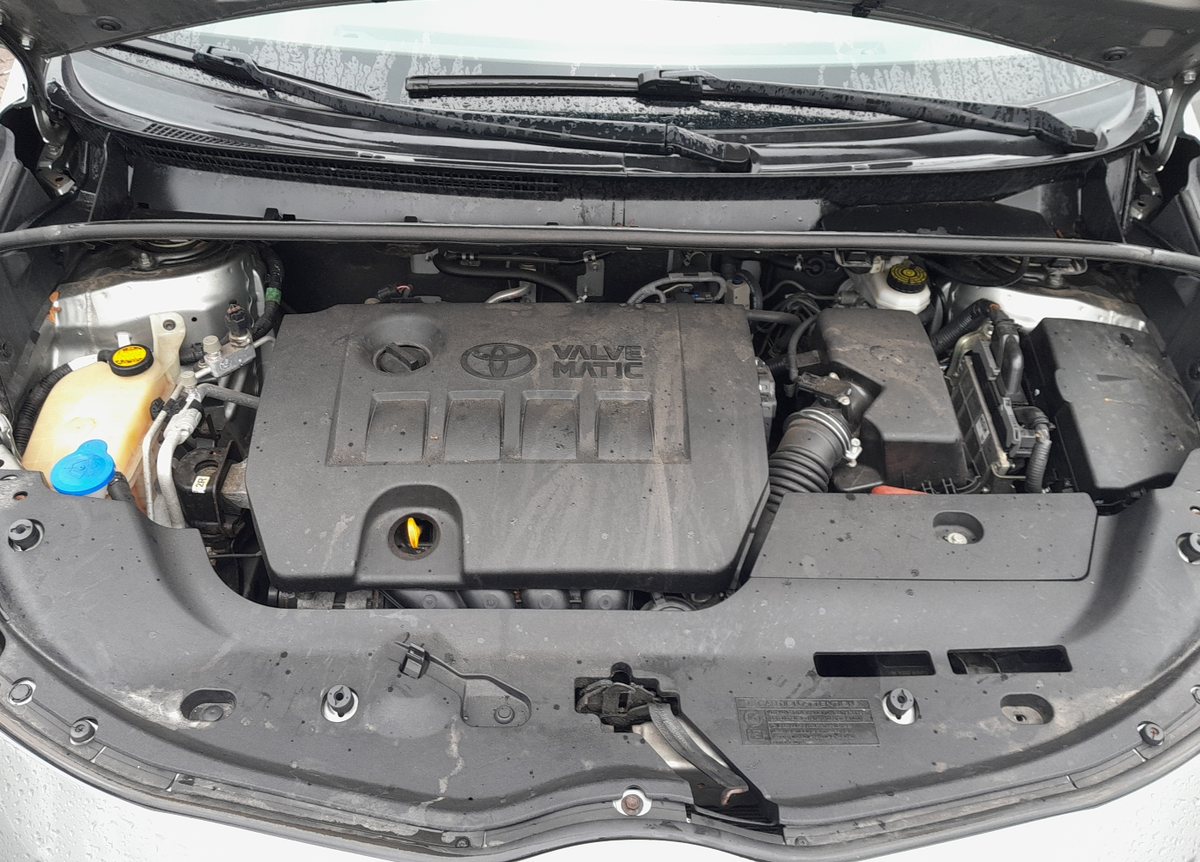
Where the battery is
The 12 V battery sits in the engine bay. Lift off the terminal cover to reach the two clamps. If you are renewing it, fit a like-for-like battery of the same size and capacity — and on Stop/Start models fit the correct enhanced (EFB) type.
Before you disconnect
- Make a note of your presets — radio stations, clock and any personal settings will be lost.
- Turn the ignition off and keep the key/fob away from the car.
- Wait one minute after switching off before you disconnect the battery, so the modules power down.
Disconnecting — correct order
- Slacken the clamp on the negative (−, earth) terminal first and lift the lead clear of the post.
- Only undo the positive (+) terminal if you are removing the battery completely.
- If removing the battery, undo the hold-down clamp at its base and lift it out upright.
Reconnecting — correct order
- Refit the battery and secure the hold-down clamp.
- Connect the positive (+) lead first, then the negative (−) earth lead last, and tighten both firmly.
- Turn the ignition on for a few seconds before starting the engine.
What to reset afterwards
- Reset the clock and radio and re-enter presets and settings.
- If a tyre-pressure warning appears, re-initialise the TPMS — see our Verso TPMS reset guide.
- Re-initialise the power windows — on the Verso the one-touch, jam-protection and remote window functions stop working after a disconnect until you relearn them (see our window initialise guide).
If a warning light stays on
A light or two straight after reconnecting is normal and should clear on a short drive. If the airbag, ABS or engine light stays lit, a code has been stored — reading it needs an OBD scanner (see our OBD-II port guide) and you can decode it on autodtcs.com.
Frequently asked questions
Which terminal comes off first on a Toyota Verso?
Always the negative (−) earth terminal first, and reconnect it last — this stops a spanner shorting the live positive to the body.
Do I need to code a new battery on a Verso?
No dealer coding is required. Fit the correct type (EFB on Stop/Start cars) and the system relearns on its own.
How long to leave it disconnected for a full electrical reset?
About 10–15 minutes with the doors shut lets every module power down.
Will this clear my service light?
No — the maintenance reminder is stored separately. Reset it with the trip button as in our service indicator reset guide.
Independent guide — not affiliated with Toyota. Always follow your official service manual and safety precautions. Read our full disclaimer.