These instructions apply to the Ford F-150 Mk14 (P702) 2021-present.
For other models, please choose your vehicle here.
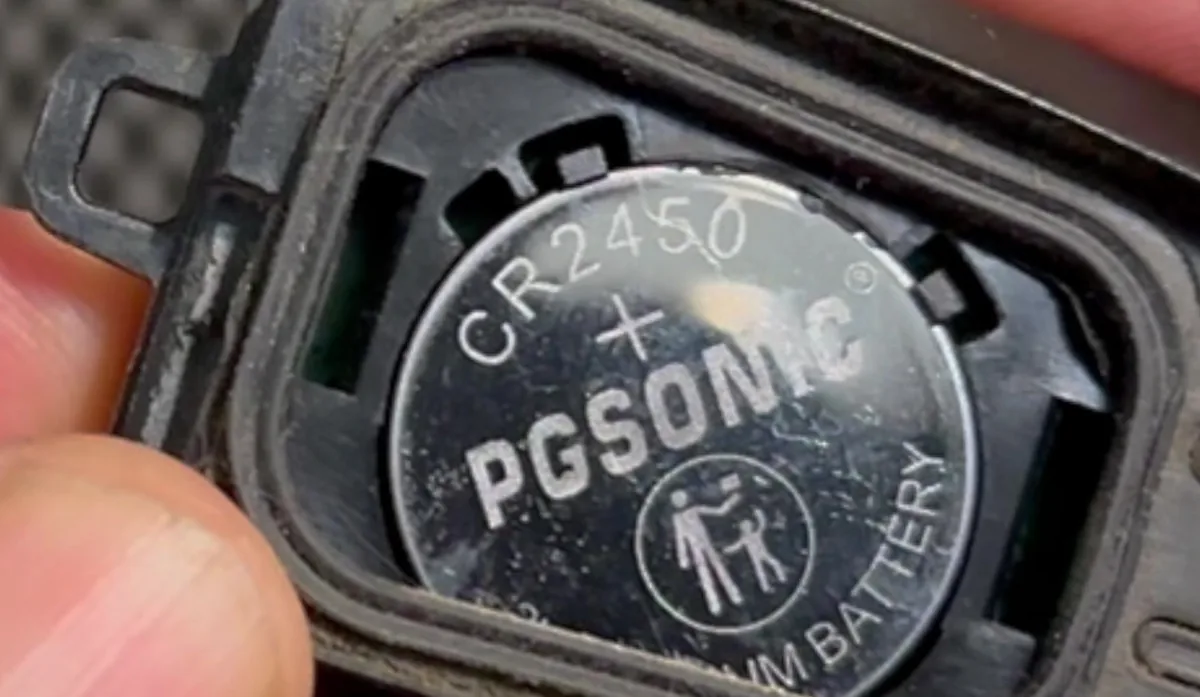
A weak coin cell is the usual reason a 14th-generation Ford F-150 (P702, 2021 onward) smart key loses range or throws a “Key Not Detected” message. The push-button-start fob uses a single CR2450 3V cell (the flip-key remote uses a CR2032 — match whatever you remove). The swap takes about a minute.
- Push the release button on the fob and pull the metal key blade out.
- Twist a thin coin in the small tab hidden behind the key-blade head to pop the battery cover off the back of the fob.
- Lift out the old CR2450, handling it by the edge — avoid touching the terminals or the circuit board.
- Fit the new CR2450 the same way up, press the cover back on until it clicks, and slide the key blade back into place.
Frequently asked questions
CR2450 or CR2032 — which one?
The push-button-start proximity fob uses a CR2450. The flip-key remote (lower trims) uses a CR2032. The safe rule is to fit the same type you take out.
Do I have to reprogram the fob afterwards?
No. Changing the battery does not erase the fob — it keeps its programming.
The fob is dead and the truck won’t detect it — how do I start?
Place the fob in the backup slot inside the center console, keep your foot off the brake, and press the START/STOP button; then press it again with the brake to start.
If a warning message appears after the swap, check the stored codes on autodtcs.com before assuming a fault.
Independent guide — not affiliated with Ford. Always follow your official service manual and safety precautions. Read our full disclaimer.