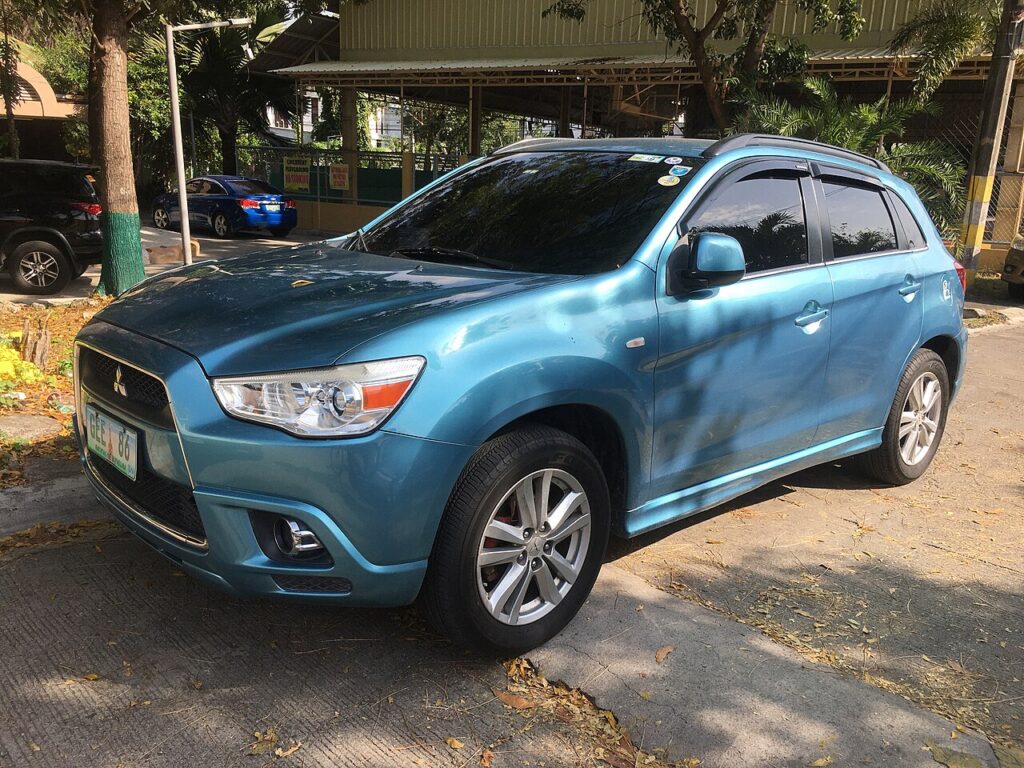
These instructions apply to the Mitsubishi ASX Mk1 (GA) 2010-2023.
For other models, please choose your vehicle here.
If the remote on your Mitsubishi ASX Mk1 (GA, 2010–2023) has become weak — you have to stand close to lock or unlock, or a low-battery warning has appeared — the fob’s coin cell needs replacing. The ASX was fitted with three key styles over its life, taking a CR1616, CR1620 or CR2032. This guide covers all three. It takes a couple of minutes with a small screwdriver.
Which Key Do You Have?
- Type 1 — one-piece remote: split the case with a screwdriver. Takes a CR1616.
- Type 2 — flip key with screw: a small screw holds it together. Takes a CR1620.
- Type 3 — keyless smart key (KOS): push-button start cars; opens to a removable insert. Takes a CR2032.
Discharge any static (touch a bare metal part) before handling the new cell.
Type 1 — Remote (CR1616)
- Insert a screwdriver into the case seam and gently separate the two halves.
- Lift out the old CR1616 cell.
- Fit the new cell with the positive (+) side facing up, then refit the cases.
Type 2 — Flip Key (CR1620)
- Remove the screw in the key body.
- Insert a screwdriver and remove the key cover.
- Fit the new CR1620 with the positive (+) side facing up, then refit the cover and screw.
Type 3 — Keyless Smart Key (CR2032)
- Slide out the mechanical key and use the slot to open the fob.
- Fit the new CR2032 with the positive (+) side facing up, then reassemble and refit the mechanical key.
Does It Need Programming?
No — replacing the coin cell does not affect the fob’s pairing, so the key keeps working immediately. A lost or broken key can only be ordered and programmed by a dealer — that part is not owner-doable.
Frequently Asked Questions
What battery does the ASX key take?
It depends on the key style: CR1616 (one-piece remote), CR1620 (flip key) or CR2032 (keyless smart key). Check yours before buying.
Will the car still start if the smart-key battery dies?
Yes. Hold the fob against the start button (Mitsubishi marks the spot) to start using the backup transponder. The mechanical key in the fob unlocks the door.
My remote still won’t work with a fresh cell — now what?
Re-open it and check the cell orientation and that the contacts are clean. If it’s still dead, the fob may have an internal fault and need replacing and programming by a dealer.
Can I program a spare key myself?
No — Mitsubishi key programming needs the dealer diagnostic tool. Only the battery swap is owner-doable.
To clear a service reminder after maintenance, see our Mitsubishi ASX service indicator reset guide. For warning lights, look up the code on autodtcs.com.
Independent guide — not affiliated with Mitsubishi. Always follow your official service manual and safety precautions. Read our full disclaimer.