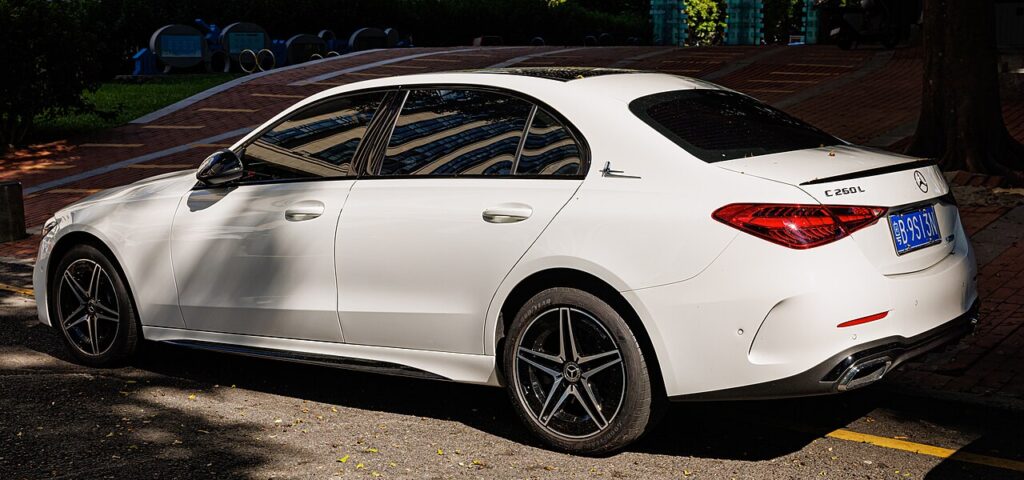
These instructions apply to the Mercedes C-Class Mk5 (W206) 2021-Present.
For other models, please choose your vehicle here.
The Mercedes-Benz C-Class W206 (2021–present) has more than one battery, so the first job is knowing which one you’re touching. This guide covers the 12 V battery — the one owners disconnect — and keeps you clear of the 48 V mild-hybrid system.
Where the 12 V Battery Is — It Depends on Your Model
- Petrol/diesel mild-hybrid (e.g. C 200, C 220 d, C 300): the 12 V battery is in the boot (luggage compartment), behind a side trim panel.
- Plug-in hybrid (C 300 e / C 350 e): the 12 V battery is in the engine compartment.
- The separate 48 V mild-hybrid battery lives under the bonnet (right side, near the windscreen) — never touch it; that’s dealer-only.
Disconnecting the 12 V Battery
- Switch everything off, take the keyless remote out of range, and make sure all consumers are off.
- Disconnect the negative (−) earth cable and wait at least 10 seconds.
- If removing the battery, disconnect the positive (+) next, then the clamp.
Stay away from the 48 V components under the bonnet throughout.
Reconnecting & After
- Reconnect positive (+) first, then the negative (−) last.
- Reset the date and time.
- If you fitted a new battery, it should be registered to the power-management system with a diagnostic tool so charging and stop/start work correctly.
- The door mirrors may need re-initialising (fold/adjust once) and the windows re-teaching.
Registering or Coding the New Battery
Yes. The energy-management system must be told a new battery has been fitted (and its type/capacity if it differs), or it will not charge it correctly. This teach-in is done through the OBD port with a suitable diagnostic tool at a specialist or dealer — there is no owner trick. An AGM battery must be replaced with AGM.
Frequently Asked Questions
Where is the 12V battery on a Mercedes C-Class W206?
On mild-hybrid petrol/diesel models it’s in the boot; on the C 300 e/350 e plug-in hybrid it’s in the engine bay.
Is it safe to disconnect the battery myself?
Yes, for the 12 V battery. Keep clear of the 48 V battery under the bonnet — that’s a workshop item.
Does the new battery need coding?
A new battery should be registered with a diagnostic tool; a quick disconnect/reconnect of the same battery doesn’t.
Why disconnect negative first?
It removes the earth path so a spanner touching bodywork can’t short the battery.
For any warning light that stays on, look up the code on autodtcs.com. To clear the service reminder, see our W206 service reset.
Independent guide — not affiliated with Mercedes. Always follow your official service manual and safety precautions. Read our full disclaimer.