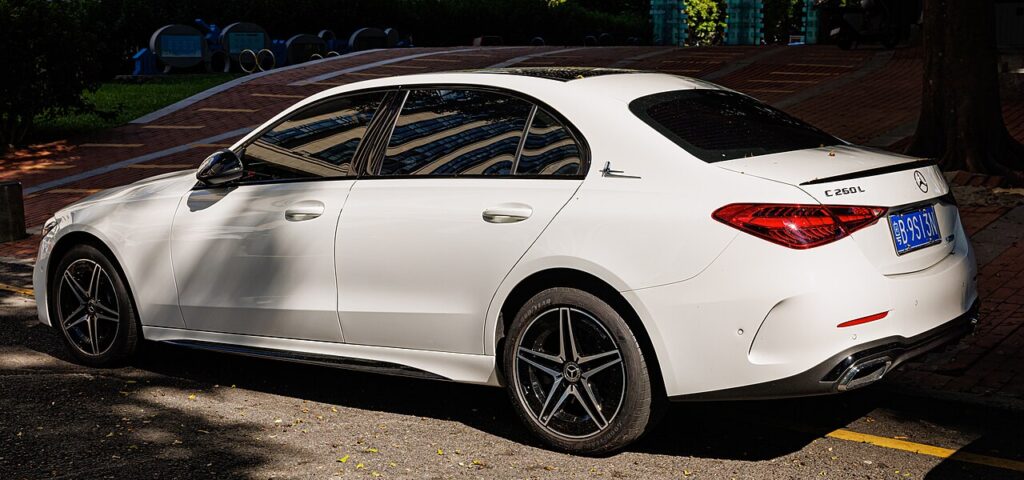
These instructions apply to the Mercedes C-Class Mk5 (W206) 2021-Present.
For other models, please choose your vehicle here.
The Mercedes C-Class (W206, 2021–Present) is a pure push-button car — there is no ignition slot, and most are fitted with KEYLESS-GO. So when the SmartKey’s coin cell dies, the answer is not a slot but the start button itself: hold the fob against it and the immobiliser reads the key through a battery-free transponder. A hidden metal blade gets you into the cabin. Here is the full procedure for the latest C-Class.
Start the W206 with a dead key fob battery
The transponder inside the SmartKey draws its power from the car, so it keeps working with a flat coin cell. The trick is getting it close to the start button’s reader coil.
- Get in, shut the door, and press the brake pedal firmly.
- Hold the SmartKey flat against the round START/STOP button so the fob body touches it.
- Keeping it pressed there, push the START/STOP button through the key.
- The cluster flashes the key symbol, the reader detects the transponder, and the engine starts.
- Fit a fresh fob battery at the next opportunity — this is an emergency method.
Unlock the door with the emergency key blade
If the door handle no longer unlocks the car on approach, use the mechanical key folded into the SmartKey.
- Slide the release catch on the fob and pull the metal emergency blade out.
- The driver’s door keyhole on the W206 is hidden under a cap on the door handle. Insert the blade tip into the small recess and lever the cap off to reveal the lock barrel.
- Insert the blade and turn to unlock. The alarm may sound — this is normal for mechanical entry.
- Get in, start the car with the button method above, and the alarm stops once the SmartKey is detected. Clip the blade back into the fob.
Why holding the fob to the button works
The W206’s electronic ignition module energises an induction coil inside the START/STOP button. When the SmartKey enters that field, its transponder is powered and transmits the encrypted rolling code that authorises starting. The remote-entry buttons rely on the coin cell, but the start handshake is independent of it — which is exactly why this works with a completely dead fob.
Replace the key fob battery
The W206 SmartKey takes a coin cell — commonly a single CR2025, though you should confirm against what you remove (some Mercedes keys carry two).
- Slide out the emergency blade to release the rear cover.
- Use the gap the blade left to ease the back cover off the fob.
- Note how the cell is seated, then remove it.
- Press in a fresh CR2025, matching polarity and count, then refit the cover and the blade.
- Test the lock buttons from a few metres — they should respond at once.
Frequently Asked Questions
The W206 has no key slot — how does a dead fob start it? By holding the fob against the START/STOP button, which contains a reader coil that powers and reads the key’s transponder with no fob battery.
How many coin cells does the W206 SmartKey take? Usually one CR2025, but check yours — some Mercedes keys use two stacked cells.
Does the brake need to be pressed? Yes, exactly as in normal starting. No brake, no crank.
The alarm sounded when I used the blade — did I break something? No. Mechanical entry is treated as a possible break-in until the SmartKey is sensed inside, then the alarm silences itself.
New battery, but the remote still will not lock the doors. Re-seat the cell and check polarity. If the remote stays dead the fob may need resyncing or repair, but the car still starts by holding it against the button.
If a warning light stayed on after the flat key, you can look up the fault on our sister site autodtcs.com.
Independent guide — not affiliated with Mercedes. Always follow your official service manual and safety precautions. Read our full disclaimer.