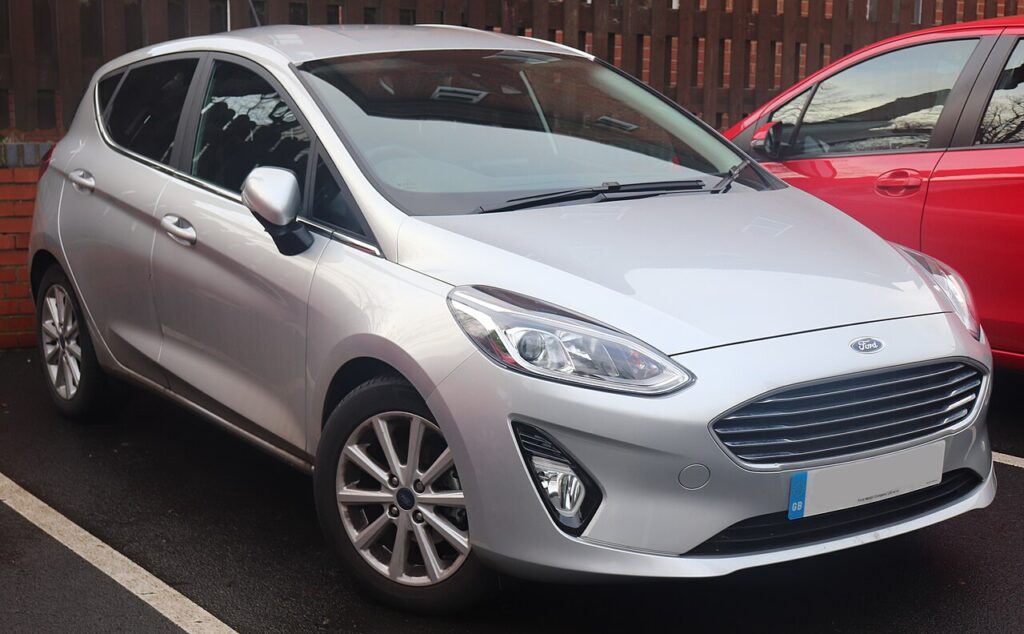
These instructions apply to the Ford Fiesta Mk8 (2017-2023).
For other models, please choose your vehicle here.
The Ford Fiesta (Mk8, 2017–2023) keeps the same owner-accessible cluster Self-Diagnostic Mode that earlier Fiestas had, even though this generation moved to a part-digital display and SYNC 3. Ford sometimes calls it engineering test mode. You trigger it with the trip-reset button and the ignition — no diagnostic tool needed — and it gives you a fast gauge sweep plus live data and stored cluster codes straight from the driver’s seat.
What the self-test is and what it shows
This hidden routine puts the Mk8 instrument cluster into a self-check sequence. It runs a full needle sweep, lights each warning LED, and exercises every LCD segment so you can confirm the hardware is healthy. It then steps through diagnostic and live-data screens covering:
- Engine speed (RPM) and road speed
- Engine coolant temperature as a numeric value
- Battery voltage measured at the cluster
- Fuel level / sender reading
- Stored cluster Diagnostic Trouble Codes (DTCs)
It is the cluster testing itself and reporting sensor values, which makes it a handy free first check before booking a garage.
How to enter the hidden diagnostic menu
- Start with the ignition fully OFF.
- Press and hold the trip-reset button (the one you tap to zero the trip meter).
- While holding it, switch the ignition to ON / position II without starting the engine. On keyless cars, press the START button once with your foot OFF the brake/clutch so accessories come on only.
- Keep holding the button. After about 10–15 seconds the display reads TEST and the gauges perform a full sweep.
- Release the trip-reset button once TEST is shown.
If the long-press trip-button method does not respond on your particular Mk8, owners report the cluster can also be reached by holding the steering-wheel OK button while switching the ignition to ON — wait for the seatbelt/info screen to clear, then TEST appears.
Reading the gauges, voltage and codes
Advance through the screens by pressing the trip-reset button (or OK, depending on which method launched it). Begin with the needle sweep, LED check and LCD segment test — a dead segment or unlit lamp confirms a cluster hardware fault rather than a sensor problem. Continue to the live-data pages for RPM, road speed, coolant temperature and battery voltage. With the engine off a sound battery sits near 12.4–12.7 V. The final pages list any stored cluster DTCs; write them down before exiting.
How to exit
Turn the ignition OFF to leave the mode, or hold the trip-reset button for about 5 seconds. Everything returns to normal at the next start, and nothing you viewed has been altered.
Frequently Asked Questions
Does SYNC 3 interfere with the cluster self-test? No. The Self-Diagnostic Mode lives in the instrument cluster, separate from the SYNC infotainment screen, so it runs the same regardless of your media system.
The old trip-button method isn’t working — what now? Some Mk8 clusters respond better to the steering-wheel OK-button method. Try holding OK while turning the ignition to ON and waiting through the welcome screens.
Will this clear or reset anything? No. It only reads and displays. Trip meters, the service indicator and stored adaptations are untouched.
Are the codes it shows the same as a check-engine scan? Not exactly. These are cluster-level codes. A lit engine warning lamp still warrants a full OBD-II scan of the engine ECU to get the powertrain codes.
Does it work on the Fiesta ST? Yes — the ST shares the Mk8 cluster, so the same entry sequence applies, with ST-specific gauges included in the sweep.
To decode any cluster trouble codes you find and gauge how urgent they are, head to autodtcs.com.
Independent guide — not affiliated with Ford. Always follow your official service manual and safety precautions. Read our full disclaimer.