These instructions apply to the Alfa Romeo Stelvio Mk1 (949) 2017-Present.
For other models, please choose your vehicle here.
If the Uconnect screen in your Alfa Romeo Stelvio (949, 2017–Present) has frozen, gone black, or stopped responding to the rotary controller and your taps, you can force the head unit to reboot yourself in under a minute — parked, with no tools and without losing a setting.
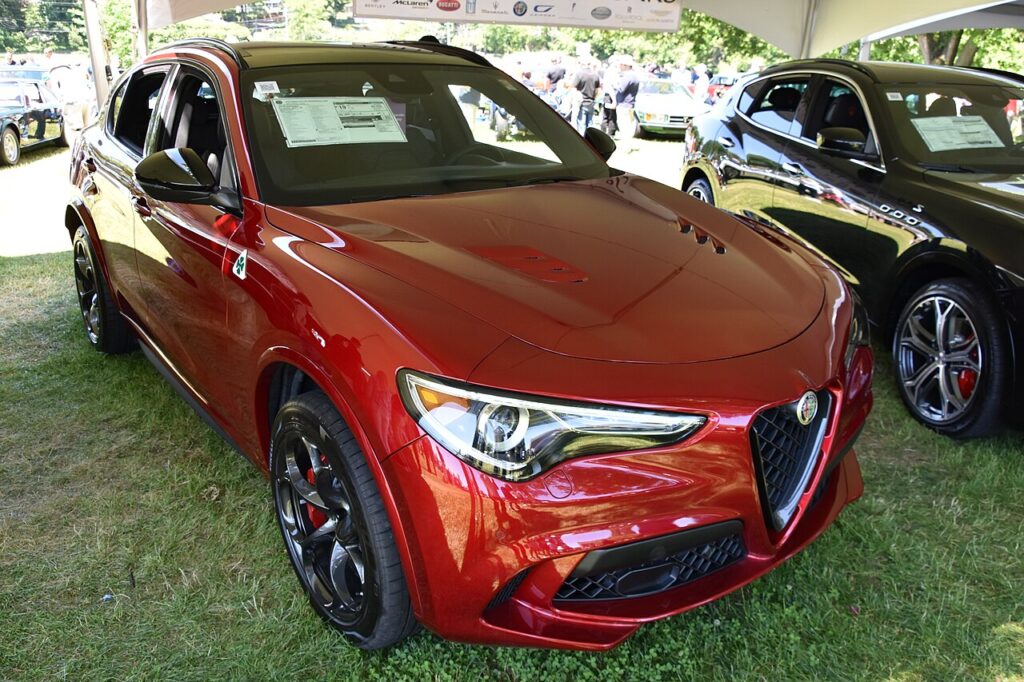
Which Uconnect is in your Stelvio
The Stelvio shares its Uconnect with the Giulia and is driven by the dash screen plus the rotary controller on the centre console. Launch cars (2017–2019) used Uconnect 6.5″ or 8.8″, the larger 8.8″ operated mainly by the dial. The 2020 facelift introduced the fully touch Uconnect 8.8″ HD, and later the Uconnect 5 (10.25″). A freeze on any of them is a software lock-up in the head unit, not a dead screen, and the reboot is the same across the range.
Soft reset (reboot) the Uconnect
Do this parked with the ignition on so the unit keeps its power.
- Press and hold the volume knob (push it straight in) for about 10–20 seconds.
- Hold through the moment the sound mutes — do not release early.
- When the screen goes black, let go of the knob.
- The Alfa Romeo logo appears as the system restarts; let it boot.
- Wait up to a minute for the home screen to reload — radio, Bluetooth, DAB and your profile return on their own.
If the volume-knob hold does nothing on your trim, press and hold POWER + the BROWSE/ENTER (rotary push) together for about 10 seconds until the screen blanks instead.
Will this erase anything? No
The reboot is completely safe. It does not wipe radio presets, navigation favourites, paired phones, driver profiles or drive-mode preferences — it simply restarts the head unit’s software. Use it as often as the screen plays up.
If the screen stays frozen
- Hold longer. If 15 seconds did nothing, repeat and keep the volume knob pressed a full 20 seconds before it blanks.
- Let the car sleep. Switch off, lock it, walk away five minutes so the electronics fully power down, then unlock and restart. The Stelvio’s black-screen-on-start glitch often clears after a sleep.
- Check the Auto-On Radio setting. A blank screen on start can be Settings → System → Auto-On Radio switched off — turn it back on.
- Check for a software update. Alfa released several Uconnect firmware builds for the 949; a dealer or over-the-air update fixes cars that freeze or boot-loop repeatedly.
- Battery disconnect (last resort). Disconnecting the 12V battery for 10 minutes forces a cold restart. On the Stelvio this can flag a steering-angle fault, so after reconnecting, start up and turn the wheel fully lock-to-lock and back to centre to recalibrate. Only do this if nothing else responds.
Factory reset (erases data — rarely needed)
A factory reset is separate from the reboot and only worth doing if you are selling the car or chasing a deep, persistent glitch. From the home screen go to Settings and scroll to Restore factory defaults (or Reset). It erases presets, navigation history, paired phones and profiles, so only do it deliberately.
Frequently Asked Questions
My Stelvio infotainment goes black when I start the car — why?
This is a well-known Stelvio software quirk: the screen sometimes stays black on start-up while the radio still works. Check that Auto-On Radio is on, then reboot with the volume knob. A firmware update usually stops it recurring — it is rarely a failed display.
Will the reboot lose my radio presets or sat-nav favourites?
No. The volume-knob reboot keeps every preset, navigation favourite, profile and paired phone. Only the menu-driven factory reset clears them.
The screen is stuck on the Alfa logo or boot-looping — what now?
Repeat the volume-knob hold for a full 20 seconds; if it still loops, lock the car and leave it five minutes, then restart. Persistent boot-loops mean the Uconnect firmware is out of date — have it updated.
Do I need to recalibrate anything after disconnecting the battery?
Possibly. After a 12V disconnect the Stelvio may want the steering angle recentred: start the car and turn the wheel fully lock-to-lock then back to centre. Some warning lights may also need a short drive to clear.
Is it safe to drive with the Uconnect frozen?
Yes. The infotainment is separate from the engine and driving systems — you only lose audio, navigation and the central display. Reboot once safely parked.
If a warning light or fault message stays on the dash after the reboot, it may have stored a diagnostic trouble code — you can look it up on autodtcs.com.
Independent guide — not affiliated with Alfa Romeo. Always follow your official service manual and safety precautions. Read our full disclaimer.