These instructions apply to the Alfa Romeo Stelvio Mk1 (949) 2017-Present.
For other models, please choose your vehicle here.
If the electric sunroof on your Alfa Romeo Stelvio (2017–present) has stopped working with one touch — usually after a battery disconnection or flat battery — it needs re-initialising so it relearns its end positions. It’s a normal owner job, not a fault, and it’s done from the sunroof switch. Once the panel has been taught its limits again it will tilt, slide and close on a single press instead of only creeping while you keep the switch held down.
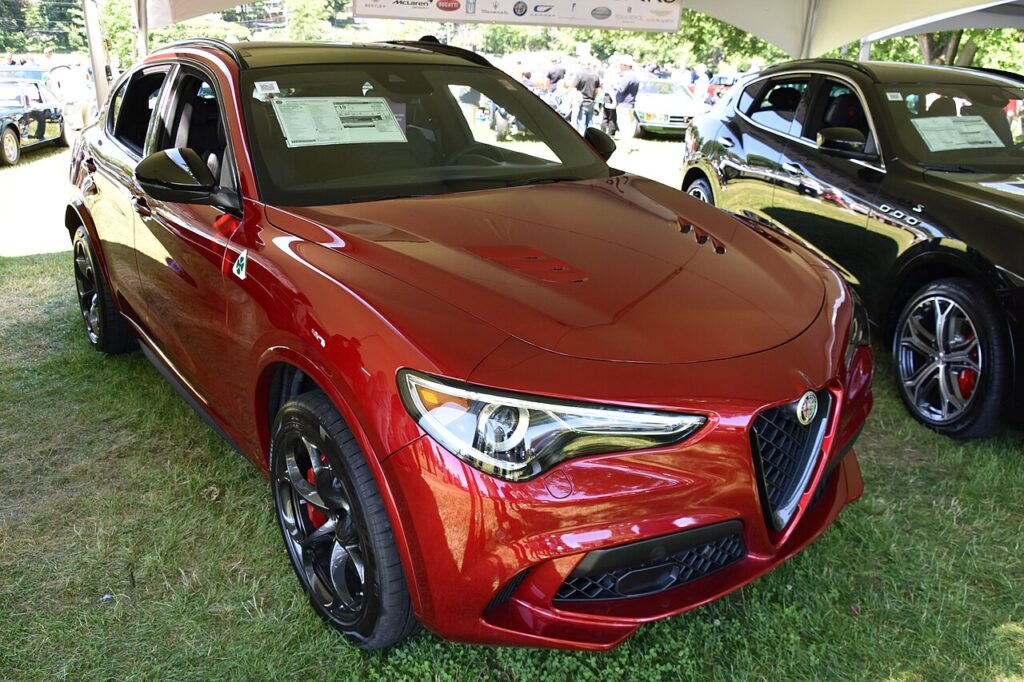
When You Need This
The sunroof loses its calibration when the 12 V battery is disconnected or goes flat, leaving the panel working only while you hold the switch. Re-initialising restores normal one-touch operation. You will usually notice it just after fitting a new battery, jump-starting the car, or leaving it parked long enough to drain the battery: one-touch tilt and slide vanish, the glass stops the instant you release the switch, and the pinch-protection can feel over-eager. It is not a motor failure — the module has simply forgotten where the glass sits at each limit.
How the Relearn Works on This Car
An electric sunroof has no fixed end-stop switches; the control module counts the motor’s travel and stores the tilt, fully-open and fully-closed points as reference values. Those values sit in memory that depends on battery power, so cutting the supply erases them. For safety the roof then only moves while the switch is held, so a panel with unknown limits can never trap something on a single automatic sweep. Driving the glass to its physical end stops, as below, lets the module recapture the reference points and re-enable one-touch running.
Getting Ready
- Park the car and switch the ignition on so the roof has power to move.
- Check the battery is properly charged — a weak supply can stall the panel mid-travel and the relearn will not stick.
- Make sure the aperture is clear of fingers, hair and loose items before running the full-travel steps.
- Clear leaves and grit from the glass edge, seals and track so the roof can reach its true limits without binding.
- Keep the switch held steadily through each stage — releasing early stops the learn before it completes.
Re-initialising the Sunroof
- Switch the ignition on.
- Press and hold the sunroof switch in the CLOSE direction until the roof is fully closed, keep holding briefly after it stops, then release.
- Press and hold the switch again so the roof runs a full open-and-close cycle, then release.
- The sunroof is initialised — check one-touch operation.
If It Won’t Initialise
- Hold the switch until the roof reaches and holds each end stop — that is how the module logs the limits.
- Clear debris from the seals and track so the glass can run its full travel instead of stopping short.
- Confirm the ignition stayed on for the whole sequence; if it timed out, switch it back on and begin again.
- Recharge a low battery and retry — a voltage dip during the cycle will abort the learn.
- Let a warm motor rest a minute after several attempts, then run the sequence once more from the start.
- Still faulty? A sunroof-module issue can store a code — look it up on autodtcs.com.
What to Expect Afterwards
With the relearn complete, a single press should tilt and slide the roof, and a single press the other way should close it fully on its own. Test both directions a couple of times and gently confirm the anti-trap reverses the glass when it meets resistance. If the first cycle feels hesitant, run the sequence again — it normally settles once the panel has confirmed both end points.
Frequently Asked Questions
Why did my Stelvio sunroof stop working with one touch?
Its calibration is lost when the battery is disconnected or goes flat — the re-initialisation restores it. The module keeps the roof’s open and closed reference points in power-dependent memory, so any interruption to the 12 V supply wipes them and drops the roof into hold-to-move mode until you relearn.
Do I need tools?
No — it’s done from the sunroof switch with the ignition on. There is no diagnostic scanner or workshop visit involved; the whole job is a short hold-and-release sequence on the roof control, followed by a quick check that one-touch operation has come back.
What if it doesn’t complete the cycle?
Repeat the sequence, holding the switch until the roof reaches each end stop and keeping it held briefly at the limit. Check the battery is charged and the track is clear, since a stall part-way through stops the module from capturing the positions it needs.
Does this apply to the panoramic roof?
Yes — the same re-initialisation applies to the Stelvio’s electric sunroof. The larger panoramic glass is driven and referenced in the same way, so if it loses one-touch operation after a battery event you use the identical hold-and-release procedure to teach it its end positions again.
Do I have to keep the switch held the whole time?
Yes. The glass must reach and briefly sit against each end stop while you hold the switch. Letting go early ends the learn before the module has captured a valid reference, so the roof stays in hold-to-move mode and you simply run the steps again.
Will I need to repeat this after future battery work?
Possibly. Any interruption to the 12 V supply can clear the stored positions, so if one-touch operation disappears after a later battery disconnection or flat, just run the same short sequence again to restore it. It is routine maintenance rather than a recurring fault.
Re-initialising as part of a battery job? See our Stelvio battery disconnect/reconnect guide, and if a warning light stays on afterwards you can decode the stored code on autodtcs.com.
Independent guide — not affiliated with Alfa Romeo. Always follow your official service manual and safety precautions. Read our full disclaimer.