These instructions apply to the Alfa Romeo Stelvio Mk1 (949) 2017-Present.
For other models, please choose your vehicle here.
The Alfa Romeo Stelvio (949, 2017–Present) shares the Giorgio-platform electric parking brake (EPB) with the Giulia: on the 2.0 petrol and 2.2 diesel cars the rear caliper itself doubles as the parking-brake clamp, driven by a motor and spindle. To fit new rear pads you must wind those motors fully open first — Alfa calls it Brake Service Mode. The good news is the mode lives in the infotainment system, so a routine rear pad change needs no wiTECH or generic OBD EPB tool.
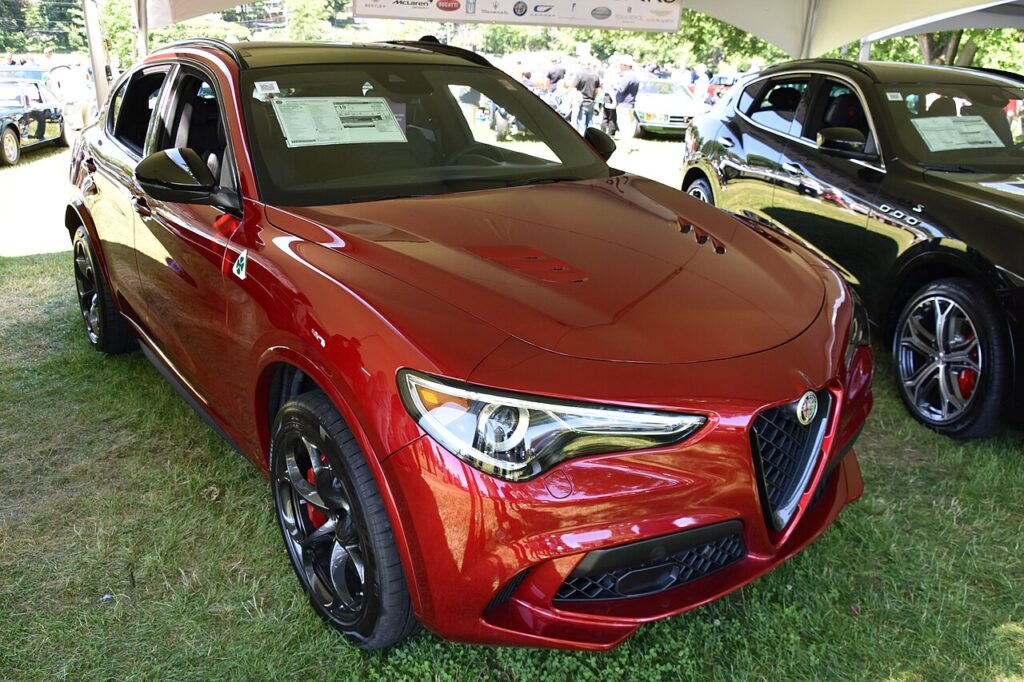
Putting the Stelvio into Brake Service Mode
Service mode retracts both rear EPB actuators so the pistons press back. Set the mode before stripping the caliper. Park level, chock the front wheels, and keep a charger on the 12V battery.
- Sit in the car, ignition ON (engine off), transmission in P, foot brake released.
- Confirm the EPB is released and the brake warning light is out.
- On the infotainment screen open settings, go to Passive Safety (or the brakes/service section) and select Brake Service Mode; confirm the prompt.
- Wait for the on-screen confirmation that the E-brake has retracted — the rear motors wind back audibly so the rear rotors and pads come free.
- Remove the rear wheels and the calipers. (On the Quadrifoglio the rear caliper is separate, so service mode is only needed for a disc change.)
With the actuators open, press each rear piston straight back with a spreader. The Stelvio rear piston presses in — do not rotate it.
Critical warning: never force the pistons by hand
Do not lever, clamp or hammer a rear piston back while the EPB is still clamped. The motor and gear spindle sit behind the piston; forcing it against a parked actuator strips the gears or shears the spindle — a new caliper, not a repair. Always retract the EPB electronically via service mode first. Disconnect the negative battery lead while the caliper is off and pump the brakes before reconnecting, or the system can read a fluid loss on first pedal press and log faults.
Exiting service mode and bedding in
With new pads in and wheels on, exit Brake Service Mode in the infotainment menu. Then put the car in accessory position (engine off), depress the brake and toggle the EPB switch to release and re-arm it. Cycle the EPB on and off twice stationary, then drive at low speed and brake gently 10–15 times to seat the pads, avoiding hard stops for the first 150–200 miles.
Frequently Asked Questions
Do I need a scan tool for Stelvio rear pads? No. Brake Service Mode is reached through the infotainment screen, so no wiTECH or OBD tool is needed for a routine pad change — only to clear a logged fault afterwards.
Where is the mode in the menu? In the infotainment settings under Passive Safety (the brakes/service area). The exact wording varies by software version.
Brakes stuck in service mode — how do I get out? Exit the mode on the screen, put the car in accessory mode, press the brake and toggle the EPB switch. A flat battery during the job is the most common reason it won’t clear — charge and retry.
Do the rear pistons screw in? No. Once retracted they press straight in. Rotating one can tear the seal.
Why did the brake light come on after the change? Usually the battery was reconnected without pumping the pedal first, so the BSM saw a fluid loss. Disconnect the battery during the work and pump the brakes before reconnecting.
If a brake or EPB warning lamp stays on after the job, read the stored fault first — you can look up Alfa Romeo EPB and ABS codes on autodtcs.com before assuming the caliper is at fault.
Independent guide — not affiliated with Alfa Romeo. Always follow your official service manual and safety precautions. Read our full disclaimer.