These instructions apply to the Alfa Romeo Stelvio Mk1 (949) 2017-Present.
For other models, please choose your vehicle here.
The Alfa Romeo Stelvio (949, 2017–Present) shares its keyless platform with the Giulia, so it uses a push-button START/STOP ignition and a proximity smart fob. When the fob coin cell dies the remote locking and hands-free entry stop working, but the engine will still start — the immobiliser chip inside the fob is passive and needs no battery. This guide covers the backup start procedure, getting into the car with the emergency blade, and swapping in a fresh cell.
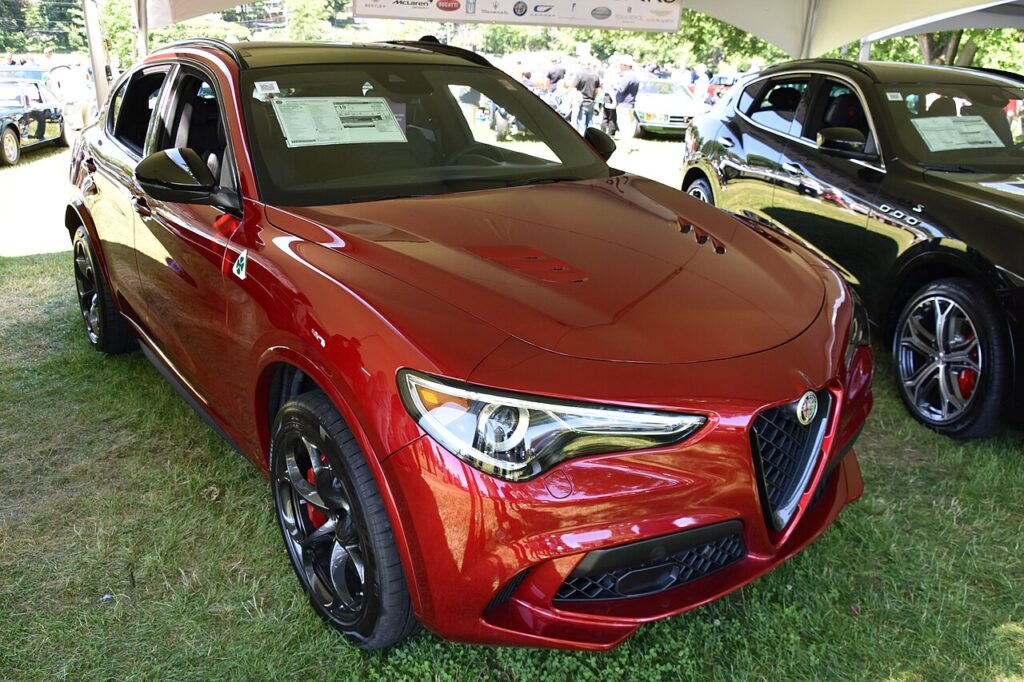
Starting the Stelvio With a Dead Fob
The car reads the fob’s chip at close range, so the trick is to present the fob to the interior antenna:
- Get in using the emergency blade (next section) and sit in the driver’s seat with the door shut.
- Press the brake pedal fully and hold it.
- Place the fob in the backup holder — on the Stelvio this is the console/cupholder area shown in the handbook — or hold the fob flat against the START/STOP button.
- With the brake still down, press the START/STOP button. The engine starts.
No start? Reposition the fob, try its opposite face against the button, and press START again while keeping the brake pressed.
Unlocking the Door With the Emergency Blade
With a flat fob the doors will not unlock by proximity or by button, so use the hidden metal blade.
- Slide the release catch on the fob and pull out the emergency key blade.
- The driver’s door lock barrel is hidden under a cap behind the door handle — lift the cap off with the blade tip.
- Insert the blade and turn to unlock.
- This may set off the alarm; it stops once you start the car with the recognised fob.
- Refit the handle cap and slide the blade back into the fob.
Why the Engine Still Starts
The Stelvio fob houses a battery-powered radio for hands-free locking and a separate battery-free transponder for the immobiliser. Placing the fob in the holder or on the START button lets an interior antenna power that chip and read its code. So a completely dead fob still starts the engine; it only loses the remote and proximity functions until you fit a new cell.
Replacing the Key Fob Battery
The Stelvio fob uses a single CR2032 3V lithium coin cell.
- Slide the catch and remove the emergency blade to release the cover.
- Turn the battery cap or unclip the rear of the fob to reach the cell.
- Lift out the old CR2032 and fit the new one with the “+” side up as marked.
- Reassemble the fob and refit the blade.
- Stand by the car and press a button to confirm remote locking works again.
Frequently Asked Questions
Where do I hold the fob to start a Stelvio with a dead battery? Rest it in the console/cupholder backup location, or hold it flat on the START/STOP button, then press the brake and push START.
Which battery does the Stelvio fob use? A CR2032 3V lithium coin cell.
Can I start the Stelvio with just the blade? No. The blade only unlocks the driver’s door; the fob must be present for the immobiliser to permit starting.
Why won’t the doors unlock when I press the fob? A flat coin cell kills the remote radio. Use the emergency blade in the door lock instead, then replace the cell.
Does the Stelvio share its fob with the Giulia? They use the same keyless system and procedures, but always pair the fob that came with your own car rather than assuming another one will work.
If a warning light stayed on after a dead fob or weak 12V battery, you can look up exactly what the code means on our sister site autodtcs.com.
Independent guide — not affiliated with Alfa Romeo. Always follow your official service manual and safety precautions. Read our full disclaimer.