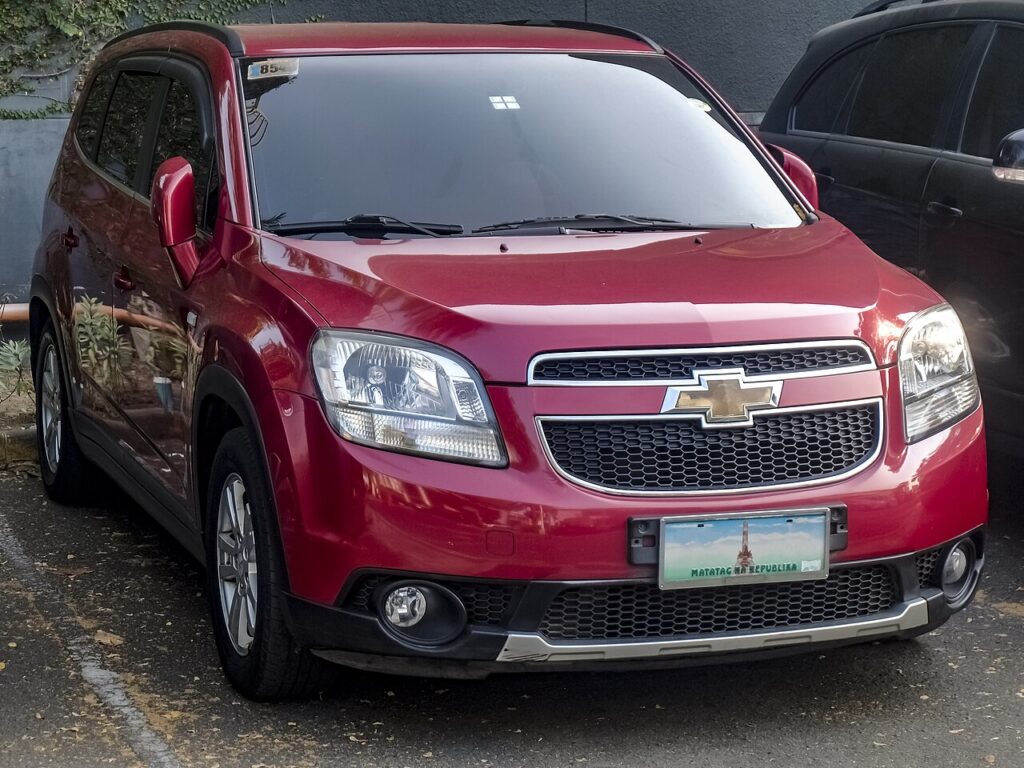
These instructions apply to the Chevrolet Orlando (J309) 2011-2018.
For other models, please choose your vehicle here.
Disconnecting the 12 V battery on your Chevrolet Orlando (J309, 2011–2018) is a job most owners can do at home with one spanner and a little patience. You might be fitting a new battery, laying the seven-seater up for winter, working near the airbags or wiring, or resetting the electrics after a jump-start. None of it is daunting: as long as you break and remake the connections in the right order, the Orlando powers down cleanly and relearns its settings, and the only things you lose are a few presets you can key straight back in.
Where the 12 V Battery Is
The 12 V battery on the Orlando sits in the engine compartment, in the usual front corner under a cover. Open the bonnet, prop it, and lift away the plastic trim or clamp that shields the terminals. Identify the posts before you touch anything: the negative (−) is the black earth lead bolted to the body, and the positive (+) is the red post, generally tucked under a hinged red cap. Knowing which is which is all it takes to keep the job clean and spark-free.
Before You Start
- Turn the ignition fully off, take the key well clear of the car, and shut the doors so the electrics settle.
- Switch off the lights, blower, radio and any accessories so there is no load on the battery.
- Note the radio security code, presets and clock in case the head unit prompts for the code when power returns.
- Give the car a couple of minutes for the control modules to power down before you disconnect.
- Have the right spanner to hand, and wear gloves and eye protection near the terminals.
Disconnecting the Battery
- Double-check the ignition is off and every consumer is switched off.
- Slacken the clamp on the negative (−) terminal first, lift the lead off, and move it aside so it cannot flick back onto the post.
- Now undo the positive (+) lead and keep it clear of any bare metal.
- If you are working near the airbags or seat-belt pretensioners, wait a few minutes after disconnecting before you go near them.
Reconnecting and Re-initialising
- Fit the positive (+) terminal first and tighten the clamp fully.
- Fit the negative (−) terminal last and tighten it — a loose earth causes most post-job faults.
- Confirm both clamps are firm and close the covers.
What You’ll Need to Reset Afterwards
The Orlando needs a few items relearned once power is restored:
- Power windows — the one-touch function usually needs re-initialising; hold each switch at the fully closed and fully open limits for a moment. See our window guide below for the exact steps.
- Clock and radio — re-enter the time and preset stations, and the security code if it is requested.
- Warning lights — any that appear at first generally self-clear once the car has driven a short distance.
A like-for-like 12 V battery of the correct size and rating fits without any special coding on this model.
If a Warning Light Stays On or the Car Feels Off
- Check both clamps are tight and clean — a poor connection imitates all kinds of electrical faults.
- Take a short drive so the modules can relearn and settle.
- Redo the window relearn if one-touch has not come back.
- Rule out a genuinely flat or aged battery — a reconnect will not save a battery that was already on its way out.
- If a light persists, it has logged a code — read it and look it up.
Frequently Asked Questions
Where is the battery on a Chevrolet Orlando?
In the engine compartment, in the usual front corner under a cover. Lift the bonnet, remove the trim over the terminals, and you will see the negative (−) black lead and the positive (+) red post under its cap.
Which terminal do I disconnect first?
The negative (−) comes off first and goes back on last. On reconnection the positive (+) is fitted first. That order keeps you safe from sparks and short circuits.
What needs resetting afterwards?
Mainly the one-touch power windows, plus the clock and radio presets and, if asked, the security code. A stray warning light or two usually clears itself after a short drive.
Does a new battery need coding on the Orlando?
No. A like-for-like replacement of the correct size and rating simply fits and works — there is no dealer coding step for a standard 12 V battery here.
Will disconnecting the battery clear stored fault codes?
It can clear some temporary codes and reset adaptations, but a real fault will log its code again the moment the car sees the condition. It is not a fix on its own.
Can I jump-start it instead of disconnecting?
Yes — to recover from a flat battery, a jump-start avoids disconnecting entirely. You would only remove the battery for renewal, storage, or electrical work.
To relearn the windows, see our Orlando power-window initialisation guide. If a warning light stays on, decode it on autodtcs.com.
Independent guide — not affiliated with Chevrolet. Always follow your official service manual and safety precautions. Read our full disclaimer.