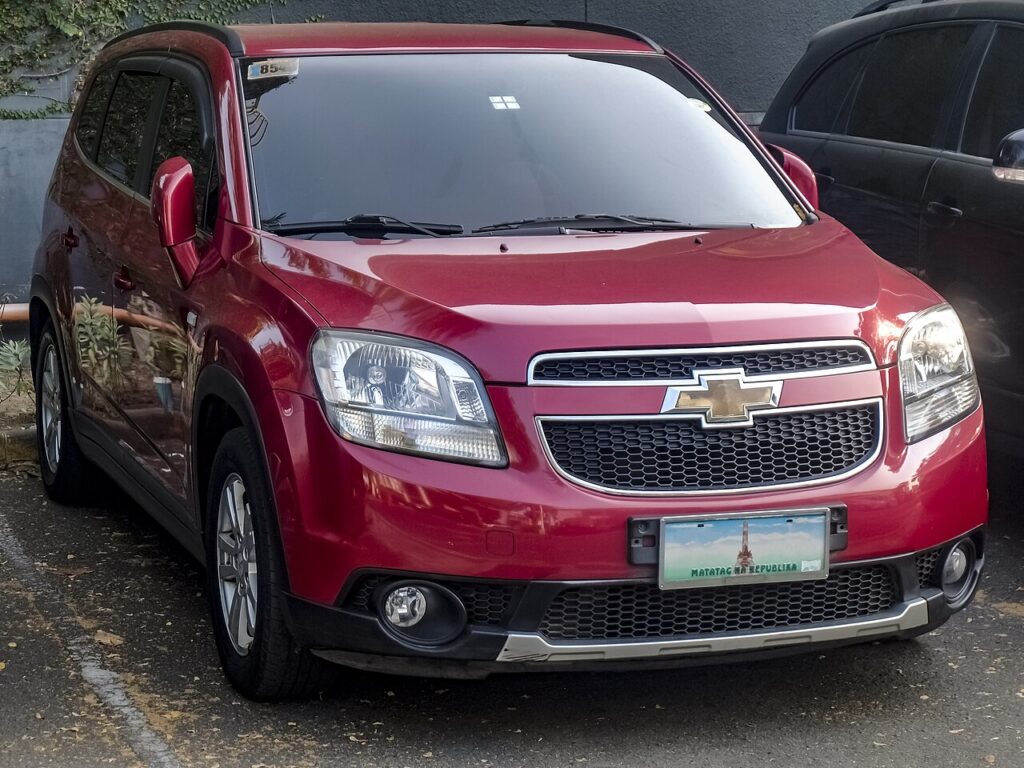
These instructions apply to the Chevrolet Orlando (J309) 2011-2018.
For other models, please choose your vehicle here.
The Chevrolet Orlando (J309, 2011–2018) is a turn-key vehicle throughout: a flip key with a cut blade that you insert and turn in the ignition barrel on the steering column. It was not offered with push-button start, so a flat fob battery cannot leave you stuck — it only disables the remote lock and unlock. Here is what really happens and how to fix it.
Start the Car When the Fob Is Dead
The chip the immobiliser checks sits in the metal blade and needs no power, so the dead coin cell has no bearing on starting:
- Press the catch and flip the cut blade out of the fob.
- Insert it into the ignition barrel on the column.
- Turn to crank as usual — the Orlando starts normally.
If the engine will not turn over at all, look to the 12V battery, starter or ignition switch, not the fob. A dead coin cell only ever silences the remote buttons.
Unlock With the Mechanical Key
With the remote flat the doors will not open by radio, so use the blade.
- Flip the cut key out of the fob.
- Insert it into the driver’s door lock cylinder — only that door has a barrel.
- Turn to unlock; the alarm may chirp until the ignition is on.
About the Immobiliser
The Orlando immobiliser sits around the ignition barrel and reads the transponder in your key on each start. That handshake is passive and draws nothing from the coin cell, which is why a turn-key Orlando always starts on a dead remote. If it cranks but will not run, suspect the transponder (a worn or unprogrammed key), not the fob battery.
Replace the Coin Cell
The Orlando flip fob takes a single 3V lithium CR2032.
- Flip the blade out to release the case, then split the halves with a small flat screwdriver.
- Remove the old CR2032 and note which way up it sits.
- Fit the new cell positive (+) side the same way, handling it by the edge.
- Click the case shut and test lock/unlock by the car.
Frequently Asked Questions
Will my Orlando start with a dead key fob? Yes. It is a turn-key car — the cut blade and chip start the engine regardless of the coin cell.
Which battery does the Orlando fob use? A CR2032 3V lithium coin cell.
Do I need to reprogram after a battery change? No. The coin cell only feeds the remote buttons; replacing it does not erase the key.
My remote buttons died but the car starts — why? That is the classic dead-coin-cell symptom. A new CR2032 restores the buttons.
Does every door have a keyhole? No — only the driver’s door, so use that barrel to unlock.
If a warning light stayed lit after you set off, you can look the code up on our sister site autodtcs.com to see whether it relates to the key or immobiliser.
Independent guide — not affiliated with Chevrolet. Always follow your official service manual and safety precautions. Read our full disclaimer.