These instructions apply to the Chevrolet Orlando (J309) 2011-2018.
For other models, please choose your vehicle here.
If the one-touch (auto up/down) function on your Chevrolet Orlando (J309, 2011–2018) has stopped working — usually after a battery disconnection or a flat battery — the windows just need re-initialising. It’s a quick job with no tools.
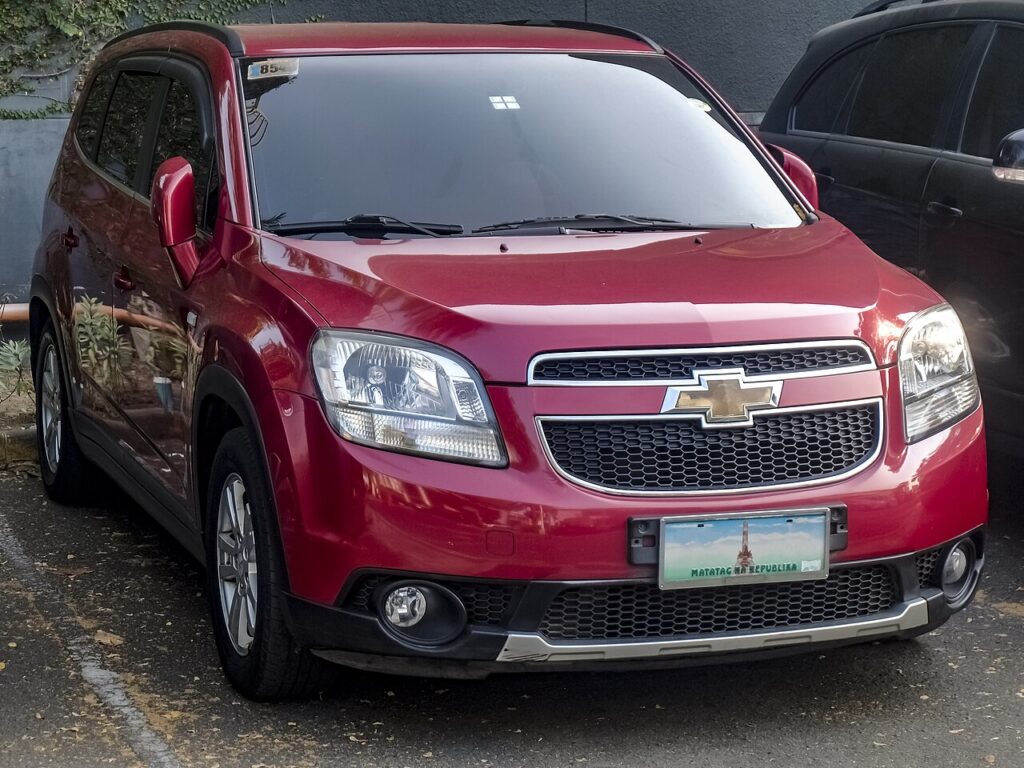
On the Orlando the one-touch feature sends a window fully open or fully closed with a single tap, and it works together with the anti-pinch safety that reverses the glass if it hits an obstruction. Both rely on the window motor knowing precisely where its top and bottom stops sit. When that memory is wiped the window still moves — but only while you hold the switch — and the one-touch tap and auto-reverse stay off until the limits are relearned.
How it works on this Orlando
Each door’s window module counts the motor as it runs so it always knows the fully-open and fully-closed positions. Interrupting the 12 V supply — a flat battery, a jump start, or disconnecting the battery to work on the car — clears those stored positions. That’s why the fault almost always appears straight after battery work. Re-initialising simply runs the glass to each hard stop so the module can record the travel again and re-enable the auto functions.
Getting Ready
- Close the door and sit inside so the window runs squarely in its channel.
- Switch the ignition on (or run the engine) so the windows have full power for the relearn.
- Keep the glass path and door opening clear of hands, fingers and any obstruction.
- Make sure the 12 V battery is charged — a weak battery is the usual reason a relearn won’t take.
- Do the windows one at a time and finish each one before moving on.
When You Need This
- After disconnecting or replacing the 12 V battery.
- If a window only moves while you hold the switch and won’t auto-close or auto-open.
Re-initialising Each Window
- Close the door.
- Raise the window fully with the switch and keep holding for about 2 seconds after it stops.
- Lower the window fully and keep holding for about 2 seconds after it stops.
- Raise it fully again — one-touch should now work. Repeat for each window.
If it won’t stay set
- Hold at each limit for the full couple of seconds — letting go early is the most common reason the module never records the stop.
- Run the whole sequence again. A second clean pass fixes most windows that didn’t take the first time.
- Re-seat the battery connections if you’ve just done battery work, and check the terminals are tight.
- Check for a binding window. A dry or dirty run channel adds drag the motor can read as the end stop — clean and lubricate it, then relearn.
- Confirm the battery is healthy. Low voltage during the relearn stops it sticking; charge or test it first.
- A motor or switch fault can store a code — look it up on autodtcs.com.
What to expect after
Once the relearn is complete, a single tap should send the window all the way up or down on its own, and the anti-pinch reverse is working again. The Orlando keeps the calibration until the next time the 12 V supply is cut, so it won’t drift back by itself. There’s no dashboard light tied to this — the windows behaving normally on every door is your confirmation.
Frequently Asked Questions
Why did my Orlando windows stop auto-closing?
A battery disconnection or flat battery wipes each window’s stored travel limits, so one-touch and anti-pinch switch off for safety. The glass still moves while you hold the switch, but you need to re-initialise each window to bring the automatic function back.
Do I need a tool?
No — it’s done with the window switches alone. There are no menus or diagnostic equipment involved; you just run each window to its stops and hold briefly so the module can relearn the travel.
Do I have to do all the windows?
Yes — each window is calibrated separately and has its own module, so a battery disconnection affects them all. The Orlando is a seven-seat MPV with several powered windows, so repeat the same short sequence at each one until they all do one-touch again.
What does holding at the limit do?
It teaches the module the full travel. Holding the switch for a couple of seconds after the glass stops confirms the true fully-open and fully-closed positions, which is what restores one-touch operation and the anti-pinch reverse.
The window reverses before it shuts — why?
That’s the anti-pinch reacting to resistance. A dirty or dry run channel, stiff cold seals, or a slightly misaligned glass can add enough drag to trigger it. Clean and lubricate the channel, then re-run the relearn so the correct closed position is stored.
Could a flat battery be the underlying cause?
Often, yes. A weak 12 V battery both triggers the memory loss and stops the relearn from holding. If the windows keep losing their calibration or the sequence won’t stick, have the battery tested and charged before trying again.
If you’ve just reconnected the battery, see our Orlando battery guide.
Independent guide — not affiliated with Chevrolet. Always follow your official service manual and safety precautions. Read our full disclaimer.