These instructions apply to the Chevrolet Orlando (J309) 2011-2018.
For other models, please choose your vehicle here.
The Chevrolet Orlando (J309, 2011–2018) with Start/Stop shuts the engine off at a standstill to save fuel. If you’d rather keep it running — in traffic, when manoeuvring, or before working under the bonnet — you can switch it off with the dash button.
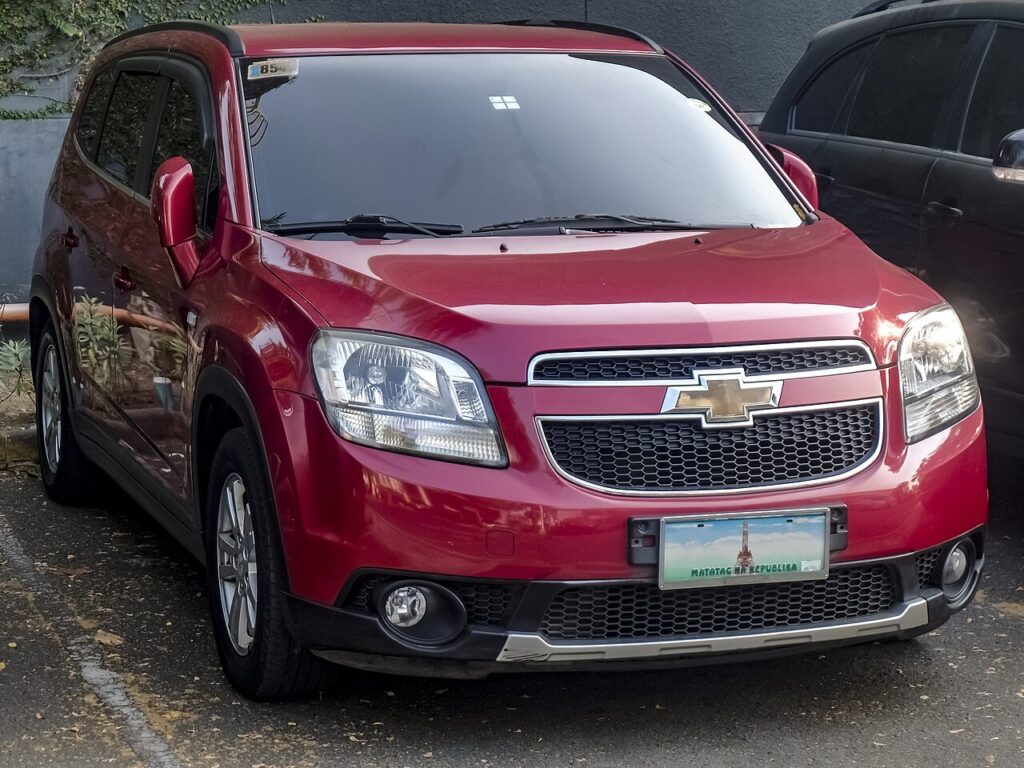
Start/Stop is a normal fuel-saving feature, not a fault. On the Orlando it’s an ECO function that briefly stops the engine while you wait at lights or in queues, then fires it straight back up when you lift off the brake or dip the clutch. Some drivers find the constant restarts intrusive in slow traffic, so switching it off for the drive is a perfectly reasonable choice — it doesn’t harm anything and the car reverts to normal on the next start.
How Start/Stop Works on the Orlando
The system watches several inputs before it will cut the engine: the state of charge of the 12 V battery, the engine coolant temperature, the cabin climate demand, and whether the car is genuinely stationary with the brake held (or, on a manual, in neutral with the clutch up). A battery sensor keeps track of how much charge is available, because the starter has to crank the engine again moments later. If any one condition isn’t satisfied, the engine simply keeps running — that’s the system protecting itself, not a defect.
First, a Few Checks
- Have the ignition on — you don’t need to be moving to press the button.
- Locate the ECO / Start-Stop switch on the dashboard; it carries an ‘A’ inside a circular arrow.
- If you’re about to work under the bonnet, switch the system off first so the engine can’t auto-restart on you.
- Remember the setting only lasts for the current drive — you’ll repeat it after each restart.
Turning Start/Stop Off
- Press the Start/Stop (ECO) button on the dashboard.
- Check the light in the switch is off — the system is now switched off.
It Resets Every Time You Start
Start/Stop re-enables automatically each time you start the engine. There’s no permanent off setting — press the button again after each start if you want it disabled.
If the Engine Won’t Stop at a Standstill
Even with Start/Stop active, the engine won’t cut unless the conditions below are met. If it never stops, work through these:
- The 12 V battery is sufficiently charged — a run of short trips leaves it too low and the system stays dormant.
- The engine is warm; from a cold start it won’t stop until coolant temperature comes up.
- Climate demand is high — on a very hot or very cold day the heater or air-con keeps the engine turning.
- You’re fully stopped with firm brake pressure (or in neutral, clutch up, on a manual). Creeping forward cancels it.
- You’re on a noticeable gradient, or the steering is turned — the car may hold the engine on for control.
- An ageing or weak battery is the most common reason it stops working; a battery replacement often restores it.
Once It’s Done
With the button pressed and its light off, the engine stays running at every stop for the rest of the journey — no cut-outs at lights, no restarts pulling away. Next time you start the car the ECO function is armed again and the switch light returns, ready for you to leave on or press off as you prefer.
Frequently Asked Questions
How do I turn off Start/Stop on a Chevrolet Orlando?
Press the ECO / Start-Stop button on the dashboard — the one marked with an ‘A’ in a circular arrow. When the light in the switch goes out, the system is off and the engine will stay running at stops for the rest of that drive.
Does it stay off permanently?
No. The Orlando re-arms Start/Stop every time you start the engine, so there’s no way to disable it for good from the standard controls. If you don’t want it, press the button once at the start of each drive — it takes a second.
Why doesn’t the engine stop at lights?
Usually the 12 V battery isn’t charged enough, the engine hasn’t warmed up yet, or the cabin heating/cooling is still working hard. A gradient, turned steering, or not holding the brake firmly will also keep it running. All of this is normal, deliberate behaviour.
Should I disable it for engine work?
Yes. Switch Start/Stop off before working near the engine so it can’t auto-restart while your hands are in the bay. Better still, switch the ignition fully off for anything involving belts, the cooling fan, or moving parts.
Is Start/Stop bad for the engine?
No — the Orlando was designed around it, with a starter and battery rated for the extra cycles. The main wear item is the 12 V battery, which works harder than on a non-Start/Stop car, so keeping a healthy battery fitted matters more than switching the feature off.
Why did the light in the button start flashing?
A flashing or amber Start/Stop indicator usually means the system tried to stop the engine but a condition changed, or it has temporarily disabled itself — often because the battery charge dropped. If it stays lit as a fault, have the battery and charging system checked.
If a Start/Stop fault light stays on, look up the code on autodtcs.com.
Independent guide — not affiliated with Chevrolet. Always follow your official service manual and safety precautions. Read our full disclaimer.