These instructions apply to the Chevrolet Trax Mk1 2013-2016.
For other models, please choose your vehicle here.
The Chevrolet Trax (2013–2016) with Start/Stop shuts the engine off at a standstill to save fuel. If you’d rather keep it running — in traffic, when manoeuvring, or before working under the bonnet — you can switch it off with the dash button. The stop is completely normal on this crossover and is not a sign of anything wrong; the engine simply pauses while you wait and restarts the instant you lift off the brake. Many owners still like to switch it off in slow-moving queues or when parking, and the Trax lets you do that in one press.
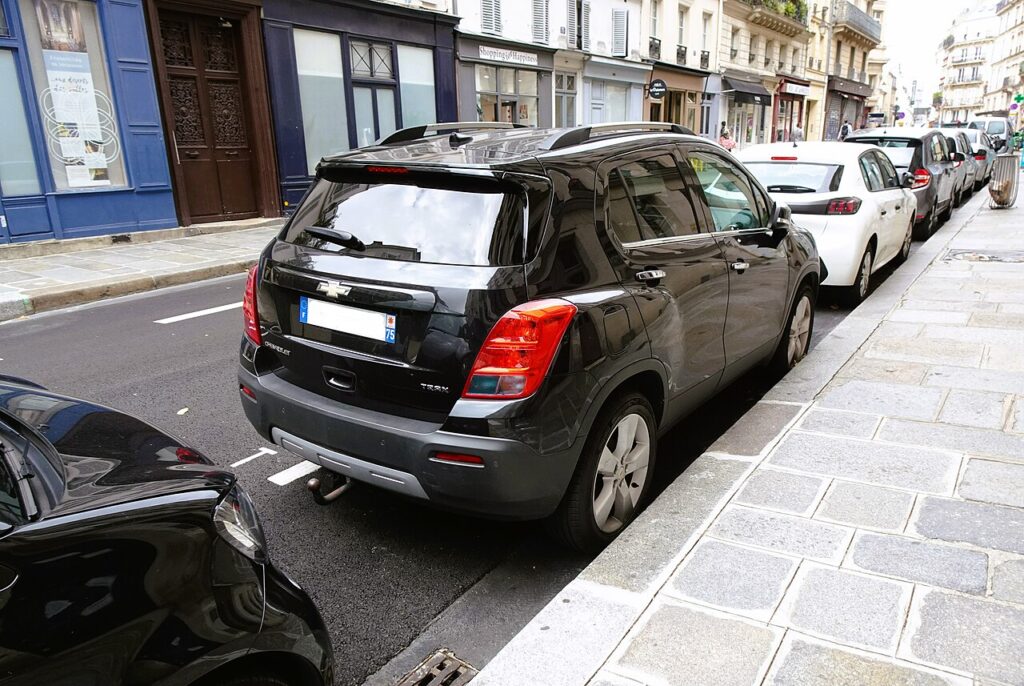
How it Works on the Trax
The engine only cuts when several conditions line up together: the 12 V battery must be well charged, the engine needs to be warm, the cabin heating or air-conditioning demand has to be satisfied, and the car must be fully stopped with your foot on the brake. If any of those is missing — a cold engine first thing, the climate control working hard, or a battery run down by short trips — the engine keeps idling instead. That is the system looking after your battery and comfort rather than a fault. The stop symbol is an A inside a curved arrow.
Before You Start
- Have the engine running; you can toggle the system on or off at any time during a drive.
- The change lasts for the current trip only, so there is no menu to dig through.
- Before opening the bonnet, switch Start/Stop off so the engine cannot auto-restart.
- Watch the light inside the switch to confirm the system has actually changed state.
Turning Start/Stop Off
- Press the Start/Stop (ECO) button on the dashboard.
- Check the light in the switch is off — the system is now switched off.
It Resets Every Time You Start
Start/Stop re-enables automatically each time you start the engine. There’s no permanent off setting — press the button again after each start if you want it disabled.
If the System Won’t Stop the Engine Anyway
Even with Start/Stop active, the engine won’t cut unless conditions are met. If it never stops at junctions, work through these before assuming a fault:
- The 12 V battery is low — short trips leave it under-charged; a longer drive or a proper charge often restores normal stopping.
- The engine is not warm yet — on a cold start the system waits for coolant temperature before it will arm.
- Climate demand is high — strong heating, air conditioning, or a demisting screen keeps the engine running to hold cabin temperature.
- The car is not fully stopped, or the brake is not pressed firmly enough to trigger the cut.
- Very cold or very hot weather can suspend the stop to protect the battery and keep you comfortable.
- An ageing battery that no longer holds charge will keep the system from arming even after a long run — a battery test is worthwhile.
What to Expect After
Once you switch it off, the engine idles normally at every stop for the rest of the drive. Turning the system off stores no fault codes and makes no permanent change to the car; it simply returns to its default enabled state the next time you start the engine. If you prefer to drive without it, just press the button again after each start. Leaving it enabled is perfectly safe and quietly saves a little fuel in town.
Frequently Asked Questions
How do I turn off Start/Stop on a Chevrolet Trax?
Press the Start/Stop (ECO) button on the dashboard once, then check the light in the switch is off to confirm. The system stays disabled for the current drive only. Before any engine-bay work, switching it off this way stops the engine auto-restarting while you are working.
Does it stay off permanently?
No — it re-enables every time you start the engine. The Trax has no permanent off setting, so if you dislike the feature you need to press the button again after each start. That is normal for cars of this generation and not something you can change through a menu.
Why doesn’t the engine stop at lights?
Usually the battery isn’t charged enough or the engine isn’t warm yet. Heavy heating or air-conditioning demand can also hold the engine on until the cabin reaches temperature. Once those conditions are satisfied the engine will begin stopping at a standstill again on its own.
Is it harmful to use Start/Stop every day?
No. The system and its battery are designed for the extra start cycles, so daily use causes no unusual wear. It simply reduces idling to save fuel and lower emissions. If the restarts feel intrusive in traffic you can switch it off, but there is no mechanical downside to leaving it on.
Should I disable it for engine work?
Yes — switch it off so the engine can’t auto-restart. With Start/Stop active the engine could fire up while your hands are near the cooling fan, belts or other moving parts, so pressing the button off before you lift the bonnet is a sensible safety step.
Could a warning light mean the system has failed?
A plain A-in-arrow light usually just means the system is off or waiting for conditions to be met. If an amber Start/Stop fault symbol stays lit, or restarts feel rough, the battery and charging system are the first things to check, as a weak battery is by far the most common cause.
If a Start/Stop fault light stays on, look up the code on autodtcs.com.
Independent guide — not affiliated with Chevrolet. Always follow your official service manual and safety precautions. Read our full disclaimer.