These instructions apply to the Citroën Berlingo Mk2 (B9) 2008-2018.
For other models, please choose your vehicle here.
If the radio or touchscreen in your Citroën Berlingo (Mk2/B9, 2008–2018) has frozen, gone silent, gone black, or keeps rebooting on its own, you can usually restart the head unit yourself in under a minute — no garage and no tools.
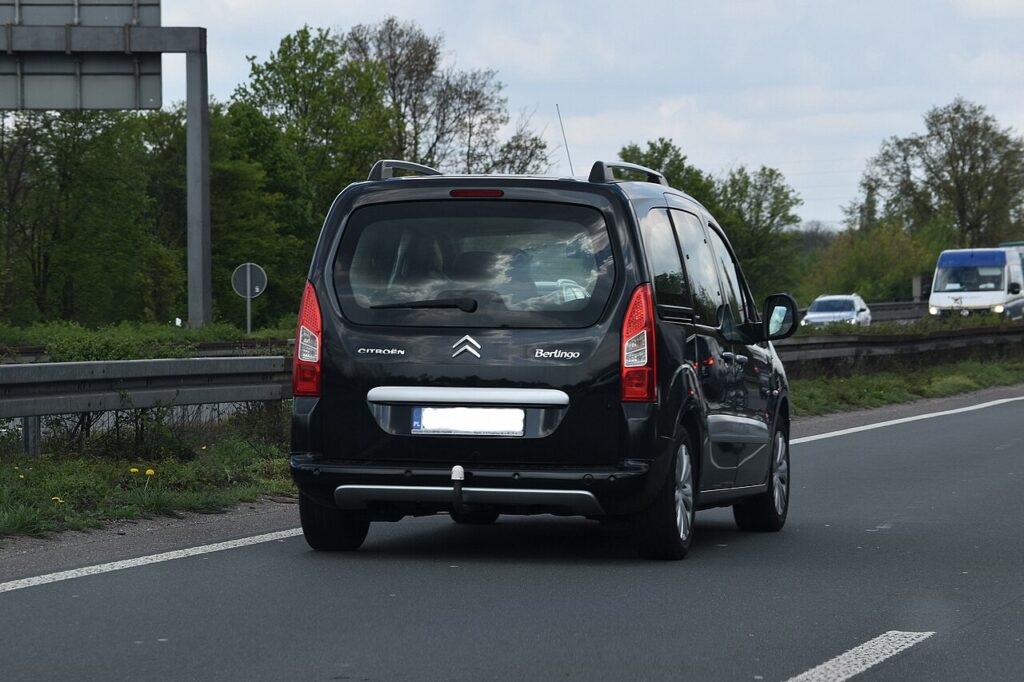
Which system is in your Mk2 Berlingo
The second-generation Berlingo (the long-running B9 van and Multispace) was sold with several different head units over its decade on sale, so the reset depends on what your car has:
- Button radios (RD4 / RD5 and similar) — a conventional radio with a knob and physical buttons, no touchscreen.
- myWay / eMyWay (RT6) — a colour screen with navigation on higher trims and later facelift cars.
- Aftermarket Android units — fitted by many owners; these reset differently again.
A frozen screen, silent radio or a unit that reboots in a loop is almost always a software hang or a low-voltage glitch, not a dead unit.
Soft reset (restart) the head unit
Do this parked, with the ignition on so the unit keeps its power.
- Press and hold the volume knob (or hold volume-up and volume-down together on touchscreen units) for about 10 seconds.
- Hold straight through the point where the audio cuts out; the display should switch off.
- Release when the screen goes dark; the Citroën logo (or radio splash) appears as it restarts.
- Wait up to a minute for the radio and any navigation to reload.
If your unit has a small pinhole reset on its face, you can instead press it gently with a paperclip for a few seconds to force a restart.
Will this erase anything? No
The restart is safe and does not wipe your presets, paired phones or navigation favourites — it simply reboots the unit. Note that some older Berlingo radios are code-protected: if power is fully cut (battery disconnect or fuse-pull), they may ask for the four-digit radio security code on the next start, so keep that code handy before trying the power-off methods below.
If it stays frozen
- Cycle the ignition. Turn the car fully off, open and close the driver’s door, lock it for a couple of minutes, then restart.
- Check the battery. A weak or low 12V battery is a frequent cause of Berlingo radios resetting and rebooting — have the battery and charging voltage checked.
- Try a different radio station. Some Mk2 units reboot when a DAB/RDS station broadcasts corrupt data; switching station can confirm and avoid it.
- Ask about a software update. Persistent reboot loops on myWay/eMyWay were often cured by a dealer firmware update.
- Pull the fuse / disconnect the battery (last resort). With the car off, remove the radio fuse (or disconnect the 12V battery) for one to two minutes to force a cold restart — but be ready to re-enter the radio code afterwards. Check the owner’s manual fuse chart for the audio position.
Factory reset (erases data)
On touchscreen myWay/eMyWay units a factory reset is reached from the on-screen Settings / Menu — hold the Menu button until the unit shuts down, or use the menu’s reset option. It erases presets, paired phones and saved destinations, so only do it deliberately. Plain button radios have no factory-reset menu; a battery disconnect is the equivalent, after which you re-enter the radio code.
Frequently Asked Questions
My Berlingo radio went silent but the buttons still light up — what is it?
That is usually a software hang. Hold the volume knob for ten seconds to restart the unit; if the sound stays dead, check the battery voltage and the audio fuse next.
Will I need the radio code after resetting?
Only if power is fully cut. The volume-hold restart keeps the radio powered so no code is needed, but a battery disconnect or fuse-pull on a code-protected unit will prompt for the four-digit code on restart.
My screen keeps rebooting every few minutes — is the unit dead?
Rarely. Repeated reboots on the Mk2 Berlingo are most often a low 12V battery or a software fault — check the battery first, then ask a dealer about a firmware update.
Is it safe to drive with the radio frozen?
Yes. The head unit is separate from the engine and braking systems — you only lose audio and navigation. Restart it once you are safely parked.
I fitted an aftermarket Android screen — does the volume-hold work?
Often not; aftermarket units usually have their own reset (a recessed reset pinhole or a power-button long-press). Check that unit’s instructions, or cut its power briefly to force a restart.
If a warning light or fault message stays on the dash after the restart, it may have stored a diagnostic trouble code — you can look it up on autodtcs.com.
Independent guide — not affiliated with Citroën. Always follow your official service manual and safety precautions. Read our full disclaimer.