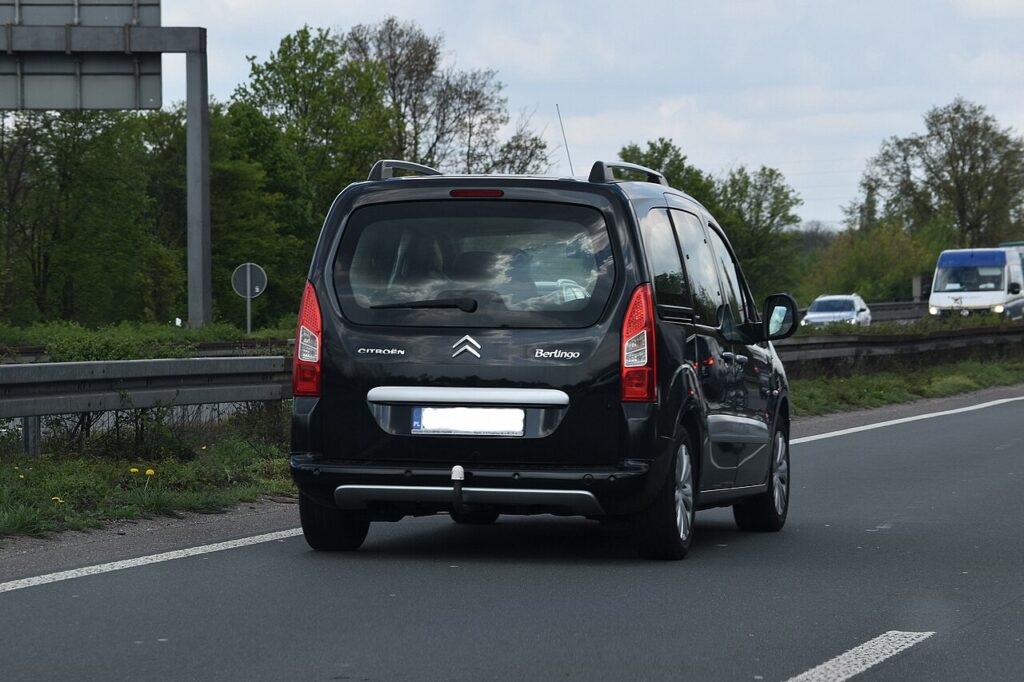
These instructions apply to the Citroën Berlingo Mk2 (B9) 2008-2018.
For other models, please choose your vehicle here.
The second-generation Citroën Berlingo (B9, 2008–2018) — the boxy van-based people-carrier that ran right through to the arrival of the current model — was mostly sold with a folding “flip” remote key, while higher-spec and some later cars had a separate keyless entry fob. That distinction matters, because the two keys do not take the same coin cell — fit the wrong size and it rattles loose or won’t seat. Below is the correct battery for each Berlingo key, how to open them without cracking the plastic, and why a replacement key is a dealer job.
How to Tell the Fob Battery Is Dying
- Range keeps shrinking. If you now have to stand right beside the Berlingo for it to lock or unlock, the cell is on its way out — this is almost always the first sign.
- The remote LED goes dark. Press a button and watch the little indicator: once it stops flashing, the cell no longer has the voltage to transmit.
- Only some presses register. Intermittent response, worse in cold weather, is a near-flat battery struggling to deliver its brief burst of current.
- You keep reaching for the second key. When one fob works reliably and the other has turned temperamental, the temperamental one almost certainly just needs a cell.
A coin cell in a Berlingo remote typically lasts two to four years. If yours is older than that and showing any of the above, swap the battery before you start suspecting the receiver or the immobiliser.
The Battery You Need
This is the step people get wrong, so read it carefully:
- The folding flip remote — by far the most common Berlingo B9 key — takes a CR1620: a 3-volt lithium cell that is 16 mm across and noticeably thinner than the usual car-key battery.
- The separate keyless entry fob fitted to some higher trims takes a CR2032, the familiar thicker 20 mm cell.
If you are not certain which key you have, open it first and read the code stamped on the old cell before buying — a CR2032 will not fit a CR1620 holder and vice versa. Don’t assume every car key uses a CR2032; the Berlingo flip key is one of the ones that doesn’t.
Method 1 — Folding Flip Remote (CR1620)
- Fold the metal blade closed so the fob sits flat and steady in your hand.
- Find the slot at the keyring end of the case. Insert a small flat-blade screwdriver (or the edge of a coin) and gently lever off the battery cover; the two halves are clipped, not screwed.
- Lift out the thin CR1620. On the flip remote the new cell goes in positive (+) face up — but glance at the old one before you remove it to be sure.
- Press the fresh cell home, refit the cover and squeeze until it clicks. If it won’t close flush, the cell is either the wrong thickness or sitting proud of its clip.
Some B9 flip remotes need a quick re-sync afterwards: with the ignition off, turn the key to the “on” position and hold the lock (padlock) button for a few seconds, then switch off and remove the key. Test the buttons; if they already work, you can skip this.
Method 2 — Keyless Entry Fob (CR2032)
- If the fob carries an emergency blade, slide its catch and pull the blade out first.
- Insert a thin plastic tool into the seam and work round to separate the two halves of the case.
- Ease out the CR2032, matching the orientation of the old cell — on this fob the positive face sits upward.
- Fit the new cell, clip the case shut and refit the blade until it latches.
⚠️ Mind the polarity. A coin cell fitted the wrong way round makes poor contact and can quietly drain, so the key feels dead again within days. Copy the orientation of the cell you took out — a phone photo before you lift it is the easiest insurance.
Did It Work?
Stand back several metres and lock, then unlock, the Berlingo. Full range should return at once. If you had to re-sync the flip remote, run through that sequence once more and re-test — a single missed step is enough to leave the buttons dead even with a good cell.
If a Fresh Cell Doesn’t Fix It
- Confirm the size. A CR2025 or CR2016 will physically drop into a CR1620 pocket but sit loose and lose contact — make sure you actually fitted the code stamped on the original.
- Re-check orientation and seating. Upside down, or not fully under the clip, is the usual reason a “new” battery does nothing.
- Clean the contacts. Wipe the terminals with a dry cloth; grease or corrosion causes dropouts.
- Re-run the re-sync. On the flip remote the buttons can stay dead until the on/hold-lock sequence is done correctly, even with a healthy cell.
New Key or Spare — Why It’s a Dealer Job
A battery change leaves the fob’s coding intact, so nothing needs programming and the key works the moment it powers back up. A replacement or extra key is different: the Berlingo’s immobiliser has to be accessed with the right diagnostic tool, and blank keys are cut and coded against the vehicle’s records. That makes adding a spare or replacing a lost key a job for a Citroën dealer or an auto-locksmith — so keep the cell in your second key fresh, and you are never down to one working fob.
Frequently Asked Questions
What battery does a Citroën Berlingo (2008–2018) key take?
The folding flip remote — the common one — uses a thin CR1620 3-volt cell. The separate keyless entry fob fitted to some trims uses a CR2032. Check the code on your old cell before buying.
Is it really a CR1620 and not a CR2032?
On the flip remote, yes — it takes the thinner CR1620. A CR2032 is too thick to seat in that holder. Only the keyless entry fob uses the CR2032, so identify which key you have first.
Which way up does the cell go?
Positive (+) face up on both keys. Always match the orientation of the cell you removed; fitting it upside down can flatten it and leave the fob unresponsive.
Do I need to reprogram the key after changing the battery?
No reprogramming. Some flip remotes just need a short re-sync — ignition on, hold the lock button a few seconds, ignition off — and then work normally. A brand-new key is the only thing that needs full coding.
How long should a Berlingo key battery last?
Around two to four years. Heavy use of the remote, or a keyless fob left near the vehicle so it wakes constantly, shortens that.
Can I still get into and drive the Berlingo if the fob is dead?
Yes. Use the metal blade in the fob to unlock the driver’s door manually. Keyless-equipped cars can still be started with a flat fob by holding it in the specified position, so a dead cell won’t leave you stranded.
If the remote failed suddenly right after the 12 volt battery was disconnected — rather than fading gradually — the pairing rather than the cell is the likely cause, and any stored fault code will confirm it. You can check what a logged code means on autodtcs.com.
Independent guide — not affiliated with Citroën. Always follow your official service manual and safety precautions. Read our full disclaimer.