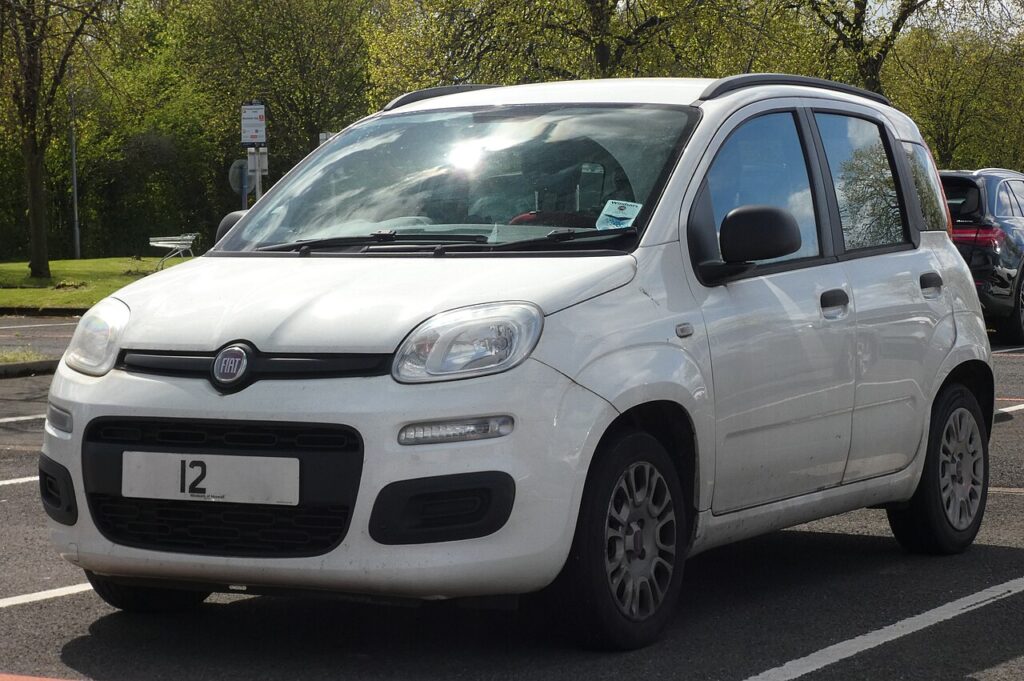
These instructions apply to the Fiat Panda Mk3 (319) 2012-present.
For other models, please choose your vehicle here.
The Fiat Panda (319, 2012–Present) shares the little Magneti Marelli cluster used across Fiat’s small cars, and with it the same owner-accessible self-test. Hold the trip button as you switch on the ignition and the dials, warning lamps and central display all run through a built-in check — no diagnostic tool or code reader needed, just the key.
What the hidden self-test is and what it shows
The third-generation Panda’s cluster carries a factory self-test that drives the gauge pointers, lights the warning LEDs and exercises the central display in sequence. It exists for the production line and the dealer, but the button combination that launches it is not protected, so any owner can run it. It is the quickest way to tell whether a problem is in the instrument cluster itself or in the system a warning lamp is reporting on.
When the test runs you will normally see:
- Needle sweep — the speedometer (and the rev-counter, where fitted) drives the pointer to full scale and back to zero. A needle that hesitates, sticks or stops short signals a worn gauge motor.
- Warning-lamp check — the indicator and warning symbols light in turn. A lamp that stays dark here is a failed LED rather than a fault elsewhere.
- Display test — the central panel cycles its segments so you can catch missing rows, a blank odometer or a corrupted trip readout.
Think of it as a hardware health check for the cluster, not a fault-code reader. The Panda keeps its real diagnostic trouble codes in the engine and body modules, which need an OBD-II scan tool to read — the self-test only confirms the instruments themselves are working.
How to open the self-test
- Park, set the handbrake and switch the car fully off (key out, or the dash dark on keyless versions).
- Locate the trip / reset button on or beside the cluster — the one you press briefly to switch between Trip readings and hold to zero them.
- Press and hold that button down.
- Still holding, turn the key to MAR (position II — ignition live, engine not running). On Start/Stop Pandas, press Start once without pressing the brake so the dash powers up but the engine stays off.
- Keep holding until the needle sweeps and the warning lamps cycle, then release. The self-test is now running.
If nothing happens, you most likely let the engine start or released the button too soon. Switch off, wait a moment and try again, making sure the button is held before the ignition reaches MAR.
Reading the result
Check one item at a time. The needle should sweep cleanly to its stop and settle back at zero; every warning symbol should illuminate at least once; the central display should show solid, complete segments. If the gauges and lamps all pass but a warning light keeps glowing in normal use, the cluster is healthy and the fault lies in the system that lamp represents — time to read the stored code. If a needle or display element fails the test, the cluster is the problem and needs repair or replacement.
How to exit
Turn the ignition off (key to STOP / position 0, or press Start to shut the dash down) and the self-test ends at once. The cluster returns to normal at the next key-on. Nothing is written or changed, so you can repeat the test as often as you wish.
Frequently Asked Questions
Does this work on every Fiat Panda (319)? The trip-button self-test runs across the 319 range — petrol, TwinAir, diesel, 4×4 and Cross — because they all use the same Magneti Marelli cluster family. Basic clusters simply have fewer display elements to cycle.
Will it read my fault codes? No. It only tests the dials, lamps and display. To read engine, ABS or airbag codes on a Panda you need an OBD-II scan tool in the diagnostic socket under the dash.
My trip display is going faint or pixelated — can the test confirm it’s the cluster? Yes. If the display test shows missing or scrambled segments, the fault is inside the cluster (commonly the display or its connection), not the car’s wiring.
Can the self-test reset my mileage or change a setting? No. It only exercises the existing hardware and writes nothing — the odometer, service counter and your menu settings are untouched.
The needle won’t move when I try it — is the cluster dead? Check first that you held the trip button down before turning to MAR and that the engine did not start. If the combination is correct and the needle still does not sweep, a failed gauge motor or a faulty cluster is the likely cause.
If a warning lamp passes the cluster self-test but keeps returning, the next step is to read the trouble code behind it — you can look up what any Fiat code means at autodtcs.com.
Independent guide — not affiliated with Fiat. Always follow your official service manual and safety precautions. Read our full disclaimer.