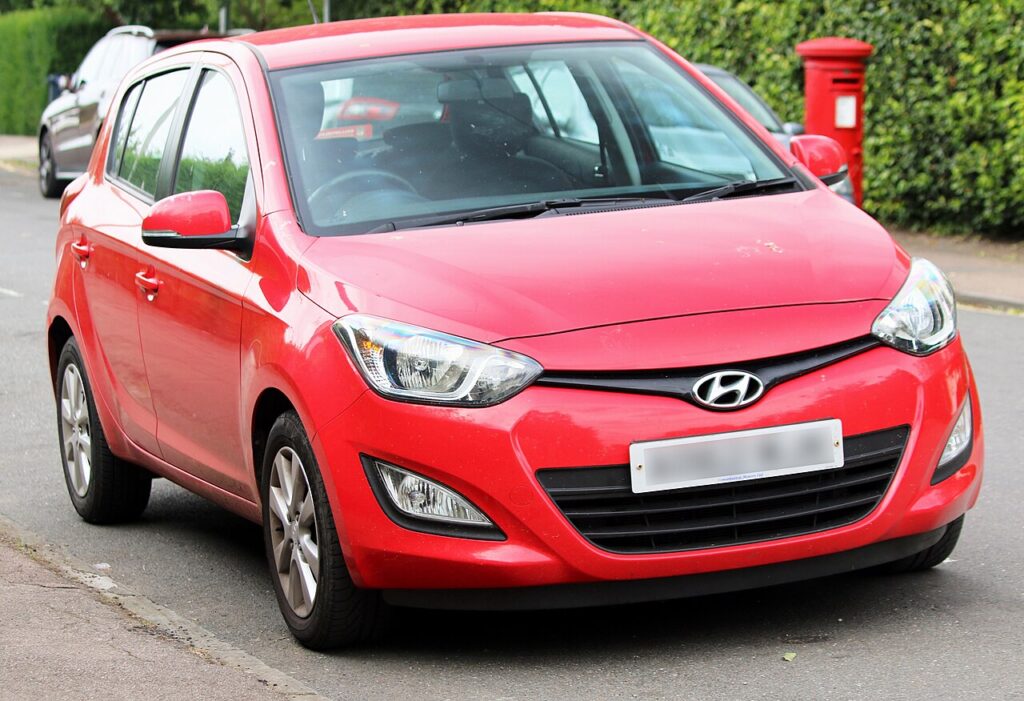
These instructions apply to the Hyundai i20 Mk1 (PB) 2009-2014.
For other models, please choose your vehicle here.
If your Hyundai i20 Mk1 (PB, 2009–2014) has the electric glass sunroof and its one-touch open/tilt has stopped working — typically after a battery disconnection, a flat battery or a fuse change — the roof needs re-initialising so it relearns its end positions. It is a quick no-tools job from the cabin. This guide shows how.
Why the Sunroof Needs Re-initialising
The sunroof motor stores its fully-closed, tilted and fully-open positions so the one-touch and anti-trap (pinch protection) functions work. Losing power clears that memory — the roof still moves while you hold the switch, but the automatic operation stops until it is re-taught.
How to Re-initialise the i20 Sunroof
Do this with the ignition on (engine can be off):
- Turn the ignition on.
- Close the sliding/tilting roof fully, then release the switch.
- Press the switch to the maximum tilt position, then wait 1 second.
- Press the switch again and hold it — the roof runs through its learn cycle.
- Keep holding until the sliding roof stops moving, then wait 5 seconds.
- Check the one-touch operation — a single press should now tilt/open the roof automatically.
If It Still Won’t Operate Automatically
- Repeat the procedure — the holds must be long enough for the roof to run the full learn cycle.
- Let the cycle finish — don’t release the switch until the roof has stopped moving on its own.
- If you have just done battery work, run this alongside the window initialise.
Frequently Asked Questions
Why did my sunroof stop auto-opening after a battery change?
Disconnecting the battery wipes the roof’s stored end positions, so one-touch and anti-trap switch off until you re-teach it with the routine above.
Do I need any tools?
No — just the overhead switch and the ignition on. No diagnostic equipment is required.
The roof reverses when closing — what’s wrong?
That is the anti-trap protection reacting because the limits aren’t learned. Re-run the initialisation and make sure nothing is obstructing the channel.
My i20 doesn’t have a sunroof — does this matter?
No — only cars optioned with the electric glass sunroof need this step. If yours has none, skip it.
For battery work that triggers this reset, see our i20 battery disconnect/reconnect guide. For warning lights, look up the code on autodtcs.com.
Independent guide — not affiliated with Hyundai. Always follow your official service manual and safety precautions. Read our full disclaimer.